
A used server can look spotless and still hide a failing drive, a locked management account or the wrong riser. Twenty minutes of checking prevents most disappointments. Use this list when you inspect in person or when you ask a remote seller for evidence.
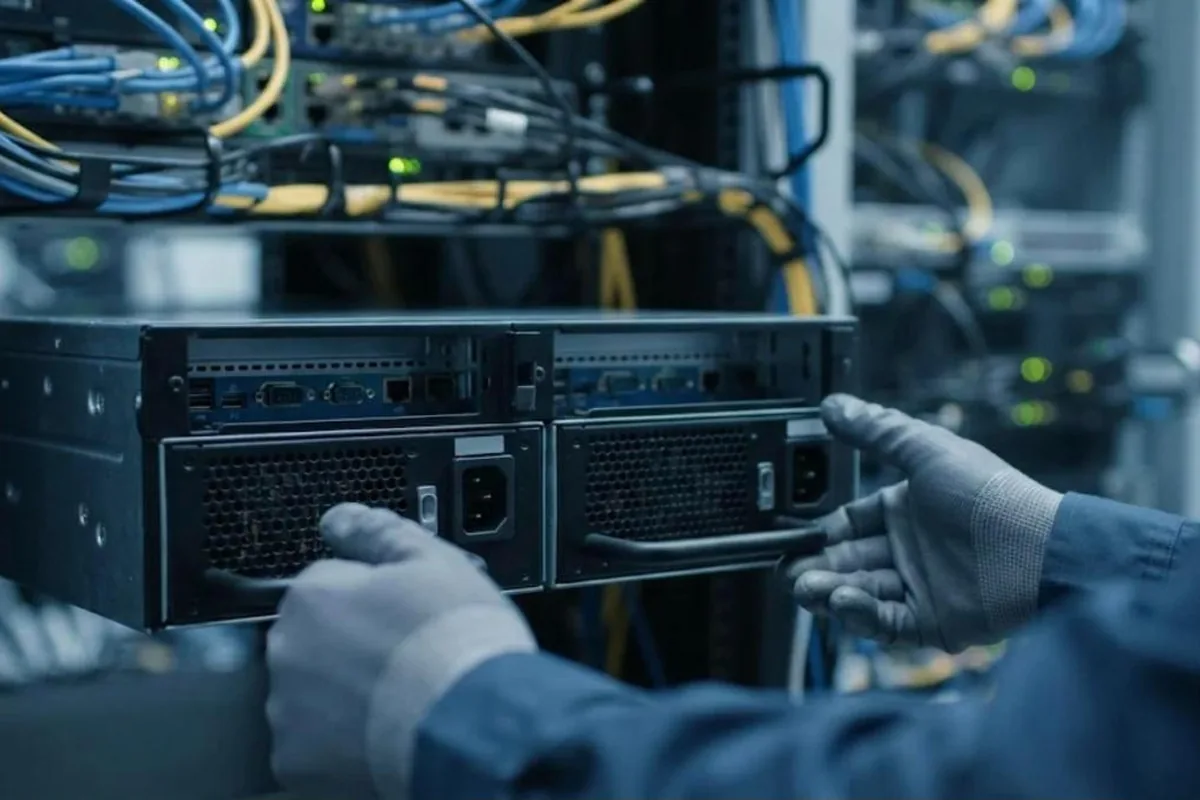
Before you visit or pay
- Ask for the service tag or serial number, and confirm the original configuration on the vendor's support site.
- Request photos of the label, the open chassis and the rear.
- Agree what is included: rails, bezel, power cords, licences, drives.
- Get the warranty and return period in writing. See refurbished warranty terms.
Outside
- Look for bent ears, cracked plastic and missing drive blanks.
- Check that serial numbers match on the pull tag and in firmware.
- Inspect power inlets and network ports for damage.
- Smell for burning, and look for corrosion or dust caked on fans.
Inside
| Part | What to check |
|---|---|
| Processors | Model, matching pair, heatsinks fitted |
| Memory | Type, matching modules, correct slots |
| Drives | Health data, hours, matching firmware |
| RAID controller | Model, battery or capacitor status |
| Risers | Type and slot count for your cards |
| Fans | All present, even sound |
| Power supplies | Two, same part number, firmware |
For memory rules read RAM compatibility, and for power sizing see the power supply guide.
Power-on checks
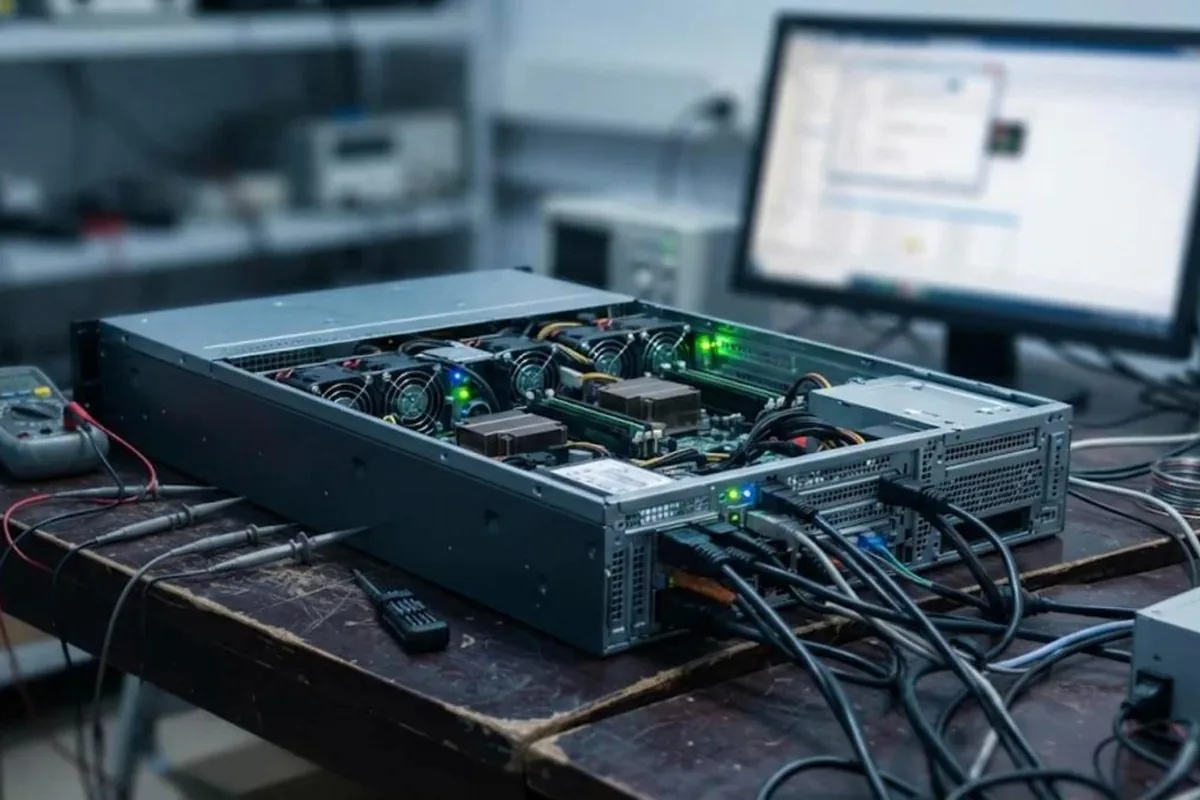
- Boot and read the hardware log. Clear it, boot again, and see what returns.
- Confirm processors, memory and drives in setup.
- Read firmware versions, and note what is very old.
- Check temperatures and fan speeds after ten minutes.
- Pull one power cord while running, then restore it, to test redundancy.
- Look at management controller licences and reset the credentials yourself.
Ownership and data
Ask for a proof of purchase or a legal source, and check that the serial number is not reported as lost or leased. If drives come with the unit, confirm they were wiped. Our guide to ITAD and data wiping explains what a certificate should contain.
Stress test at home
On arrival, run a memory test overnight, a processor stress test for several hours and a full surface scan of each drive. Record temperatures. Do this inside the return window, not after it.
Signs to walk away
- The seller will not share a serial number
- Repeated errors after the log is cleared
- A management password nobody knows
- Labels that do not match, or look replaced
- Price far below every comparable offer
Some of these overlap with the warning signs in fake and grey-market servers.
Grade the result: accept, negotiate or refuse
| Finding | Decision |
|---|---|
| Scratches, missing bezel | Accept, small discount |
| One worn fan or an old battery | Negotiate replacement |
| Drives with many hours, healthy | Accept as temporary, plan replacement |
| Memory errors in one module | Replace before payment |
| Different configuration from the offer | Reprice or refuse |
| Serial number removed | Refuse |
| Repeated board or processor error | Refuse |
Deciding this before the visit keeps you calm when the price is attractive.
Worked example: a visit that takes 30 minutes
Minutes 0 to 5: compare the label, invoice and offer. Minutes 5 to 10: open the lid, photograph memory slots, controller, risers and any dust or corrosion. Minutes 10 to 18: boot, enter setup, check processors, memory and drives. Minutes 18 to 24: read the hardware log, look at temperatures and remove one power cord. Minutes 24 to 30: write the findings together with the seller and note the changes to the price or the parts to be replaced.
If the seller cannot give you a power outlet and a screen, arrange another time. A server that has not been switched on is an untested server, whatever the description says.
Remote purchase: evidence to request
- A single continuous video from label to boot screen.
- Setup pages for processor, memory and storage.
- The hardware log after a restart.
- Drive health output with serial numbers.
- Photos of risers, controller, supplies and rails.
- Packing photo before shipping.
Ask for a sheet of paper with today's date in the first frame. It is a simple way to avoid old photographs.
Bring these tools
- Screwdrivers, gloves and an antistatic strap
- A USB drive with a bootable diagnostic system
- Two power cords with the correct connector
- A small display adapter
- A printed copy of the offer
- A torch and a phone with storage space
Common mistakes
- Checking only that the server turns on
- Believing a cleared log means no errors
- Accepting drives without health data
- Forgetting firmware and management licence
- Paying in full before the return period is written
- Starting production use without a stress test
Keep the evidence
Save the photos, log, configuration export and written terms in one folder named after the serial number. If a fault appears inside the return window, you can show what was normal on day one. Later, the same folder becomes the server's maintenance history.
Frequently asked questions
How many power-on hours are too many for a drive?
There is no fixed limit. Look at reallocated sectors, pending errors and trend rather than hours alone, and plan to replace old drives in important roles.
Should I update firmware immediately?
Test first, note versions, then update in a planned order with a recovery option.
Is a missing bezel important?
It is cosmetic, but missing air shrouds or blanks affect cooling and must be replaced.
Can a remote seller be trusted?
Yes, with evidence: a video of the boot, logs and a clear return policy.
Should I replace the thermal paste?
Only if temperatures are high or the heatsink has been removed. Follow the service manual, and check temperatures before and after.
Summary
Identity, condition, logs and ownership, in that order. If all four are clean, stress test on arrival and start using the server with confidence.