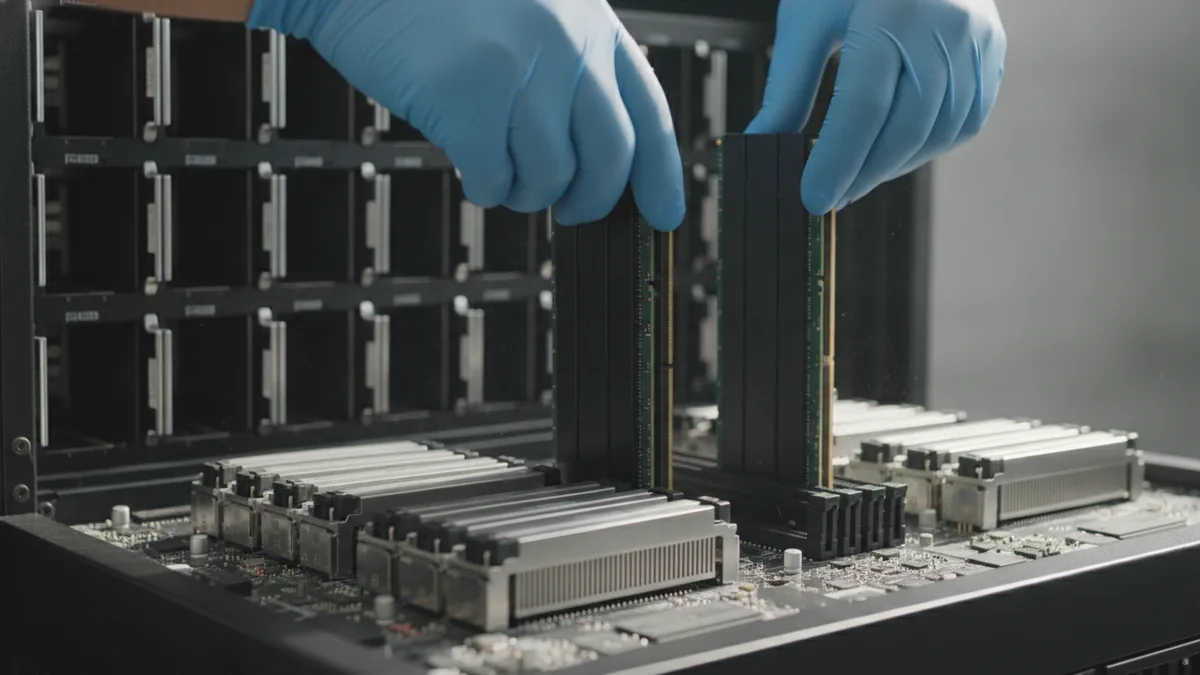
Adding memory is the cheapest way to extend the life of a Dell PowerEdge or HPE ProLiant server, but it is also where many upgrades go wrong. A server that refuses to boot, memory running at a lower speed than expected, or warning lights on the front panel are usually caused by mixing the wrong DIMMs or populating slots in the wrong order. With DDR4 and DDR5 prices rising sharply in 2026, getting the purchase right the first time matters even more. This guide explains how server RAM compatibility works on Dell and HPE, which DIMM types can be mixed, and how to plan an upgrade that runs at full speed.
The basics: what must match
| Attribute | Must match? | Notes |
|---|---|---|
| Generation (DDR4 / DDR5) | Yes | Set by the CPU platform; never interchangeable |
| Type (RDIMM / LRDIMM) | Yes | Do not mix RDIMM and LRDIMM in the same server |
| ECC | Yes | Servers require ECC registered memory |
| Speed | Recommended | Mixed speeds run at the slowest module's speed |
| Capacity | Recommended per channel | Identical DIMMs in each channel give best results |
| Ranks | Recommended | Mixing ranks can reduce speed and limit slot count |
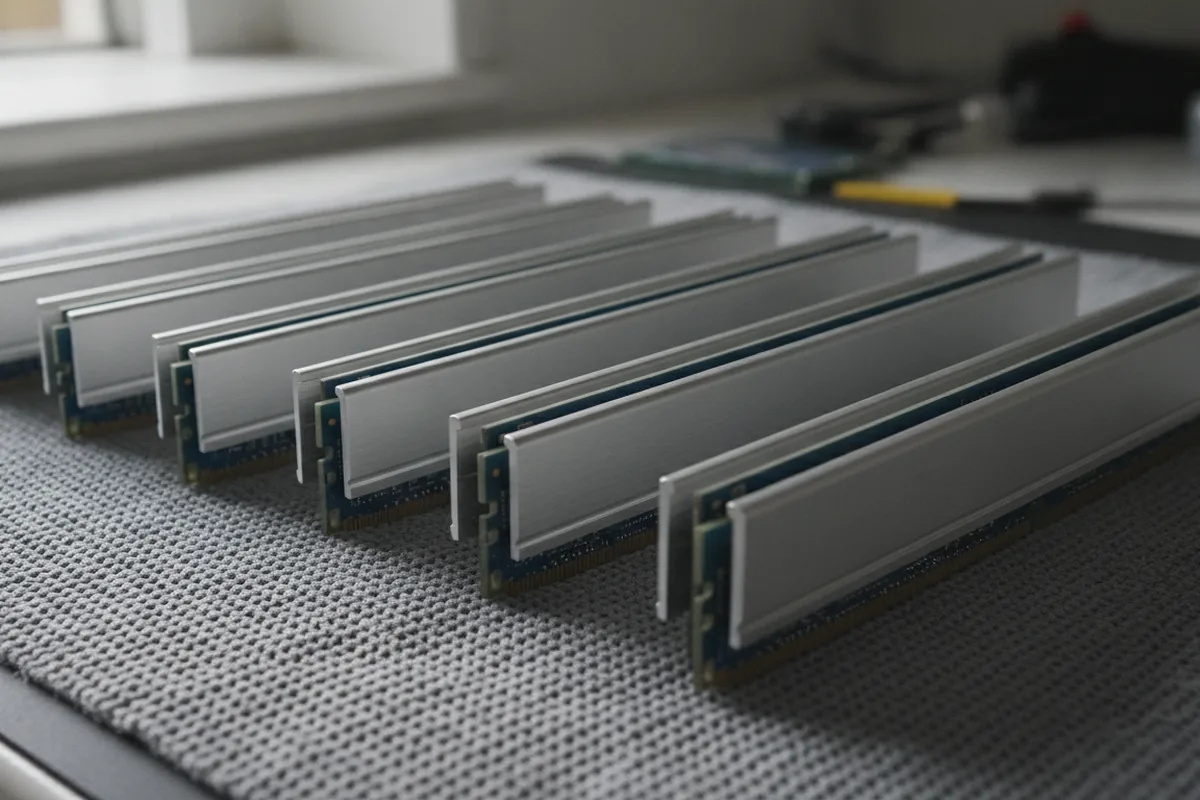
Dell PowerEdge memory rules
- 14th generation (R640, R740, R740xd): DDR4 RDIMM or LRDIMM, up to 2933 MT/s with second-generation Xeon Scalable. Populate white-tab slots first.
- 15th generation (R650, R750): DDR4 up to 3200 MT/s, eight channels per CPU. Best performance with one DIMM per channel across all eight channels. See Dell R750 vs R740.
- 16th generation (R660, R760): DDR5 RDIMM only, up to 4800 or 5600 MT/s depending on CPU.
- Dell-branded or Dell-validated modules avoid warnings in iDRAC and support issues.
- Both CPUs should have the same memory configuration for balanced performance.
HPE ProLiant memory rules
- Gen10 and Gen10 Plus (DL360, DL380): DDR4 HPE SmartMemory, 2933 MT/s on Gen10 and up to 3200 MT/s on Gen10 Plus. Compare platforms in DL380 Gen10 Plus vs Gen10.
- Gen11: DDR5 only.
- HPE SmartMemory part numbers enable full monitoring and warranty support; third-party modules may run but can trigger iLO messages.
- Use the HPE memory population guide for each model; slot order differs between generations.
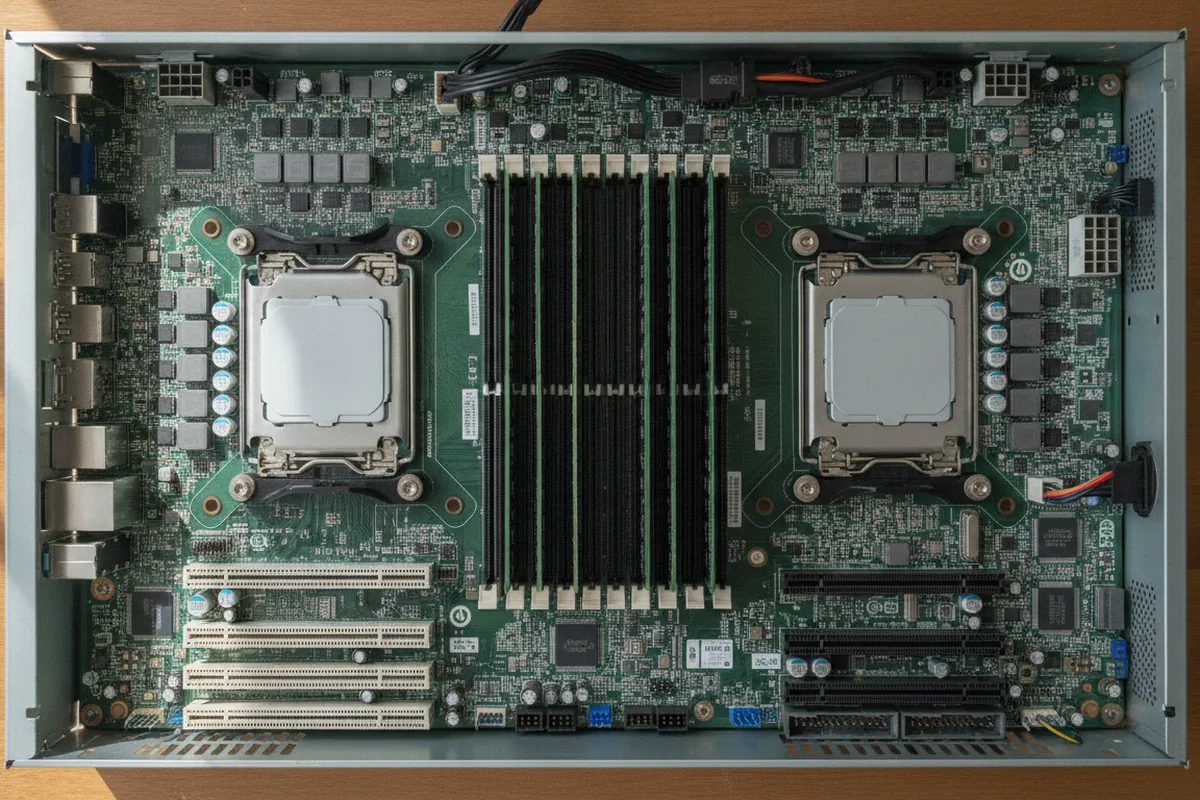
Population: why slot order matters
Memory bandwidth comes from channels. A CPU with eight channels and only four DIMMs installed delivers roughly half its possible bandwidth. Practical rules:
- Fill one DIMM per channel across all channels before adding a second DIMM per channel.
- Keep the same capacity and rank in every channel.
- Two DIMMs per channel can reduce the maximum speed on some platforms.
- Mirror the configuration on both CPUs in dual-socket servers.
Planning an upgrade
- Check the current modules in iDRAC or iLO: part number, capacity, rank and speed.
- Decide on the target capacity and whether to add modules or replace them all.
- Buy matching part numbers where possible; refurbished OEM modules are a cost-effective option.
- Update BIOS and firmware before installing new memory.
- Run a memory test after installation and check the system event log.
ITCT stocks tested DDR4 and DDR5 server memory for Dell and HPE in Dubai and can check compatibility against your server's service tag or serial number. For complete systems, browse our refurbished servers in Dubai.
Frequently asked questions
What RAM is compatible with the Dell PowerEdge R740?
DDR4 RDIMM or LRDIMM up to 2933 MT/s (depending on CPU), across 24 slots; do not mix RDIMM and LRDIMM, and populate channels evenly per CPU.
Can I mix different RAM sizes in a server?
Often yes, but performance is best with identical modules in every channel. Mixing sizes across channels can create unbalanced memory and lower bandwidth.
Can I mix RDIMM and LRDIMM?
No. Dell and HPE servers do not support mixing registered and load-reduced DIMMs in the same system.
Does third-party memory work in Dell or HPE servers?
It usually runs, but may trigger warnings in iDRAC or iLO and complicate vendor support. OEM or validated modules are the safer choice.
Why is my server memory running slower than its rated speed?
The CPU's supported speed, mixed module speeds, two DIMMs per channel or mixed ranks can all lower the operating speed.
Can I put DDR5 in a DDR4 server?
No. The memory generation is fixed by the CPU and motherboard.