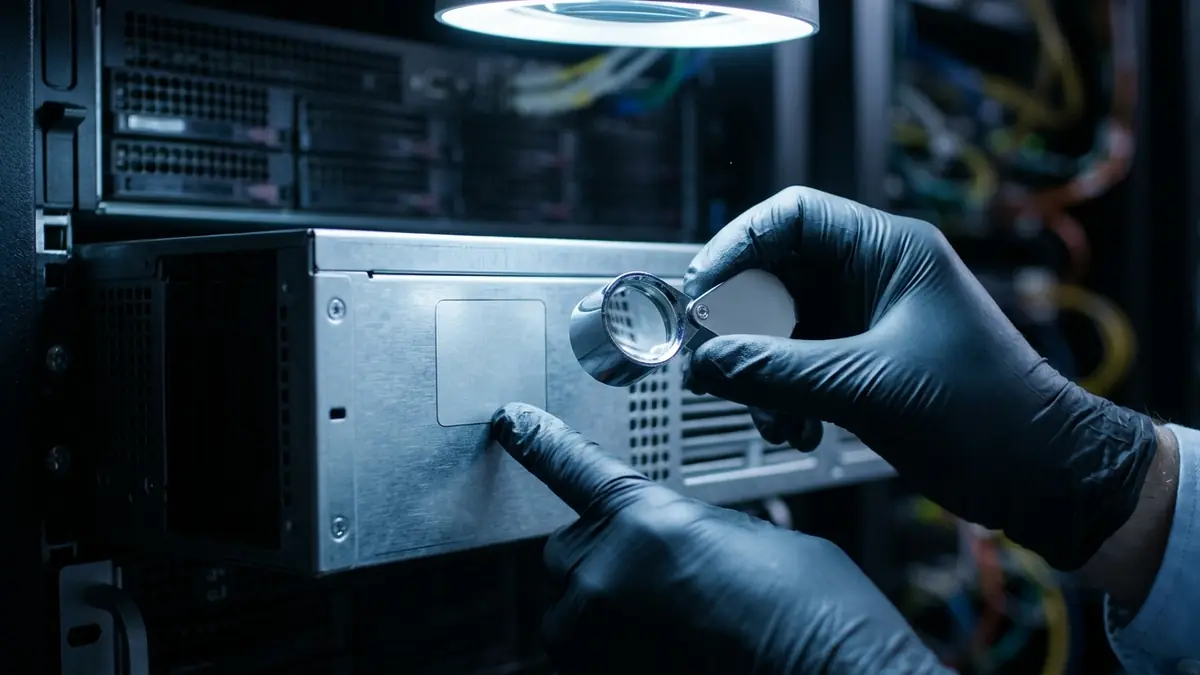
Dubai's secondary server market is large, competitive and mostly honest. But it also sits on a major re-export route, which means grey-market stock, relabelled parts and the occasional outright counterfeit do circulate here. The damage is rarely a server that refuses to boot. It is the one that works fine for four months, then fails, and you discover the serial number was never sold in this region, the warranty does not apply, and the vendor will not touch it. This guide shows you what to check before the money moves.
Grey market, counterfeit, refurbished: not the same thing
| Category | What it means | Is it a problem? |
|---|---|---|
| Refurbished | Genuine used hardware, tested and resold, often with a dealer warranty | No. This is a legitimate market |
| Grey market | Genuine hardware imported outside the vendor's official channel for this region | Sometimes. The hardware is real, the support entitlement often is not |
| Relabelled | Genuine part with a changed label, serial or firmware to pass as newer or higher-spec | Yes |
| Counterfeit | Non-genuine part made to look like an OEM part, common in optics, drives and RAM | Yes |
Most buyers who get burned were not sold a fake server. They were sold a genuine server with a support entitlement that did not exist, or a genuine chassis with counterfeit components inside it.
Check the serial against the vendor, not the invoice
This is the single most useful check and it takes five minutes. Every major vendor lets you look up a serial or service tag and see what the unit is entitled to.
- Dell: service tag lookup on Dell Support shows the shipped configuration, original ship date and warranty status.
- HPE: serial lookup shows product number and support entitlement.
- Lenovo and Cisco: equivalent warranty and entitlement checkers.
Three things to compare. First, does the reported configuration match what you are being sold? A unit that shipped with Silver CPUs and now lists Gold ones has been changed, which is fine if disclosed and a red flag if not. Second, what region did it ship to? Hardware that shipped to another region is grey-market here, and vendor support may refuse it or require a paid re-registration. Third, is the serial recognised at all? An unrecognised serial on a current-generation server is where you stop.
Ask for the serial before you commit
A legitimate dealer will give you the serial of the actual unit you are buying. If you get a stock photo, a model number and a "we will allocate from inventory", you cannot verify anything and you are relying entirely on trust. For a single small server that may be acceptable. For a rack of them it is not.
Get it in writing that the serial you verified is the serial that ships. Serial substitution between quote and delivery is a known trick, and it is the reason to check the sticker again at goods-in.
Physical checks at delivery
- Labels: genuine OEM labels are crisp, correctly aligned and sit flush. Look for signs of a label over a label, mismatched fonts, or an edge that lifts.
- Screws and seals: chewed screw heads and broken warranty seals tell you the unit has been inside. Normal for refurbished, suspicious for "new sealed".
- Dust and wear: a genuinely new server has no dust in the fan fins and no scuffing on the rails. Dust on something sold as new means it has been running somewhere.
- Caddies and blanks: third-party caddies and missing PCIe blanks are common in refurbished stock and should be reflected in the price.
- Thermal paste and heatsinks: uneven or excess paste means the CPU has been swapped.
Firmware tells you what the labels will not
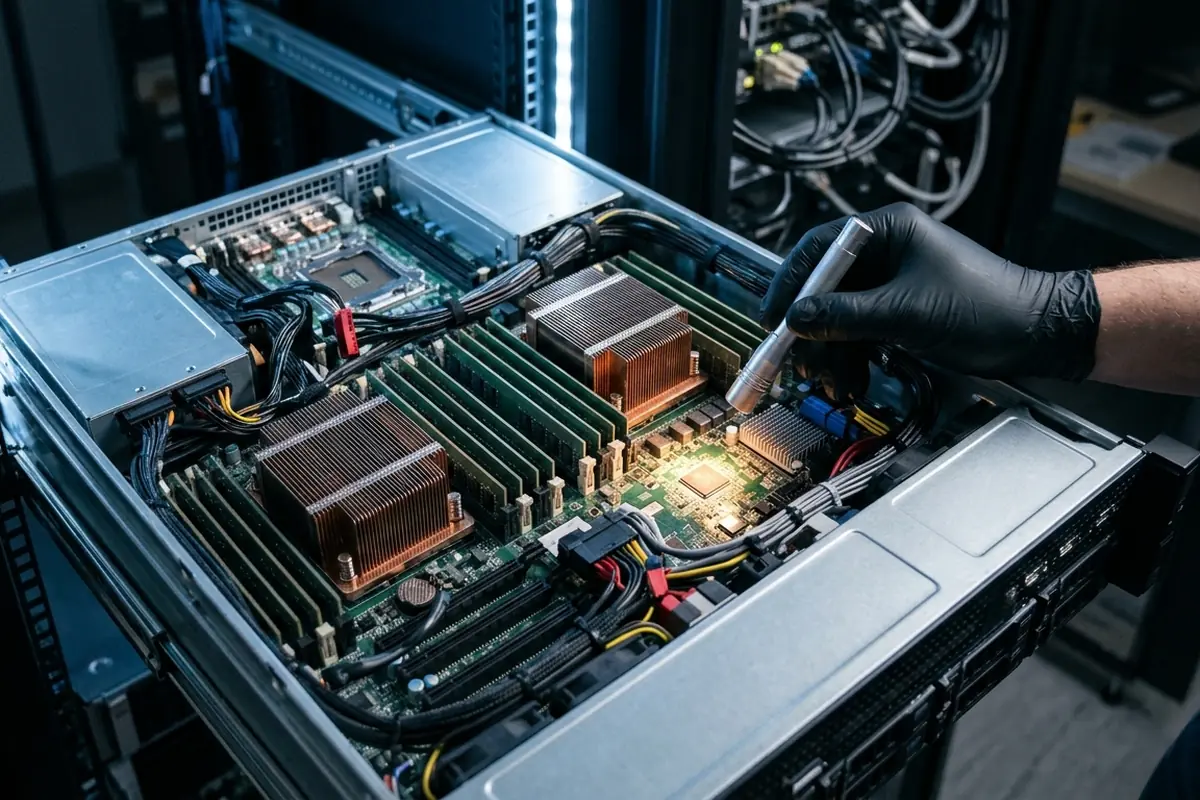
Boot the unit and read it from the management controller. iDRAC on Dell, iLO on HPE, XClarity on Lenovo. See iDRAC vs iLO for the differences.
- Inventory: compare what the controller reports with the spec sheet you were quoted. CPU model, memory size and speed, drive models.
- Power-on hours: drives report this through SMART. A "new" drive with thousands of hours is not new.
- Event log: a cleared log on a used server is normal; a log showing repeated thermal or memory faults before you took delivery is a reason to reject.
- Part authenticity warnings: Dell and HPE firmware flags some non-genuine PSUs and drives. If a warning appears, take it seriously.
- Previous owner traces: asset tags, custom iDRAC names and old network settings are not sinister, but they contradict a "never deployed" claim.
Where counterfeits actually show up
Whole counterfeit servers are rare because they are hard to make profitably. Counterfeit components are not.
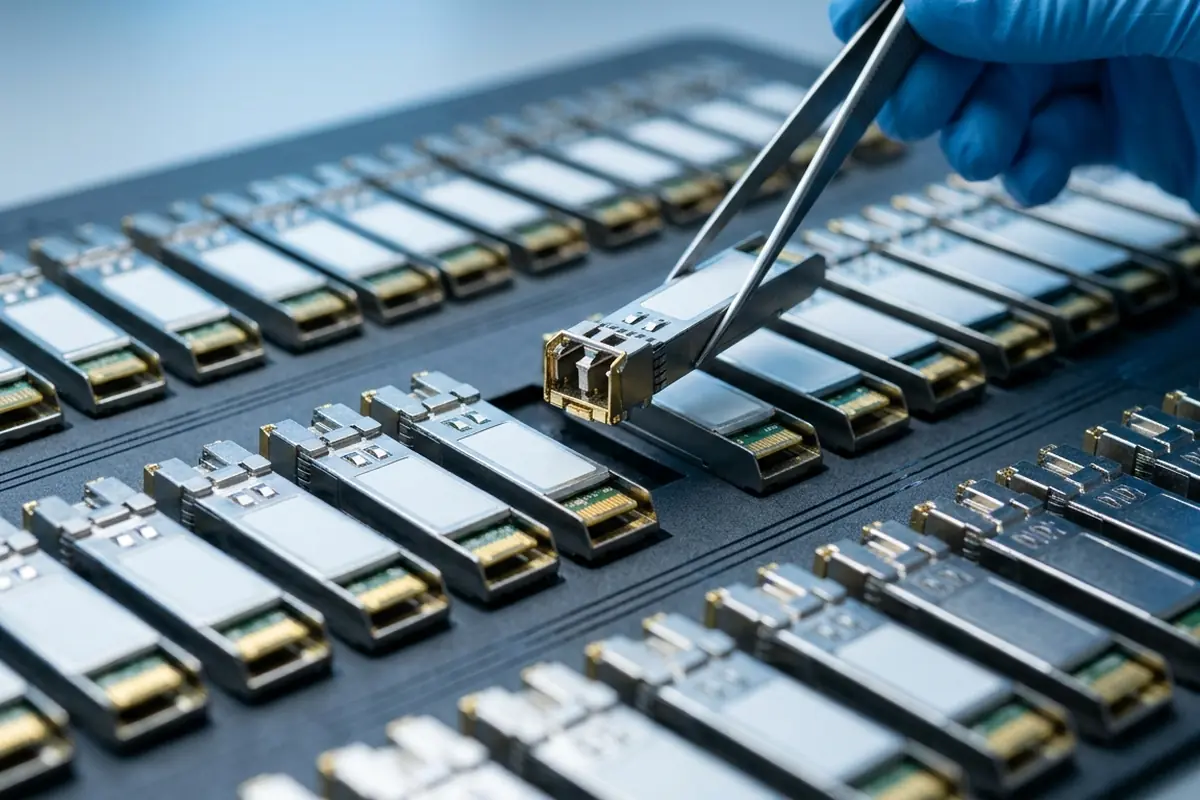
- Optical transceivers: the most faked item in networking. Non-genuine SFPs often work until a firmware update rejects them.
- Memory: relabelled modules sold as a higher speed or capacity, or non-OEM modules sold as vendor-branded.
- Drives: relabelled capacity, reset SMART counters, and consumer drives sold as enterprise.
- Power supplies: non-genuine PSUs are a genuine fire risk, not just a support problem.
- Cables and rails: harmless when disclosed, and a sign of a poorly controlled supply chain when not.
If you are buying networking gear, the same logic applies to the modules more than the switch. See used Cisco Catalyst 9200 vs 9300.
Signals from the seller, not the hardware
- Price far below the market: the UAE refurbished market is efficient. A quote 40% under everyone else is not a better deal, it is a different product.
- No trade licence or company details: you need an entity you can hold to a warranty.
- Payment to a personal account: no recourse, no record.
- Resistance to serial verification: the one answer that should end the conversation.
- Vague warranty wording: "warranty included" with no term, no process and no named party is not a warranty. See refurbished server warranty.
- No physical address: if you cannot visit, you cannot return.
A buying process that protects you
- Get the exact serial of the unit being sold, in writing.
- Verify it on the vendor's own entitlement portal. Check configuration, ship date and region.
- Ask directly whether the unit is channel stock for this region, and get the answer in writing.
- Agree a testing window before final payment, even if it is 48 hours.
- At delivery, re-check the serial on the chassis against the quote.
- Boot it, read the management controller inventory and compare it to the spec.
- Run SMART on every drive and a memory test overnight before it goes into production.
- Keep the invoice, the serial verification and the warranty terms together. You will need all three if you ever claim.
What to do if you already bought one
Do not panic and do not rip it out. Verify the serial and find out exactly what you have. If the hardware is genuine but grey-market, you usually have working hardware with no vendor entitlement, which you can cover with third-party maintenance. If components are counterfeit, replace the PSUs and drives first, because those are the ones that cause damage rather than inconvenience. Then go back to the seller with the evidence in writing, and if the hardware was misrepresented, raise it with Dubai Economy and Tourism's consumer protection channel.
For most buyers the practical lesson is narrower than "avoid the grey market". It is to verify the serial before paying, because that one step catches nearly everything else.