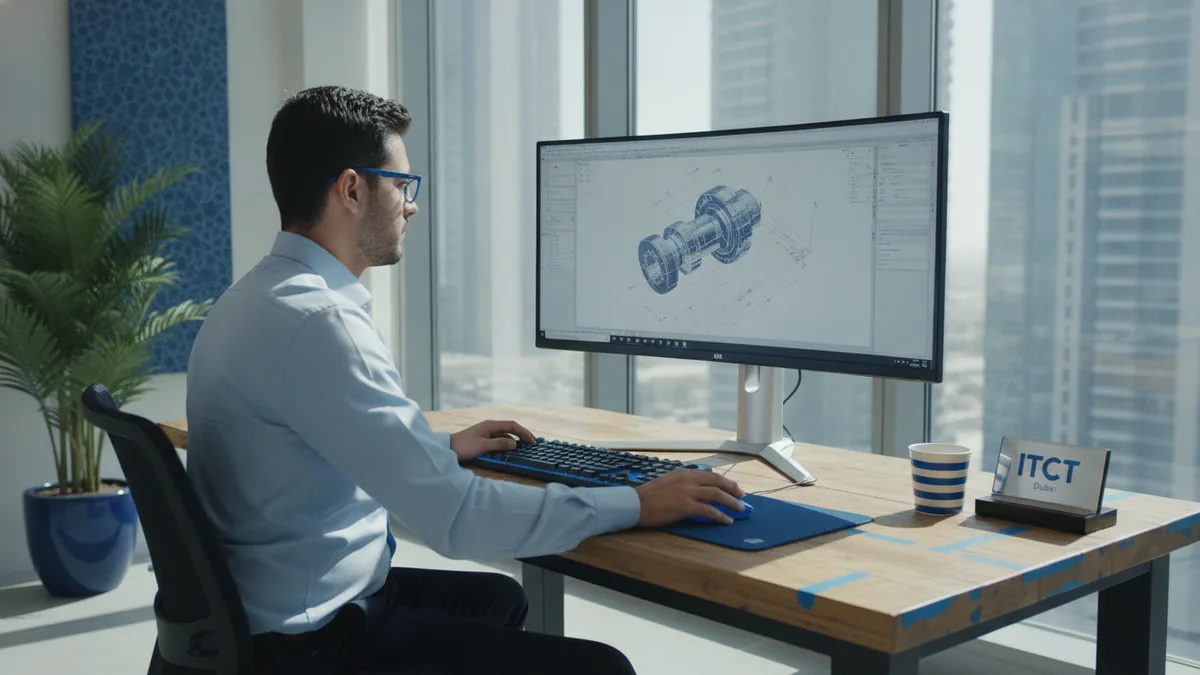
A new professional workstation with a strong GPU, plenty of ECC memory and fast storage can cost more than many design studios, engineering firms or AI teams want to spend on a single seat. Refurbished workstations from Dell Precision, HP Z and Lenovo ThinkStation lines offer the same build quality and certified components at a much lower price. This guide explains who refurbished workstations suit, which models to consider, what to check before buying in Dubai and how to configure one for your workload.
Workstation vs desktop PC
| Feature | Business desktop | Workstation |
|---|---|---|
| Processor | Core i5 / i7 | Xeon, Xeon W or Threadripper Pro, sometimes dual CPU |
| Memory | Non-ECC, limited slots | ECC memory, many slots, high capacity |
| Graphics | Integrated or entry GPU | Professional GPUs (NVIDIA RTX / Quadro) with certified drivers |
| Expansion | Few slots | Multiple PCIe slots and drive bays |
| Certification | General use | ISV certified for CAD, BIM, simulation and video software |
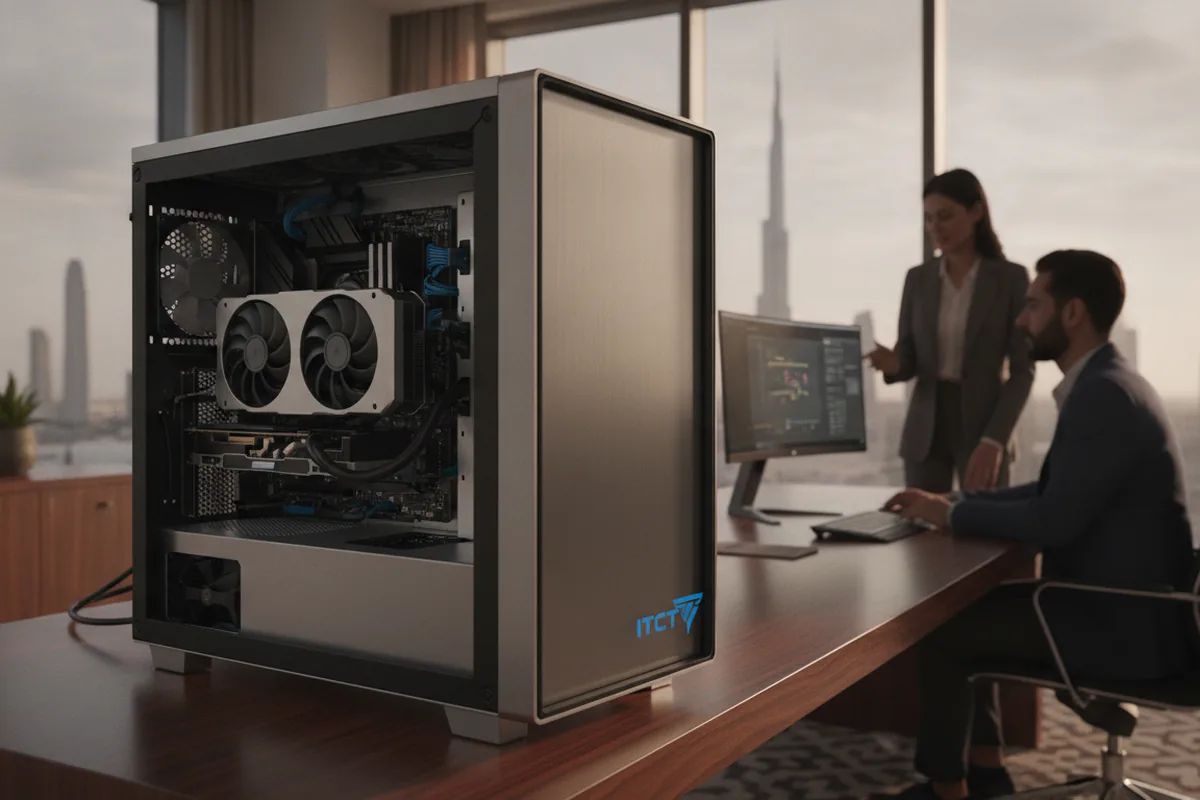
Who should consider a refurbished workstation
- CAD, BIM and engineering: AutoCAD, Revit, SolidWorks and similar tools benefit from certified GPUs and high single-core performance.
- Video and 3D: editing, rendering and motion graphics need GPU memory and fast NVMe storage.
- Data and AI development: local model testing, data preparation and notebooks need large RAM and a capable GPU.
- Growing teams: equipping several seats with workstation-class hardware on a fixed budget.
Popular refurbished workstation families
- Dell Precision tower (for example 5820, 7820, 7920): Xeon W and Xeon Scalable options, strong expansion, widely available parts.
- HP Z series (for example Z4, Z6, Z8 G4): tool-less chassis, dual-CPU options on Z6 and Z8, good for heavy multi-threaded work.
- Lenovo ThinkStation (for example P520, P720, P920): reliable build and large memory capacity.
Older generations are cheaper but may limit newer GPUs, memory speed or Windows 11 support, so match the generation to the software you run.
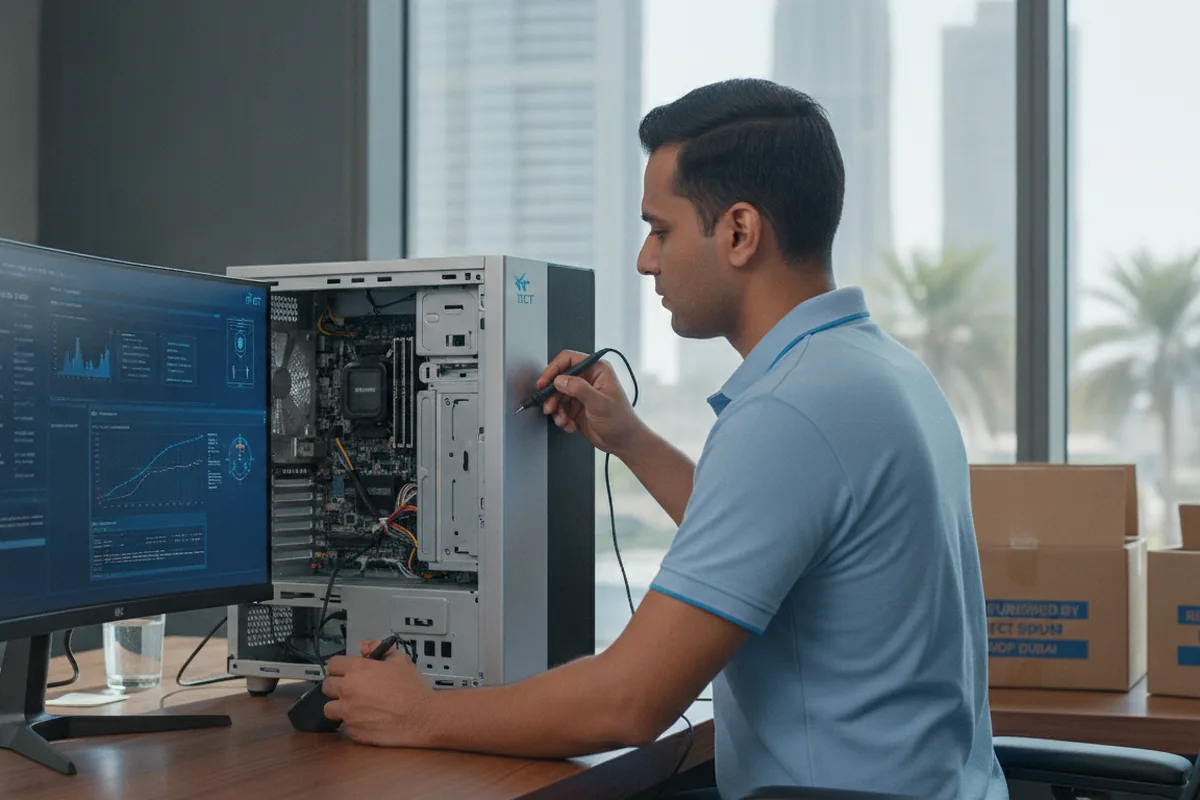
Checklist before buying in Dubai
- Confirm CPU model, core count and clock speed for your main software.
- Check RAM type, capacity and free slots; ECC registered memory must match the platform. See memory compatibility for how to match modules.
- Check GPU model, memory and power connectors, and whether the power supply supports an upgrade.
- Prefer NVMe SSD for the system and projects.
- Ask for test results and a clear warranty; read our guide to refurbished hardware warranty.
- Confirm the operating system licence and driver support.
- Check whether the previous owner's data was securely wiped; see ITAD and data wiping in the UAE.
Configuring for your workload
| Workload | Focus |
|---|---|
| 2D/3D CAD | High clock speed CPU, mid-range professional GPU, 32 GB+ RAM |
| Rendering and video | More cores, GPU with large memory, 64 GB+ RAM, fast NVMe |
| Simulation | Many cores or dual CPU, large ECC memory |
| AI development | GPU memory first, then RAM and fast storage |
ITCT supplies refurbished Dell, HP and Lenovo workstations in Dubai, configured and tested for your software, with warranty and shipping across the UAE and beyond. For shared compute, compare with our refurbished servers.
Frequently asked questions
Is a refurbished workstation reliable?
Workstations are built for continuous professional use. A properly tested unit from a reputable seller with warranty is a reliable choice.
Can I upgrade the GPU in a refurbished workstation?
Usually yes, but check the power supply wattage, connectors and physical space before buying a new GPU.
Do refurbished workstations support Windows 11?
It depends on the CPU generation. Check Microsoft's supported processor list for the model you choose.
Which is better, Dell Precision or HP Z?
Both are strong. Choose based on the configuration, parts availability and the price of the specific unit.
Do I need ECC memory?
For long simulations, rendering and data work, ECC memory reduces the risk of silent errors and crashes. Most workstation platforms support it.