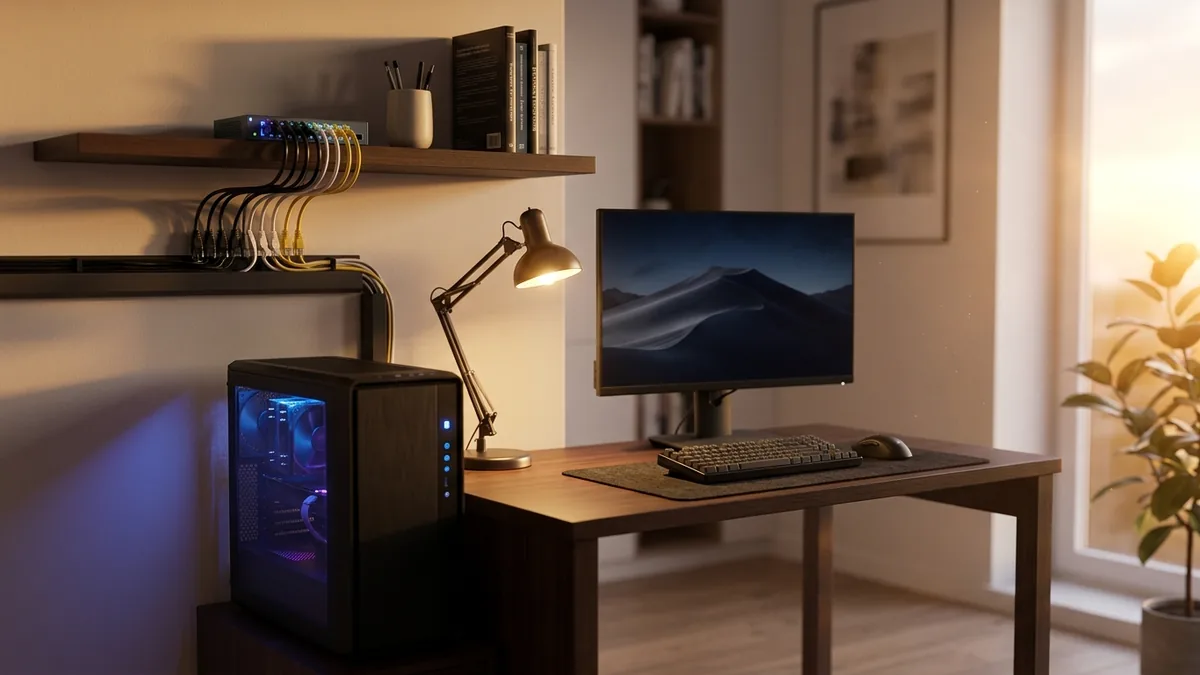
Building a home lab in the UAE used to mean paying new-equipment prices for hardware you only needed to learn on. That changed as enterprise lease returns started flowing into the Dubai secondary market in volume. You can now put together a genuinely capable lab — virtualisation, storage, networking, even a GPU node — for a fraction of list price. This guide covers what to buy, what to avoid, and the two constraints that catch almost everyone out here: power and heat.
Decide what the lab is for first
The biggest money wasted in home labs goes on capability nobody ends up using. Match the build to the goal.
| Goal | What you actually need | What you can skip |
|---|---|---|
| Virtualisation and containers | Lots of RAM, modest CPU, SSD | High core counts, GPUs |
| Storage and backup practice | Many drive bays, HBA in IT mode, ECC RAM | Fast CPU |
| Networking and firewall study | A managed switch, a small low-power box, extra NICs | Servers entirely |
| Local AI and model work | GPU memory above all, then PCIe lanes and PSU headroom | Drive bays |
| Certification lab | Whatever the vendor's blueprint names | Everything else |
The two constraints specific to the UAE
Every international home-lab guide ignores both of these, and they matter more here than the hardware choice.
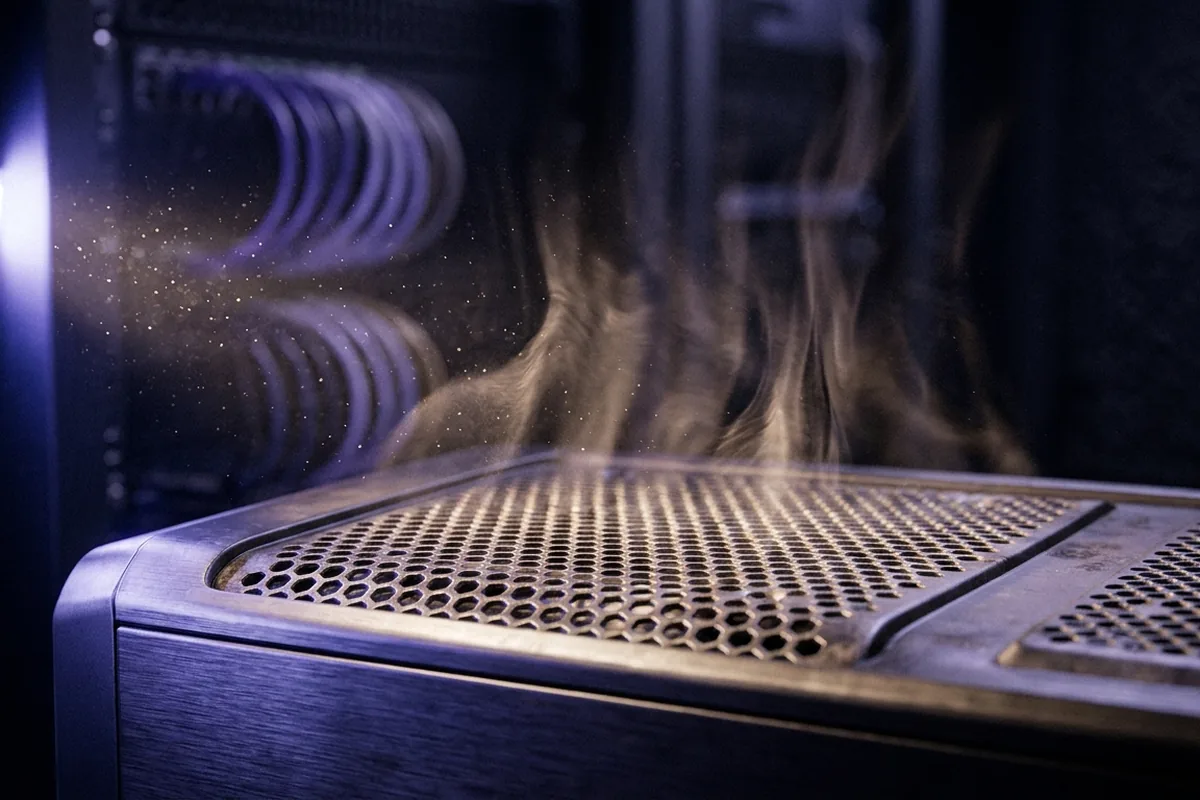
- Heat. A rack server dumps a lot of heat into the room, and for several months of the year your air conditioning is already working hard. A machine that is fine in a European garage will raise a Dubai spare room by several degrees and run your AC continuously. Budget for where the heat goes before you buy.
- Noise. Rack servers are loud. 1U units in particular use small high-RPM fans that are genuinely unpleasant to live with. Tower servers and workstation-class machines are dramatically quieter for the same capability, and in an apartment this is usually the deciding factor.
- Power cost. A server idling continuously is a recurring bill, not a one-off purchase. Older dual-socket machines idle far higher than modern single-socket ones, which is why the cheapest server on the market is often the most expensive to own.
The practical conclusion: in the UAE, prefer a tower or workstation chassis over a rack unit unless you have a dedicated, cooled, isolated space. See rack vs tower servers for the wider comparison.
What to buy refurbished, and what not to
Good refurbished buys:
- Previous-generation workstations. Quiet, well-built, take ECC memory and server CPUs, and come with decent power supplies. The sweet spot for most home labs.
- Memory. Registered ECC DIMMs from the previous generation are cheap and plentiful. Buy more than you think you need, because RAM is the most common bottleneck in a virtualisation lab.
- Enterprise SSDs. Lease-return SAS and NVMe drives often have most of their endurance left. Check the wear indicator before buying. See server RAM compatibility.
- HBAs and NICs. Previous-generation cards work perfectly for lab purposes and cost very little.
- Managed switches. End-of-life enterprise switches are ideal for learning, since the command line has barely changed.
Be careful with:
- Very old dual-socket rack servers. Cheap to buy, expensive to run and loud.
- Consumer hard drives sold as enterprise. Check the model number against the manufacturer's own listing.
- Anything with no verifiable serial. See how to spot a fake or grey-market server.
- Proprietary caddies and rails sold separately. They add up fast; confirm what is included.
- GPUs from mining use. Possible but higher risk; inspect for thermal damage and ask about the workload history.
A sensible starter build
- One refurbished workstation with a previous-generation server CPU, as much ECC RAM as the board takes, and a good power supply.
- One SSD for the hypervisor and a separate pair of drives for data, mirrored.
- A managed switch with enough ports to practise VLANs, link aggregation and basic routing.
- A small low-power box for the firewall or router role, which should run continuously while the big machine does not.
- A UPS. Not optional if you care about the data on it.
Start there, run it for a month, and let your actual usage tell you what to add. Most people discover they need more memory and fewer cores than they assumed.
Running costs people forget
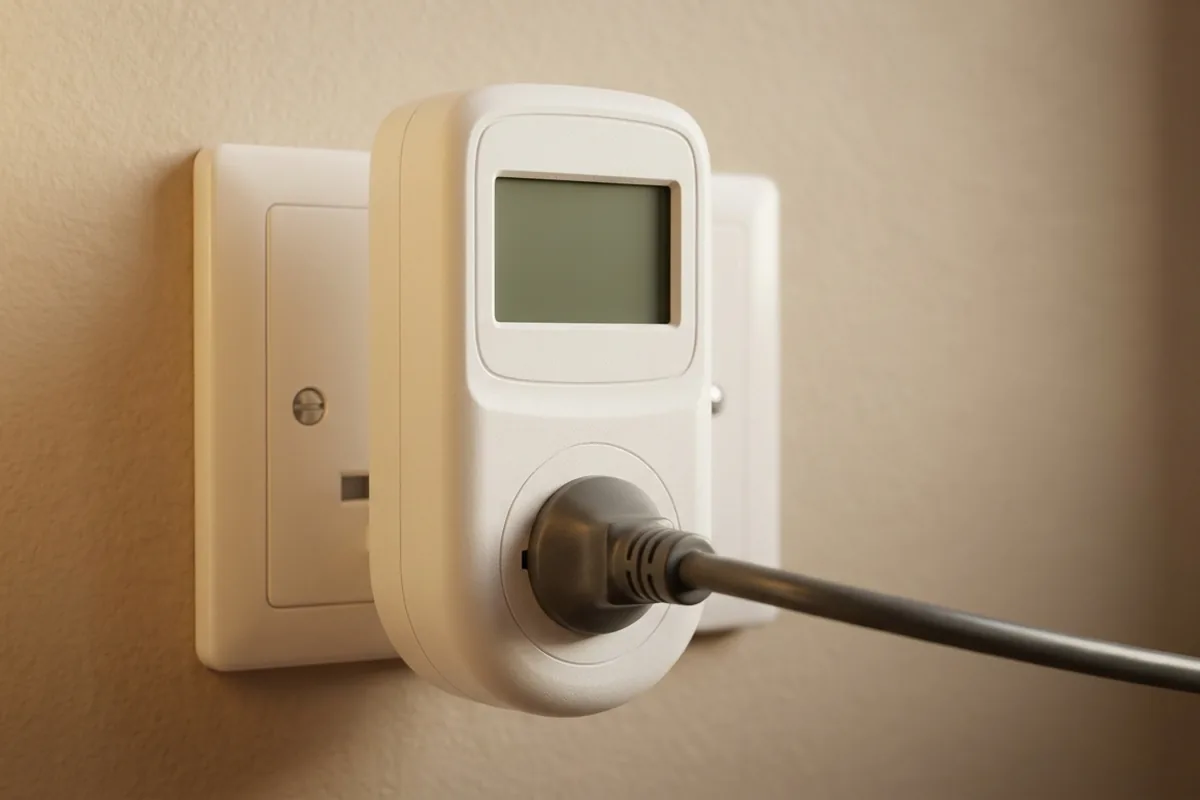
- Idle power times twenty-four hours times thirty days. Measure it with a plug meter rather than trusting the label.
- Additional cooling load, which in summer can cost more than the server itself.
- Drive replacement. Used drives fail, that is the trade you accepted. Keep a spare.
- Your time. Refurbished gear occasionally needs firmware wrangling and part hunting, which is part of the learning but is not free.
A useful habit: power the lab on when you are using it rather than running it continuously, unless you are specifically practising high-availability. The learning is the same and the bill is much smaller.
Buying in Dubai without getting caught out
- Ask for the exact serial of the unit before paying, and verify it on the vendor's support portal.
- Confirm what is physically included: caddies, rails, power cables, drive blanks.
- Ask whether the memory and CPU are as listed, or were swapped in. Both are normal; undisclosed is not.
- Agree a short testing window before final payment.
- Power it on and run a memory test overnight plus SMART on every drive before you build anything on it.
- Keep the invoice. Even a short dealer warranty is worth having in writing.
For the warranty terms to look for, see refurbished server warranty, and for a wider view of what is available locally, refurbished servers in Dubai.