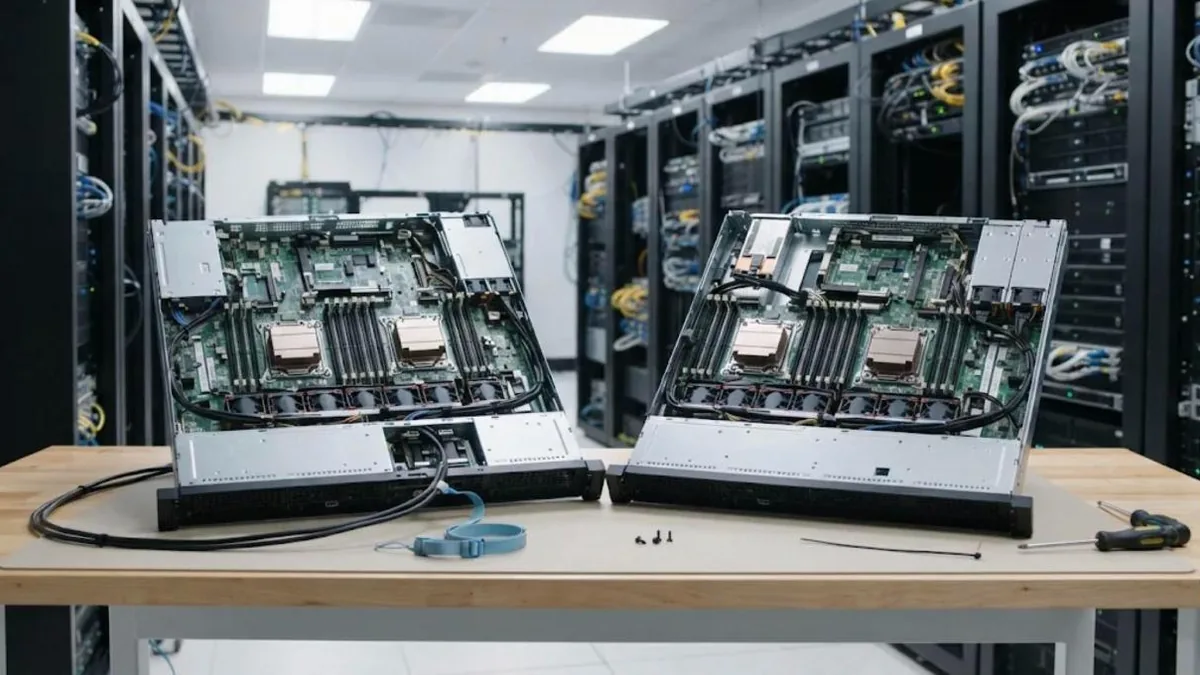
The Dell PowerEdge R750 and R750xs look almost identical in a listing photo. Both are 2U, two-socket servers for 3rd Gen Intel Xeon Scalable processors. Inside, they were built for different budgets, and that shows up later when you want to add memory, drives or a GPU. Here is how to tell which one suits a refurbished build.
The short answer
Choose the R750 when you need the full memory slot count, high-core processors, many PCIe cards or double-width GPUs. Choose the R750xs when the job is general virtualisation or storage and you would not use that headroom anyway.
Main differences
| Area | R750 | R750xs |
|---|---|---|
| Form factor | 2U, two sockets | 2U, two sockets |
| Processor family | 3rd Gen Xeon Scalable | 3rd Gen Xeon Scalable, lower core ceiling |
| DIMM slots | 32 | 16 |
| Intel Optane PMem 200 | Supported | Not supported |
| PCIe generation | Gen4 | Gen4 |
| Expansion | More slots, GPU options | Fewer slots |
| Typical role | Dense virtualisation, databases, GPU | General purpose, scale-out |
Check exact limits in Dell's technical guides for the R750 and R750xs, because options vary with chassis, riser and processor.
Memory is usually the deciding factor
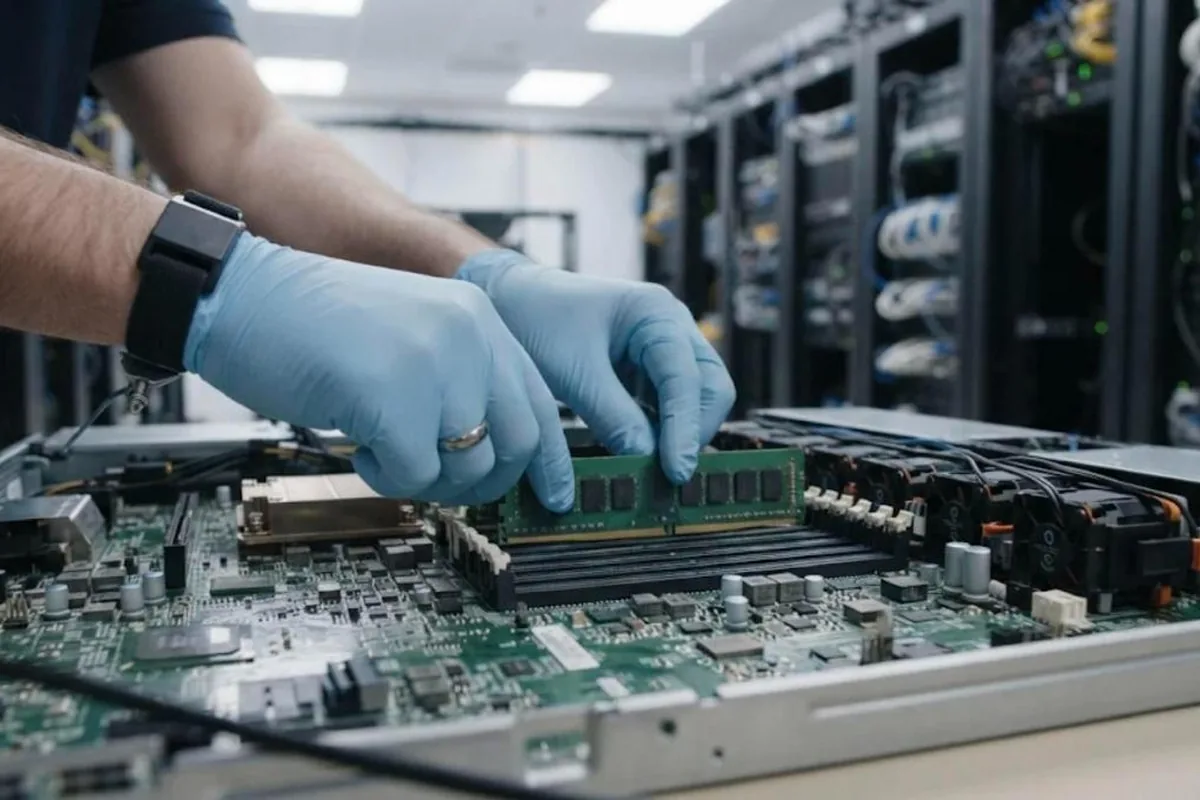
Sixteen slots are plenty for many workloads, but they change the cost of growth. To reach a high total you need larger modules, which cost more per gigabyte on the used market. With thirty-two slots you can reach the same total with smaller ones. If you expect to double memory later, count empty slots now. Our guide to server RAM compatibility explains ranks and channel population.
GPU and PCIe cards
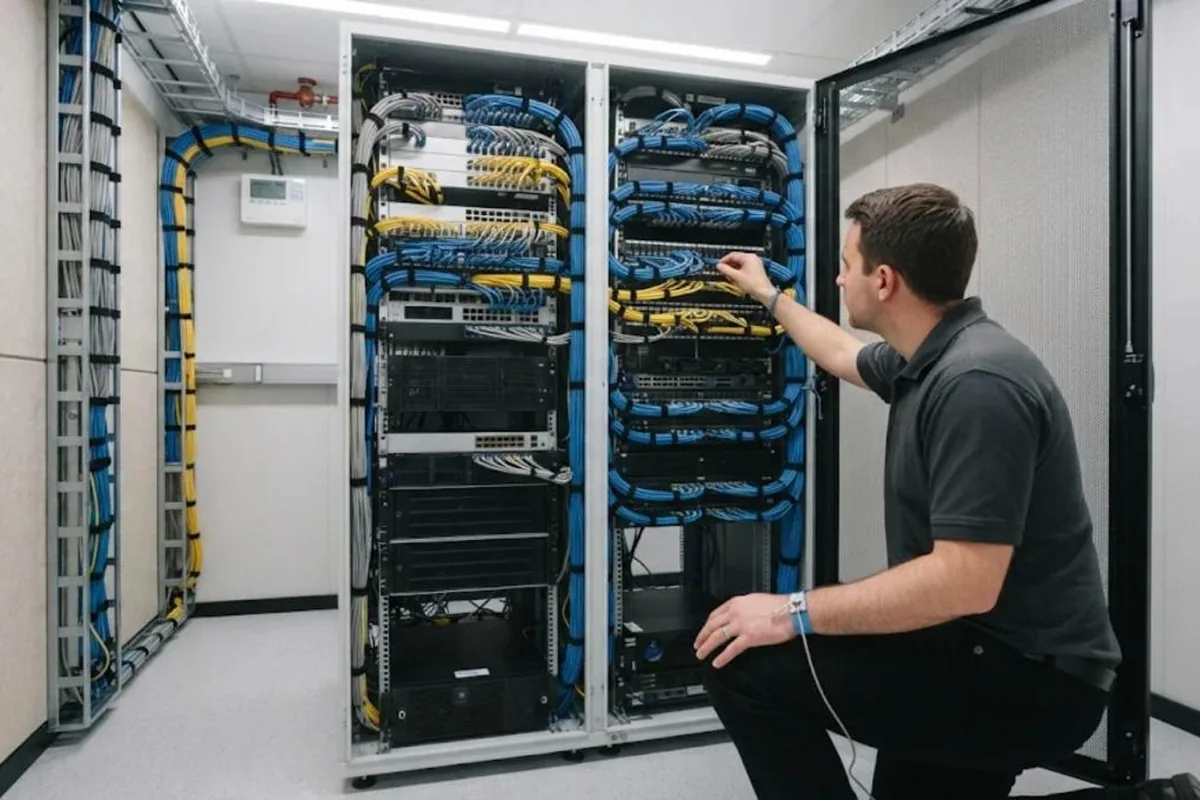
If accelerators are even a possibility, read the riser configuration rather than the model name. A listing that says R750 may still have risers that cannot take a double-width card, and GPU kits need matching power cables, shrouds and fans. Ask the seller for photos of the risers and the power connectors.
What to check before buying either one
- Service tag: look it up to see the original configuration.
- Backplane: confirm SAS, SATA or NVMe support and the number of wired bays.
- RAID controller: model, cache and battery health.
- iDRAC licence: Express and Enterprise differ, and licences are tied to the unit. See iDRAC vs iLO.
- Power supplies: two matching units with enough capacity for the planned load.
- Processor lock: some sockets and platforms restrict CPU movement, so ask before swapping.
- Rails: make sure they are included and right for your rack.
Which one for which job?
- Twenty to forty light virtual machines: either, so let price and condition decide.
- Large in-memory database: R750.
- File or backup server: R750xs with the right drive bays.
- GPU inference: R750 with a verified GPU riser.
- Edge or branch office: R750xs, unless noise and depth rule out a 2U server.
If an older generation is on your list too, read R750 vs R740 first.
Worked example: sizing for two real jobs
Virtualisation host. You plan 25 virtual machines with an average of 12 GB of memory, so 300 GB, plus room for the hypervisor and for another host failing over. Doubling to roughly 600 GB is a reasonable target. Both models can be configured near this level, but the R750 has more slots, so you can reach it with smaller modules and keep space for growth. If you expect to double the machines, choose the R750.
Branch server. A file service, a domain controller and an accounting application need perhaps 96 GB in total. The R750xs covers that comfortably. Paying for unused slots and larger cooling gives no benefit.
Compare offers on equal terms
| Line | Ask for |
|---|---|
| Processors | Exact model and quantity |
| Memory | Module size, count, speed, slots used |
| Drives | Type, backplane and free bays |
| Controller | Model and cache protection |
| Network | Card model and port type |
| Power | Two supplies, wattage, connectors |
| Management | Licence level |
| Rails | Included or not |
Two quotations for "an R750" may differ in all eight lines. Put them in one table before comparing the price.
Common mistakes
- Buying the xs version without checking that the GPU or riser you want is on its support list
- Filling memory slots unevenly
- Choosing a backplane that cannot accept NVMe later
- Forgetting heatsink and fan requirements for high-power processors
- Assuming that parts from the two models are interchangeable
Acceptance checks on arrival
- Read the service tag and compare the configuration.
- Confirm memory speed and population in setup.
- Check every drive bay and network port.
- Run the built-in diagnostics.
- Reset the management password and update firmware in a planned order.
- Photograph the inside for your records.
When neither is right
If the workload is light and the rack is quiet most of the day, an older generation may cost less to buy and still be enough. If you need several large GPUs, look at a chassis designed for them. Compare the full cost, including power and support, using refurbished versus new TCO.
Frequently asked questions
Is the R750xs just a cheaper R750?
It is a separate design with fewer memory slots and less expansion, aimed at mainstream workloads.
Can I upgrade an R750xs into an R750?
No. The system board differs, so the slot count cannot be added later.
Do both use DDR4?
Yes. Both belong to the 3rd Gen Xeon Scalable platform and use registered DDR4 memory.
Is either quiet enough for an office?
They are rack servers designed for a server room. Plan for noise and airflow.
Can I upgrade an R750xs to an R750 later?
No. The system board, memory slots and chassis options differ, so decide on growth before buying.
Bottom line
Buy for the memory slots and risers you will need in two years. If the xs covers that, it is the sensible saving. If not, the R750 is cheaper than replacing a server you have outgrown. For total cost thinking, see refurbished vs new TCO.