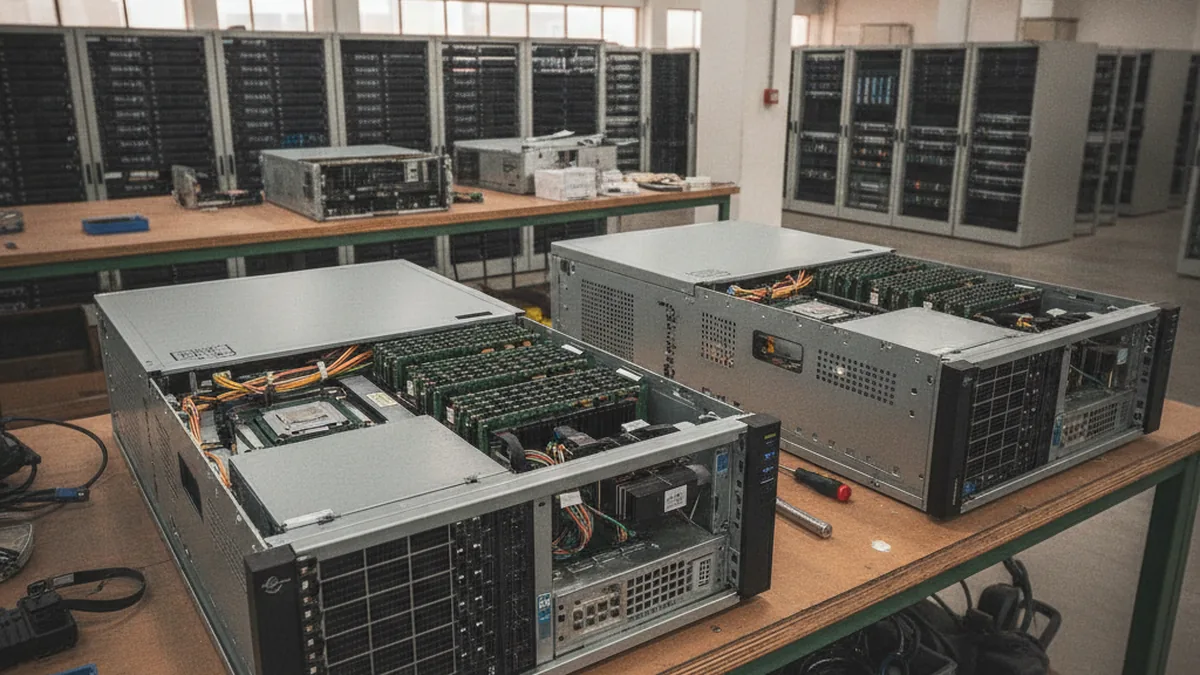
The Dell PowerEdge R740 has been the workhorse of refurbished server buyers in Dubai for years: easy to find, easy to configure and cheap to maintain. Its successor, the R750, is now arriving on the secondary market in growing numbers, and buyers increasingly ask whether the step up is worth the extra money. The short answer is that it depends on three things: how much memory bandwidth and NVMe storage you need, whether you plan to run several GPUs, and what each model actually costs in today's market. This comparison walks through the real differences and gives clear recommendations by workload.
If you are comparing across brands rather than generations, see our Dell R740 vs HPE DL380 Gen10 guide. For general advice on grades, testing and warranty, start with buying refurbished servers in Dubai.
R750 vs R740 at a glance
| Specification | PowerEdge R740 (14th gen) | PowerEdge R750 (15th gen) |
|---|---|---|
| Form factor | 2U, 2 sockets | 2U, 2 sockets |
| Processors | Intel Xeon Scalable 1st/2nd gen (Skylake, Cascade Lake) | Intel Xeon Scalable 3rd gen (Ice Lake) |
| Max cores per CPU | 28 | 40 |
| Memory channels per CPU | 6 | 8 |
| DIMM slots | 24 | 32 |
| Max memory speed | DDR4-2933 | DDR4-3200 |
| PCIe | Gen3 (up to 8 slots) | Gen4 (up to 8 slots) |
| Front drive bays | Up to 16 x 2.5" or 8 x 3.5" | Up to 24 x 2.5" or 12 x 3.5", wider NVMe options |
| Double-width GPUs | Up to 3 x 300 W | Up to 2 x 300 W (standard R750) |
| Management | iDRAC9 | iDRAC9 (newer features) |
| Typical refurbished price level | Lower, very wide availability | Higher, availability improving |
Exact options depend on chassis variant and riser configuration. Always confirm the service tag configuration before buying.

Processor and core count
The R750's 3rd-gen Xeon Scalable processors bring up to 40 cores per socket versus 28 on the R740, plus a newer core design with better per-clock performance. For virtualisation hosts, that means more VMs per server; for licence-per-socket software it can mean real savings, while licence-per-core software (such as some database editions) may become more expensive as core counts rise. Run the licensing numbers before you choose the highest core count.
The R740 remains perfectly capable for file servers, domain controllers, small ERP systems, web hosting and backup targets. A pair of 2nd-gen Gold 6248R or 6252 processors still delivers excellent value for these workloads.
Memory: the biggest real-world difference
The R750 moves from six to eight memory channels per CPU and from 24 to 32 DIMM slots. In practice this means about a third more memory bandwidth before you even count the faster DDR4-3200 speed. Memory-bound workloads benefit most: in-memory databases, large virtualisation clusters, analytics and CPU-based AI inference. If your current R740s are running out of memory bandwidth rather than CPU, the R750 is the upgrade that actually fixes the bottleneck.
For balanced performance, populate memory evenly across all channels on either model. On the R750 that usually means 16 or 32 DIMMs; on the R740, 12 or 24.
PCIe Gen4 and NVMe storage
The R740 is PCIe Gen3 throughout. The R750's Gen4 slots double per-lane bandwidth, which matters for 100 GbE or 200 GbE network cards, Gen4 NVMe drives and modern RAID controllers. Combined with more front bays and better NVMe backplane options, the R750 is clearly the better platform for software-defined storage, high-performance databases and caching tiers.
If your storage is mostly large 3.5" SATA or SAS drives for backup or archive, Gen4 makes little difference and an R740xd or R740 with LFF bays is the economical choice.
GPU support: where the R740 still wins
The standard R740 can host up to three double-width 300 W GPUs, while the standard R750 supports two. For refurbished AI and rendering builds with cards such as the Tesla V100, A40 or RTX A6000, the R740 often gives more GPU capacity per rack unit at a lower price. Note that the R750's Gen4 slots let modern Gen4 GPUs like the A100 PCIe run at full bandwidth, which matters for data-heavy training but less for inference. Dell's dedicated GPU platforms (such as the R750xa) exist for higher GPU density.
Power, cooling and running cost
Both models use similar 750 W to 2400 W redundant power supply options. The R750 delivers more work per watt at full load, but a lightly loaded R740 with efficient processors can be cheaper to run. In Dubai, where data-center power and cooling are significant line items, consolidating two older servers into one R750 can pay back part of the price difference within a few years.
Which should you buy?
Choose the R740 if
- Your budget is tight and the workload is general purpose: file, print, AD, web, small ERP or backup.
- You need three double-width GPUs in a 2U chassis.
- You are expanding an existing R740 cluster and want identical spares and firmware.
- You need large 3.5" drive capacity rather than NVMe speed.
Choose the R750 if
- You run virtualisation at high density or memory-bound databases.
- You need PCIe Gen4 for fast networking or NVMe storage.
- You want a longer remaining service life and newer firmware support.
- You plan to consolidate several older servers into fewer machines.
Buying tips for refurbished R740 and R750 in Dubai
- Check the service tag: Dell's support site shows the original configuration and warranty status.
- Confirm the chassis variant: R740 vs R740xd, R750 vs R750xs vs R750xa all differ in drive bays, DIMM slots and GPU support.
- Ask for test reports: memory test, drive health (SMART), PSU check and iDRAC event log clean-up.
- Verify the iDRAC licence: Express vs Enterprise determines remote console and virtual media features.
- Plan spares: keep a spare PSU, fan and a couple of drives on site; lead times for parts vary.
- Firmware: ask for servers updated to a recent BIOS and iDRAC firmware before shipping.
Looking for a specific configuration? Search verified Dubai warehouses for R740 and R750 stock on ITCT, and compare prices and grades before you request a quote. If you need hard-to-find components for older units, our guide to sourcing end-of-life IT parts in Dubai can help.
Frequently asked questions
Is the Dell R750 much faster than the R740?
For memory-bound and I/O-heavy workloads, yes: eight memory channels, DDR4-3200 and PCIe Gen4 give it a clear advantage. For light general-purpose workloads the difference is small.
Can the R750 use the same memory as the R740?
Both use DDR4 RDIMMs, but the R750 supports faster 3200 MT/s modules and a different processor generation. Use modules on Dell's supported list for each model and avoid mixing speeds.
Which is better for GPUs, R740 or R750?
The standard R740 fits three double-width 300 W GPUs versus two in the standard R750. The R750 offers PCIe Gen4 bandwidth. For maximum GPU density, look at GPU-optimised models such as the R750xa.
Is a refurbished R740 still a good buy in 2026?
Yes, for general-purpose workloads, small businesses and GPU builds on a budget. It is widely available, well understood and inexpensive to maintain.
What is the difference between the R750 and R750xs?
The R750xs is a lower-cost variant with fewer DIMM slots (16), fewer drive and expansion options and no persistent memory support. It suits scale-out and lighter workloads.