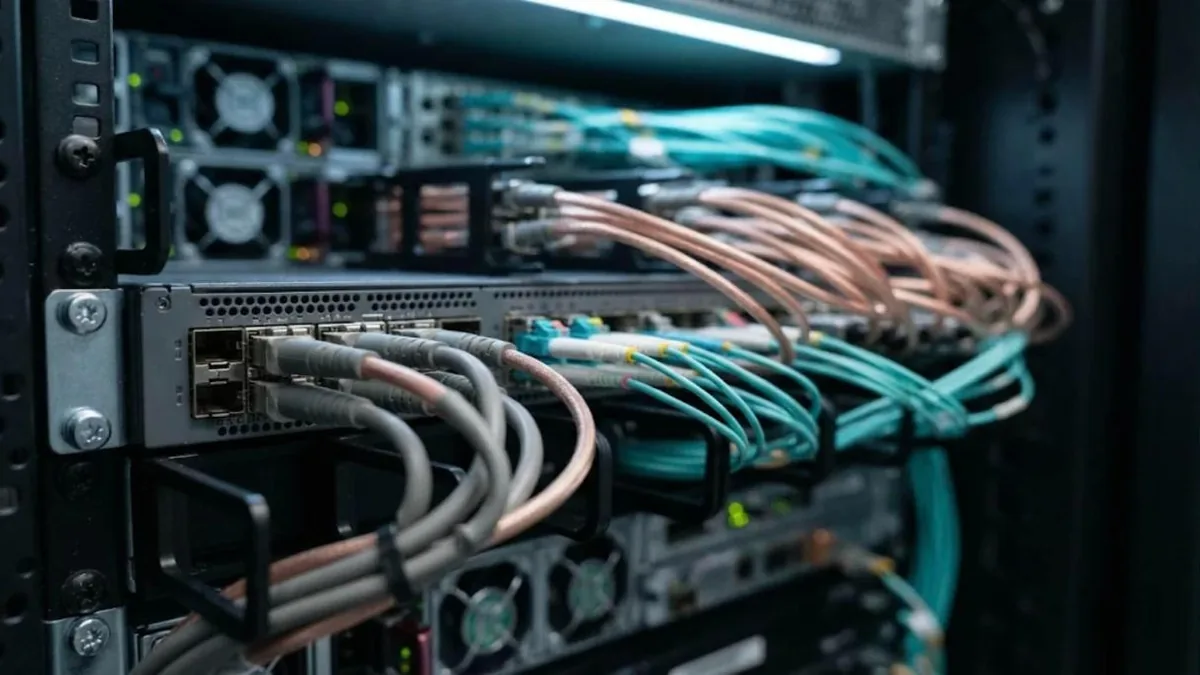
The cheapest way to connect a server to a switch is often a cable with the transceivers already attached. It is also the easiest to order wrong. This guide explains the difference between direct attach copper (DAC), active optical cables (AOC) and separate transceivers with fiber, and how to choose when you are buying for a refurbished rack.
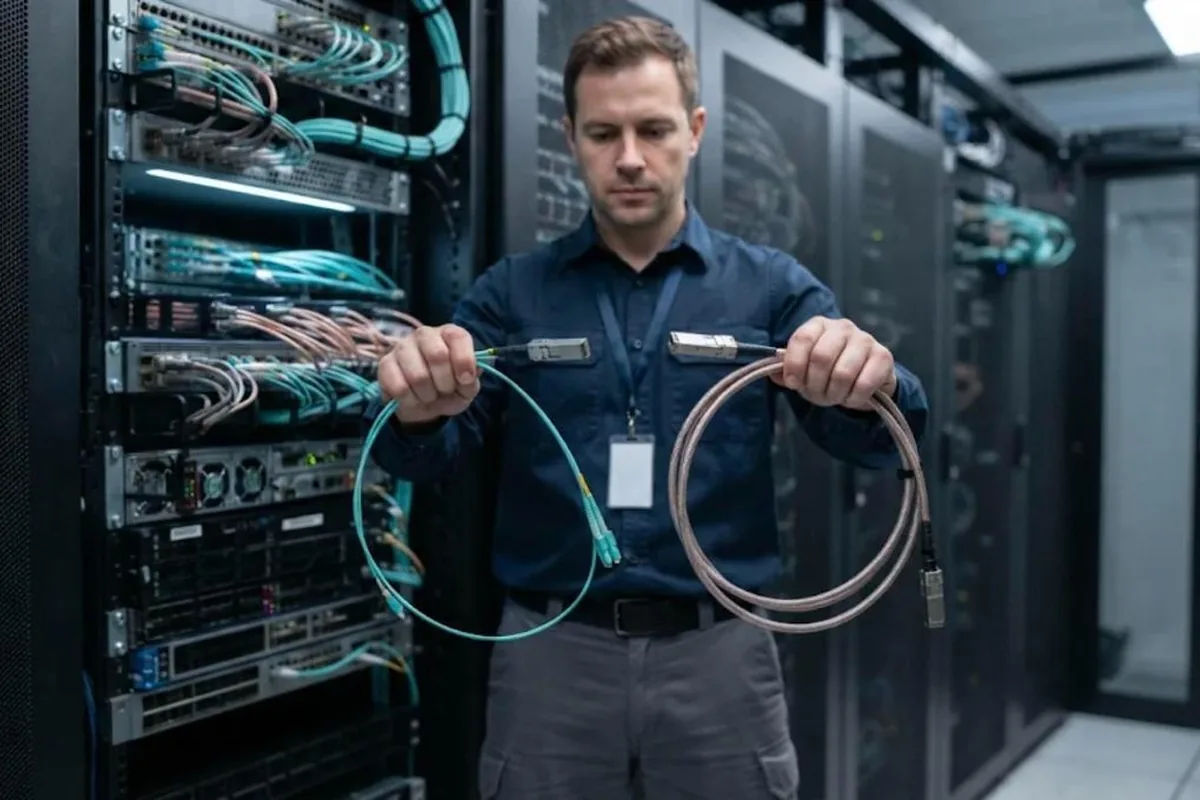
The three options in plain terms
- Passive DAC: twinax copper with connectors fixed at both ends. No electronics to convert the signal, so it uses almost no power.
- Active DAC: the same idea with signal conditioning in the ends, which extends the reach.
- AOC: fiber permanently bonded to optical modules at both ends. Thin, light and good for longer in-row runs.
- Transceivers plus fiber: two pluggable modules and a separate patch cable. The most flexible option, and the one you can repair in pieces.
Comparison table
| Passive DAC | AOC | Transceiver + fiber | |
|---|---|---|---|
| Typical use | Same rack | Adjacent racks or along a row | Across rooms, patch panels, long runs |
| Reach | A few metres; shorter as speed rises | Tens of metres | From metres to kilometres, by optic type |
| Power | Lowest | Moderate | Highest of the three |
| If one end fails | Replace the cable | Replace the cable | Replace one module |
| Works with patch panels | No | No | Yes |
| Bulk | Thicker, stiffer | Thin | Thin |
Why reach shrinks as speed goes up
Copper loses more signal at higher frequencies. A passive cable that is comfortable at 10G may be out of specification at 100G per the switch vendor's support matrix. Rather than rely on a rule of thumb, check the maximum length your switch and network card vendors list for that exact speed.
Compatibility: the part that causes returns
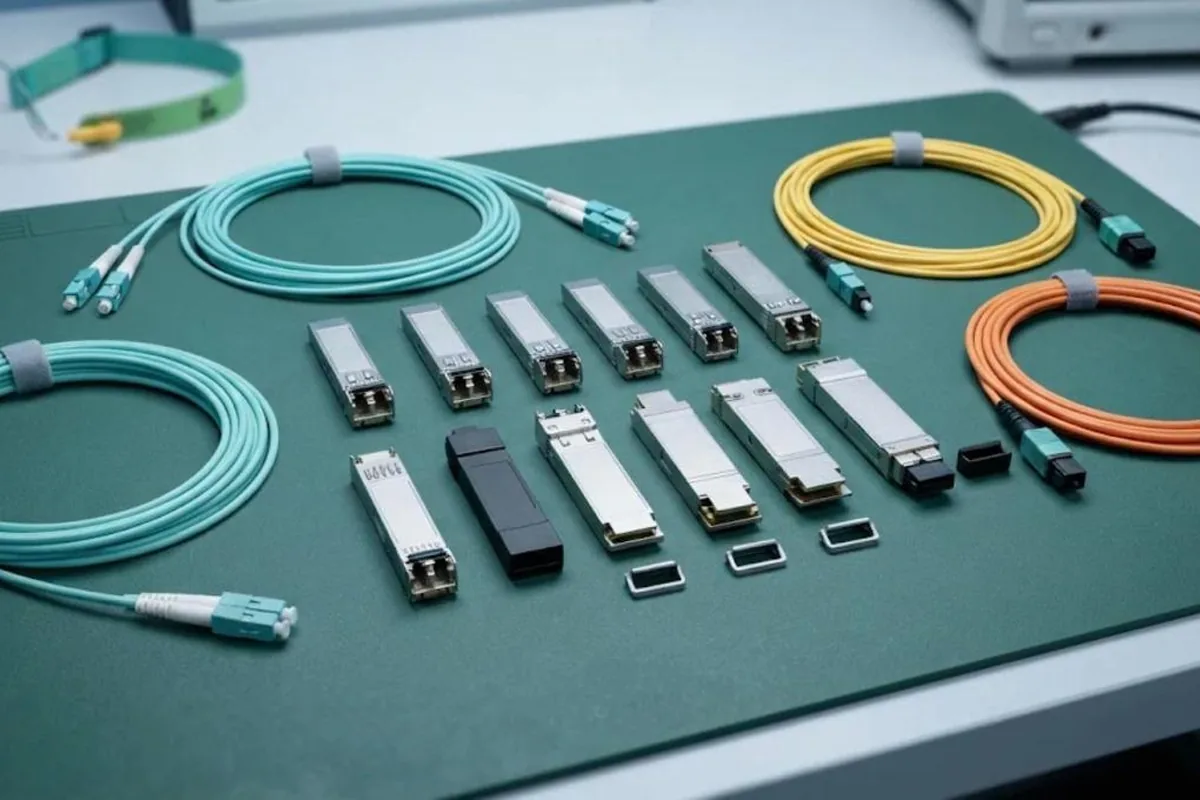
Each connector end carries a small EEPROM that identifies the vendor. Some switches reject or warn about parts they do not recognise. Before buying used cables:
- Confirm the connector on both devices: SFP+, SFP28, QSFP+ or QSFP28.
- Check coding. A cable can be coded for one brand at one end and another brand at the other.
- Match the speed on both ports, or confirm that the port can step down.
- For 25G and above, check forward error correction settings match at both ends.
- Measure the real cable path, including slack through the cable arm.
Our guide to SFP transceiver compatibility covers coding in more detail.
Breakout cables
A breakout cable splits one fast port into several slower ones, such as one QSFP28 to four SFP28. It is a tidy way to connect four servers to a switch with few ports. The switch must support breakout on that port and have it configured, and some models disable a neighbouring port when you do it.
Which should you buy?
- Server to top-of-rack switch: passive DAC.
- Switch to switch in the next rack: AOC or active DAC.
- Anything through a patch panel or between rooms: transceivers and structured fiber. See the data center cabling guide.
- A rack you expect to rearrange: transceivers, because the fiber can change length without replacing optics.
- Switch stacks: use the stacking cable the model requires. See switch stacking.
Checking a used cable on arrival
Look for bent contact pads, a loose pull tab and kinks near the connector. Plug it in, confirm link at the expected speed, then run traffic for a while and read the interface error counters. Rising CRC errors usually mean a damaged or over-length cable. Keep a labelled spare of each type you use.
Worked example: one rack, two switches, sixteen servers
Suppose each server connects at 25 gigabits to two top-of-rack switches in the same cabinet, and the switches uplink to a core switch 40 metres away. The thirty-two server links are between one and three metres, so passive DAC fits, uses the least power and costs the least. The uplinks are too long for copper, so use either AOC or transceivers with structured fiber.
For the uplinks, think about the next five years. An AOC is simple, but the cable and its ends are one piece: if the speed changes, you pull a new cable through the same route. Structured fiber with transceivers costs more today, and lets you change the ends only. For a route that is hard to access, that flexibility is usually worth more than the saving.
Mistakes that appear on installation day
- Cable shorter than the route around the cable manager
- Thick copper blocking the airflow at the rear
- Single-mode module on multimode fiber
- One end coded for the wrong switch vendor
- No spare for the one link that cannot be down
A short order checklist
- Speed and form factor at each end.
- Measured route, plus slack.
- Switch and card models, for coding.
- Error correction setting on both sides.
- Spare quantity and return period.
- Labels for both ends, prepared before the cables arrive.
Keep this list with the rack drawing for later changes.
Frequently asked questions
Is DAC slower than fiber?
No. Within its supported length it runs at the rated port speed, with very low latency.
Can I use a QSFP28 DAC at 40G?
Often, if both ports support 40G and the cable is accepted, but check both vendors' documentation first.
Can a DAC connect two different brands?
Yes, provided each end is coded for, or accepted by, the device it plugs into.
Do AOCs wear out?
They contain lasers, so they can fail over time, and they are not field-repairable. Treat them as consumables and keep a spare.
Summary
Use copper inside the rack, optics between racks, and separate modules wherever flexibility or patching matters. Confirm connector, coding, speed and length before you order, and most surprises disappear. If you are also choosing the switch, start with the PoE switch buying guide.