
An SFP transceiver is the small module that plugs into a switch, router or server port and converts electrical signals into light (or copper signals) so you can connect over fiber or cable. They look almost identical, but a module that works perfectly in one switch can be rejected by another, or link up at the wrong speed. This guide explains the main transceiver types, how compatibility works, and what to check before buying new, third-party or used SFP modules.
What is an SFP transceiver?
SFP stands for small form-factor pluggable. The module slides into an SFP cage on the network device and accepts a fiber or copper cable on the other side. Because the optics are separate from the switch, you can choose the right module for each link: short fiber inside a rack, longer fiber between buildings, or copper for nearby devices.
| Form factor | Typical speed | Common use |
|---|---|---|
| SFP | 1 Gb/s | Access switches, uplinks in small networks |
| SFP+ | 10 Gb/s | Server connections, distribution uplinks |
| SFP28 | 25 Gb/s | Modern server and storage networks |
| QSFP+ / QSFP28 | 40 / 100 Gb/s | Data center spine and leaf links |
| QSFP56 / QSFP-DD / OSFP | 200 / 400 Gb/s and above | High-speed data center and AI cluster networks |
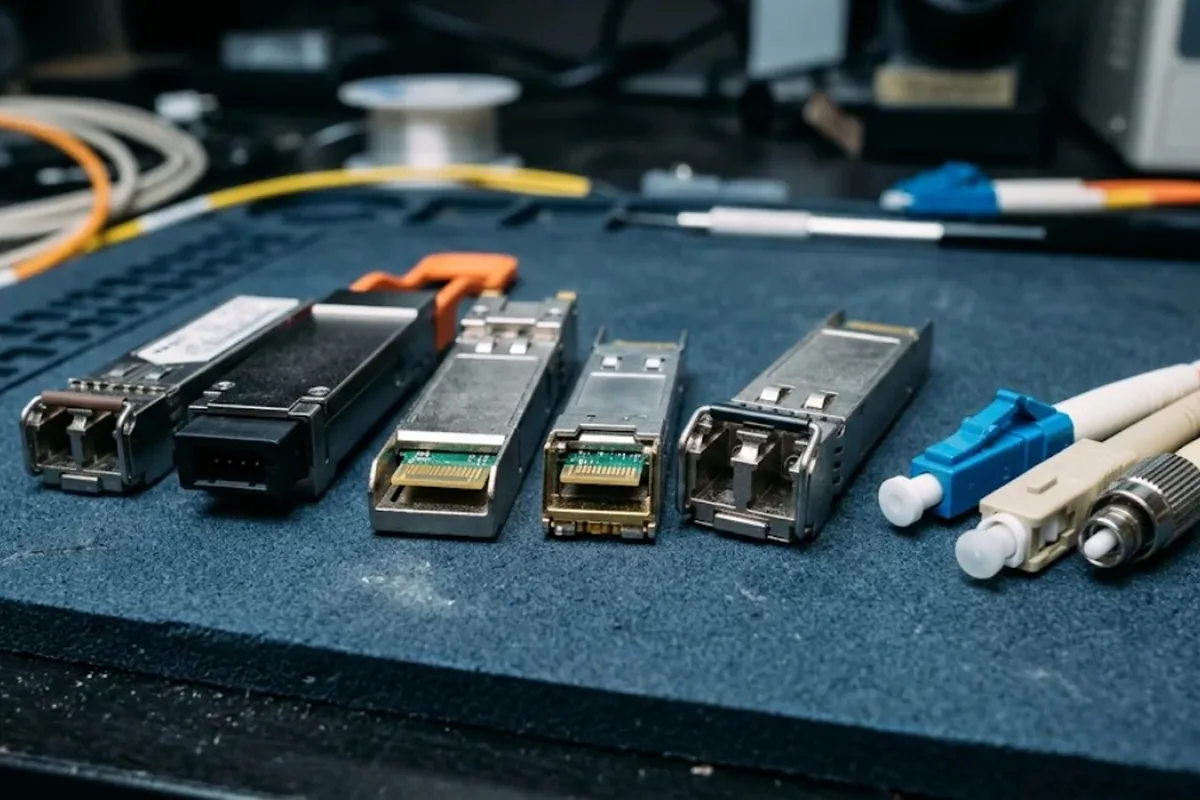
Fiber type, wavelength and distance
The module must match the cable and the module at the other end of the link. The main things to match are:
- Multimode or single-mode fiber: multimode (often SR modules) is used for short distances inside a building; single-mode (often LR or ER modules) is used for longer runs.
- Wavelength: both ends must use the same wavelength, for example 850 nm for SR or 1310 nm for LR. BiDi modules use different transmit and receive wavelengths and must be bought as matching pairs.
- Connector: most modules use duplex LC connectors; higher-speed parallel optics may use MPO connectors.
- Distance: choose a module rated for your actual cable length, including patch cables.
- Copper and DAC options: for very short links inside a rack, direct attach copper (DAC) cables or RJ45 copper SFPs can be simpler and cheaper.
Why compatibility matters
Many switch vendors check a code stored in the module's memory (EEPROM). If the code is not recognised, the switch may show a warning, disable the port, or refuse to bring the link up. Other devices accept any standards-compliant module. Before buying, check:
- The vendor and model of the switch: and whether it accepts third-party optics, sometimes through a configuration command.
- Software version: support for some module types depends on the switch's operating system version.
- Port speed: some SFP+ ports accept 1G SFP modules, but not every port supports every speed.
- Coding of third-party modules: reputable third-party suppliers program modules for a specific switch brand. Ask which platform the module is coded for.
- Support policy: some vendors may ask you to reproduce a problem with their own optics when you open a support case.
If you are planning access layer upgrades at the same time, see our guides to choosing a PoE switch and Catalyst 9200 vs 9300.
Buying used or refurbished transceivers
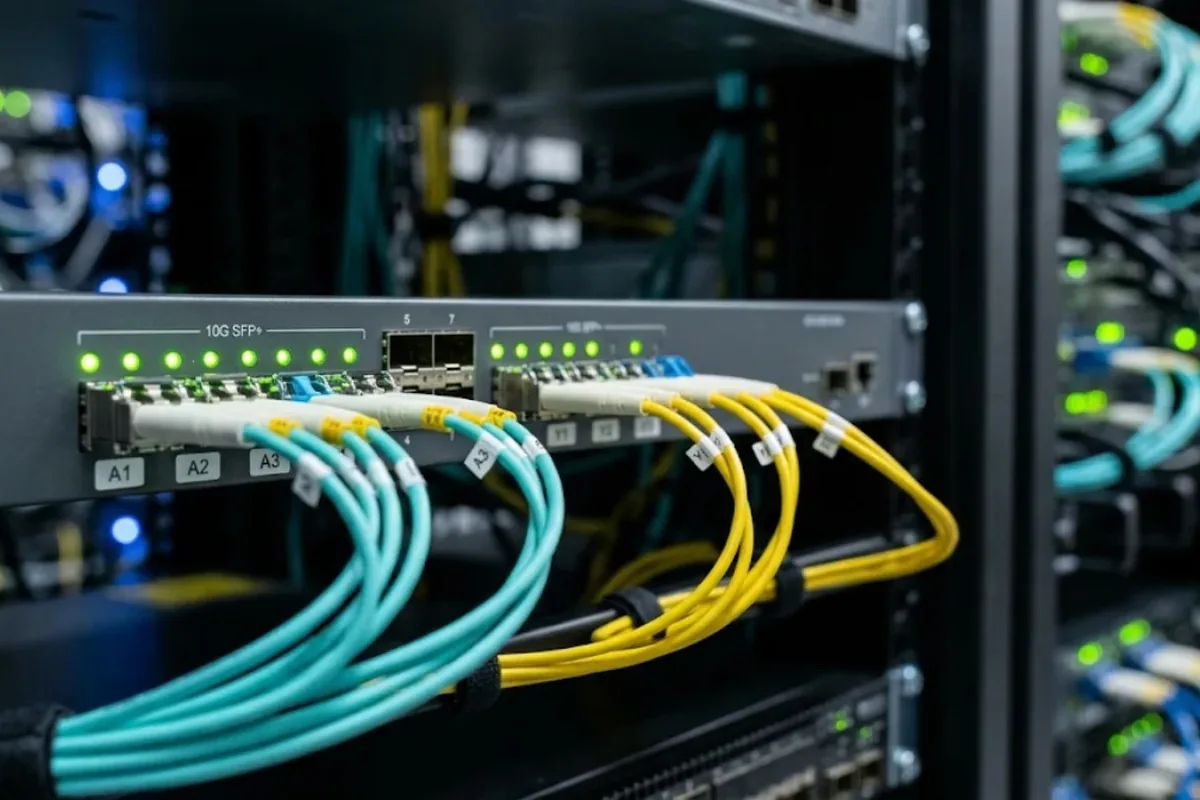
Used optics can offer good value, especially for lab, expansion or spare stock, but they need checks:
- Inspect the connector and dust caps; dirty or scratched optics cause errors.
- Test each module in the target device and confirm the link comes up at the right speed.
- Check digital optical monitoring (DOM) values such as transmit and receive power and temperature.
- Confirm the module type, wavelength and coding on the label match what you ordered.
- Keep the module's lifecycle in mind together with the switch; our article on end-of-life network gear explains what to watch for.
Common mistakes
- Mixing multimode and single-mode modules on the same link.
- Buying BiDi modules without the matching pair for the other end.
- Choosing a module rated for a shorter distance than the real cable run.
- Assuming every switch accepts every third-party module.
- Forgetting to clean fiber connectors before connecting them.
Frequently asked questions
Can I use an SFP module in an SFP+ port?
Many SFP+ ports accept 1G SFP modules and run at 1 Gb/s, but this depends on the specific device and port. Check the switch documentation.
Are third-party SFP modules reliable?
Modules from reputable suppliers that are properly coded and tested for your platform are widely used. Quality varies between suppliers, so test before deploying them widely.
What does SR and LR mean?
SR (short reach) modules are typically used with multimode fiber over short distances. LR (long reach) modules are typically used with single-mode fiber over longer distances.
Do both ends of a link need the same module?
Both ends must match in standard, wavelength and fiber type. They do not need to be from the same brand, as long as each module is compatible with the device it is plugged into.
What is DOM in a transceiver?
Digital optical monitoring reports values such as optical power, temperature and voltage, which helps diagnose weak links and failing modules.
Conclusion
Choosing the right SFP transceiver comes down to matching the speed, fiber type, wavelength and distance of the link, and confirming the module is compatible with the device it will be plugged into. Testing modules before deployment avoids most problems. If you need help matching transceivers to your switches or sourcing tested modules, contact the ITCT team with your device models and link requirements.