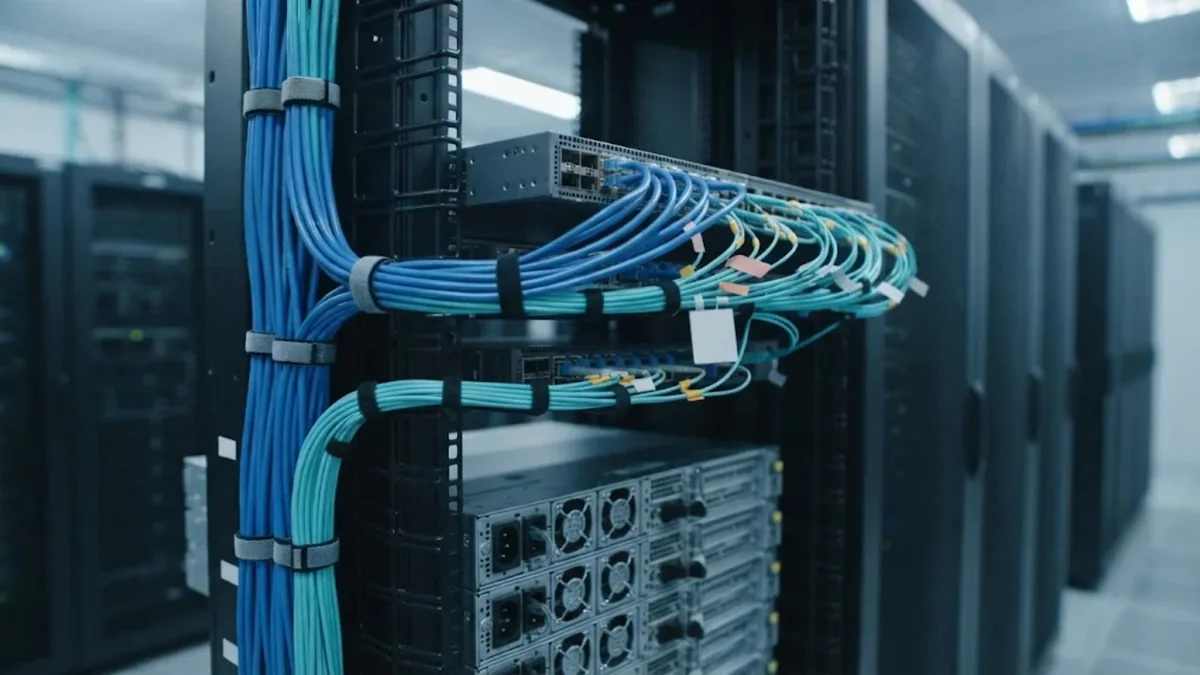
Servers, switches and storage get most of the attention when you plan a rack, but the cables between them decide whether everything actually works at full speed. Choosing the wrong cable type can cap a 25G port at 10G, add unnecessary cost, or turn the back of the rack into a tangle that blocks airflow and slows down every repair. This guide explains the main cable types used in server rooms and data centers, where each one fits, and how to plan cabling for refurbished and new equipment.
The four cable families you will meet
- Twisted-pair copper (Cat6, Cat6a, Cat8): standard RJ45 Ethernet for management ports, 1G and 10GBASE-T links.
- Direct attach copper (DAC): twinax cables with SFP+, SFP28, QSFP28 or QSFP56 connectors fixed on both ends, used for short high-speed links.
- Active optical cables (AOC): fibre with transceivers permanently attached on both ends, for medium distances.
- Structured fibre with transceivers: separate optical modules plugged into ports and connected with LC or MPO fibre patch cords.
Copper Ethernet: Cat6 vs Cat6a vs Cat8
Twisted-pair cabling is still everywhere in a server room, mostly for out-of-band management (iDRAC, iLO), access switches and 10GBASE-T servers.
- Cat6: fine for 1G everywhere and 10G over short runs. Inexpensive and flexible.
- Cat6a: the safe choice for 10GBASE-T up to 100 metres. Thicker cable, so plan cable management space.
- Cat8: designed for 25G and 40G over very short runs (up to 30 metres). Rarely used because DAC and fibre are usually simpler at those speeds.
10GBASE-T ports also use more power and generate more heat than SFP+ ports with DAC, which matters in dense racks.
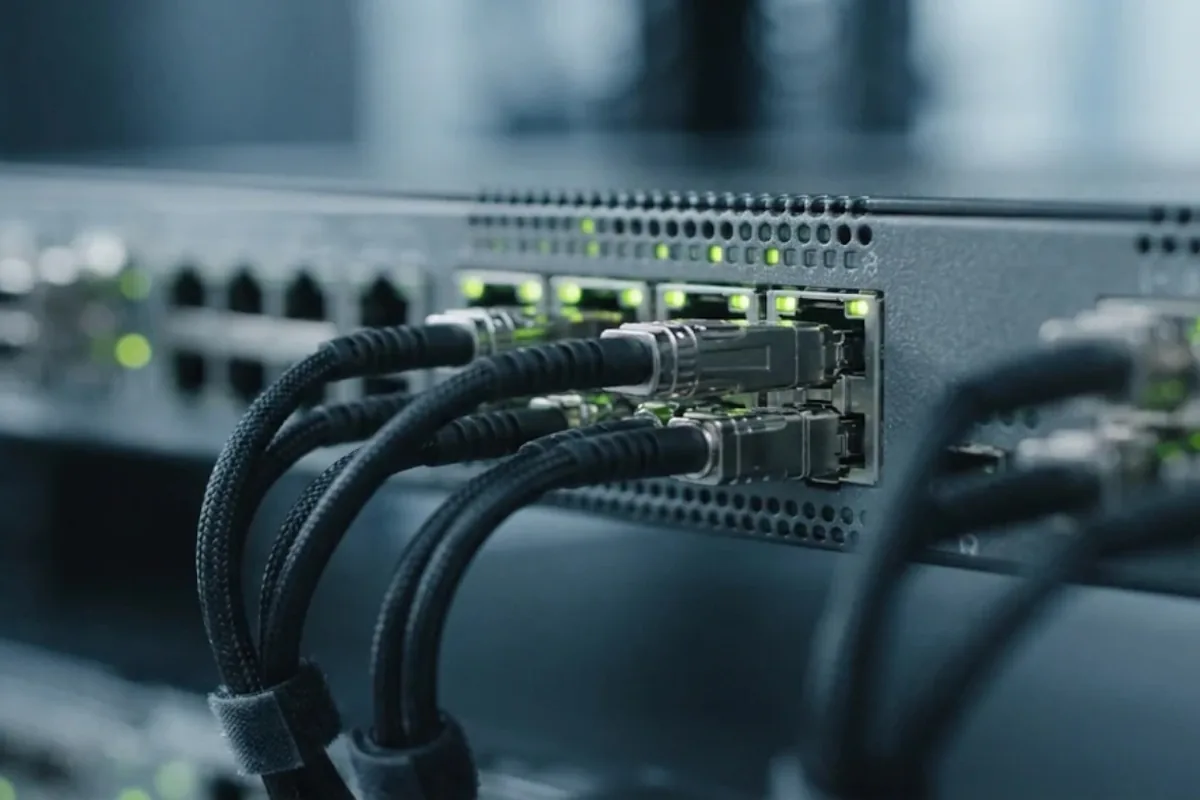
DAC: the default for in-rack high-speed links
Direct attach copper cables are the cheapest and lowest-latency way to connect servers to a top-of-rack switch at 10G, 25G, 40G or 100G. Passive DAC typically works up to about 3 to 5 metres depending on speed; active DAC extends that a little. Their main limitations are:
- Length: fine within a rack or between adjacent racks, but not across a room.
- Thickness: 100G QSFP28 DACs are stiff and bulky, so bundles need careful routing.
- Compatibility: some switches and NICs check the cable's coding. Our SFP transceiver compatibility guide explains how vendor coding affects both DACs and optics.
AOC and fibre: for longer runs and higher density
When links leave the rack or exceed DAC length, fibre takes over. You can either use active optical cables, which are simple plug-and-play assemblies, or structured fibre with separate transceivers:
- AOC: thinner and lighter than DAC, good for 5 to 30 metre links between racks. If one end fails, the whole cable is replaced.
- Multimode fibre (OM3/OM4) with SR optics: common for links up to about 100 metres inside a data center.
- Single-mode fibre (OS2) with LR optics: for building-to-building or very long runs, and increasingly used inside large data centers.
- MPO/MTP trunks: carry many fibres in one connector for high-density 40G, 100G and breakout links.
Structured fibre costs more up front but lets you upgrade speeds later by swapping transceivers instead of re-cabling.
Breakout cables
A breakout cable splits one high-speed port into several lower-speed links, for example one 100G QSFP28 port into four 25G SFP28 connections. This is a cost-effective way to connect four servers to a single switch port, provided the switch supports breakout mode on that port.

Planning cabling for a rack
- List every port. For each server, record management, data and storage ports with their speed and connector type.
- Measure real distances. Include vertical runs and slack for sliding servers out on rails; a cable that is 20 cm too short prevents maintenance.
- Use the right cable per link: RJ45 for management, DAC within the rack, AOC or fibre between racks.
- Separate power and data. Run power cords on one side of the rack and data cables on the other to reduce clutter and interference.
- Label both ends. A consistent label scheme such as rack, unit and port saves hours during troubleshooting.
- Keep airflow paths clear. Dense cable bundles behind servers block hot air exhaust and raise inlet temperatures. Redundant power cabling matters too; see our server power supply guide.
Buying cables for refurbished equipment
- Check the exact port type on the NIC and switch (SFP+, SFP28, QSFP28) before ordering.
- Confirm whether the switch requires vendor-coded optics or DACs, or whether it accepts third-party coding.
- Inspect used fibre patch cords and transceivers for clean connectors; dirty fibre ends are a common cause of link errors.
- Keep a few spare DACs and patch cords of common lengths so a failed cable does not mean downtime.
Frequently asked questions
Is DAC better than fibre?
For short links inside a rack, DAC is usually cheaper, uses less power and has lower latency. For longer links or very dense cabling, fibre or AOC is the better choice.
Can I use Cat6 for 10G?
Yes, over short distances. For reliable 10GBASE-T at full length, Cat6a is the recommended standard.
What is the difference between OM3 and OM4 fibre?
Both are multimode fibre. OM4 supports longer distances at high speeds, so it gives more headroom for future upgrades.
Do DAC cables work between different vendors' equipment?
Often yes, but some switches enforce vendor coding. Check compatibility or use cables coded for the switch side.
How often should data center cabling be replaced?
Good structured cabling can last many years. Patch cords and DACs are replaced as speeds change or when they are damaged.
Conclusion
The right cabling plan uses copper for management and short 10G runs, DAC for high-speed links inside the rack, and fibre or AOC for everything longer. Measure carefully, label everything and keep airflow paths clear. If you are also choosing the switches at the top of the rack, our comparison of used Cisco Catalyst 9200 vs 9300 can help you match ports to your cabling.