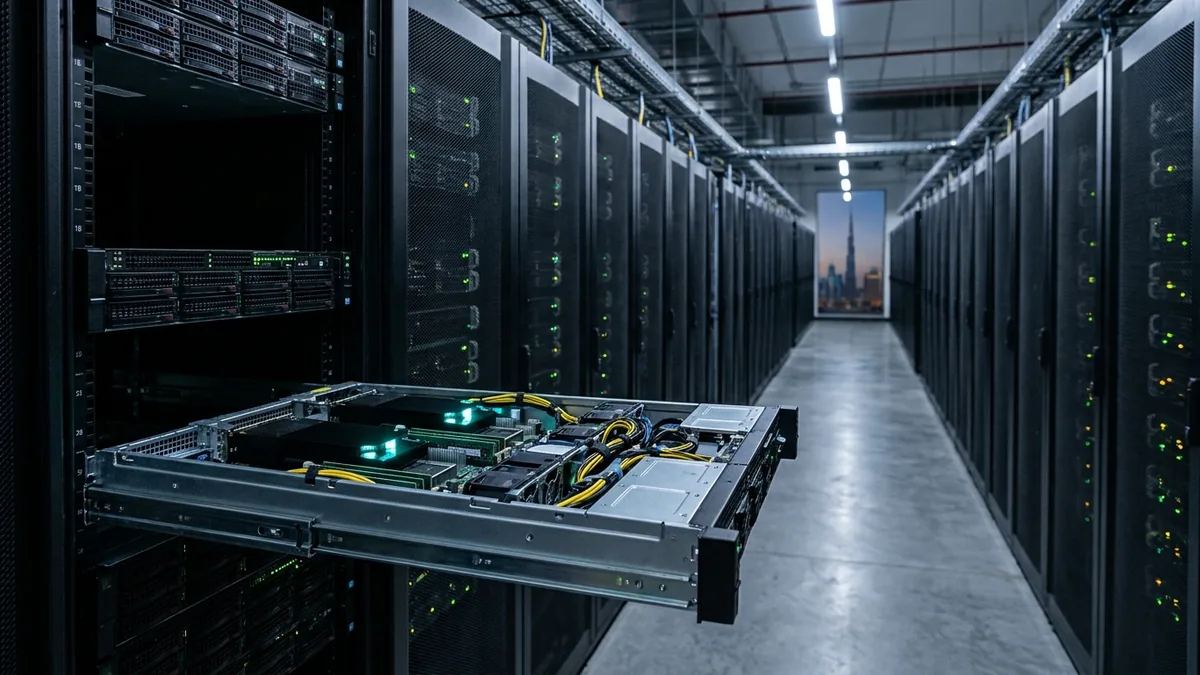
Most AI startups in Dubai hit the same wall around month six. Cloud GPU bills have grown faster than revenue, the models have stabilised enough that the team knows roughly what it needs, and someone asks the obvious question: would it be cheaper to just own a server? Often the answer is yes, and often the server does not need to be new. Refurbished enterprise GPU servers, paired with the right GPUs, can give a startup serious training and inference capacity for a fraction of a new build. This guide covers which refurbished platforms make sense, which GPUs to put in them, realistic budget tiers, and the mistakes that turn a bargain into a problem.
When owning beats renting for a startup
Renting first is usually right. Cloud keeps cash free, avoids stranded hardware if the product pivots, and lets you test which GPU your model really needs. The case for buying gets strong when three things are true:
- Utilization is steady. If a GPU is busy more than roughly 40–50% of the time for a year or more, ownership usually wins.
- The workload is known. You know the model sizes, whether you are fine-tuning or only serving, and how much VRAM that takes.
- Data has to stay put. Some clients (healthcare, finance, government suppliers) want data processed on hardware you control.
For scale: single-tenant H100 servers in Dubai rent for well over $15,000 per month at list price, and even budget A100 80GB rental on marketplaces sits around $0.75–$1.50 per GPU-hour. A refurbished server that pays for itself in six to twelve months of avoided rental is a reasonable target.
Which refurbished platforms work for AI
Not every refurbished server can take datacenter GPUs. You need the right risers, enough power per slot, and airflow designed for passively cooled cards. The platforms that come up most for budget AI builds:
| Platform | GPU capacity | Good for | Notes |
|---|---|---|---|
| Dell PowerEdge R750xa | Up to 4 double-width | Inference, fine-tuning, mixed workloads | Gen4 PCIe, front-mounted GPUs with strong airflow |
| HPE ProLiant DL380a Gen11 | Up to 4 double-width | Newer builds, PCIe Gen5 cards | Pricier refurbished, but supports current GPUs |
| Supermicro SYS-4029GP-TRT (and similar 4U) | Up to 8 double-width | Training on many PCIe GPUs | Gen3 PCIe; fine for older cards, a bottleneck for newer ones |
| Dell PowerEdge R740 / HPE DL380 Gen10 | 2–3 GPUs with GPU kit | Entry inference, development | Cheapest entry point; check the GPU enablement kit is included |
The general rule: match the PCIe generation to the GPU. Putting a Gen5 card in a Gen3 chassis works, but you waste bandwidth you paid for. If you are new to refurbished hardware, our guide to buying refurbished servers in Dubai covers grading, testing and warranty.
Choosing the GPU: VRAM first, then generation
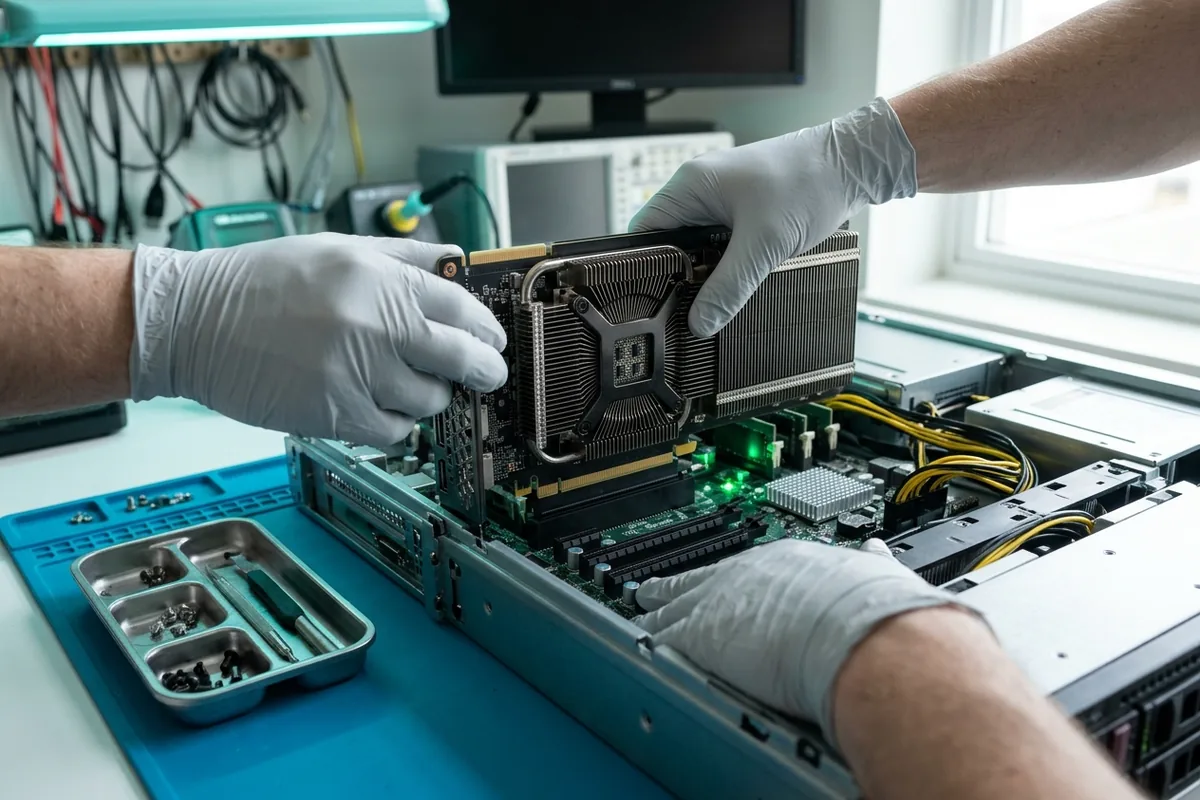
For AI, VRAM decides what you can run; compute speed decides how fast. A startup should pick the smallest card that holds its model with headroom, then buy enough of them. Indicative used/refurbished prices move every month, so treat these as planning ranges:
| GPU | VRAM | Indicative price (used/refurb, 2026) | Fits |
|---|---|---|---|
| NVIDIA V100 32GB | 32 GB HBM2 | Low hundreds to ~$1,000 | Learning, small models, legacy CUDA code; no FP8/BF16 speedups |
| RTX A6000 | 48 GB GDDR6 | Mid four figures | 7B–13B fine-tuning, 30B quantised inference |
| A100 40GB / 80GB | 40 / 80 GB HBM2e | ~$5,000 (SXM4) to well over $10,000 (PCIe 80GB) | Serious fine-tuning, 70B quantised inference on two cards |
| L40S | 48 GB GDDR6 | Usually bought new | Inference with FP8, generative image/video |
| H100 PCIe | 80 GB HBM3 | ~$12,000–$24,000 used | Fastest single-card option on this list |
A100 pricing shows how uneven the used market is. Appraisal data through 2026 puts realised sales of A100 SXM4 80GB around $5,000, while PCIe A100 80GB listings average far higher, because SXM modules need an HGX board and PCIe cards drop into ordinary servers. For a startup, the PCIe premium is often worth it for the flexibility.
One more rule: avoid consumer gaming cards (RTX 4090, 3090) in rack servers. They are cheap per GB of VRAM, but their coolers are not designed for front-to-back server airflow, they lack ECC, and multi-card density is poor.
Three budget tiers for a Dubai AI startup
These are example configurations, not quotes. Exact pricing depends on stock, grade and warranty at the time you buy.
Tier 1: Development and small-model inference
- Refurbished Dell R740 or HPE DL380 Gen10 with GPU kit
- 2 × RTX A6000 (96 GB total)
- 256 GB RAM, 2 × 1.92 TB NVMe
- Runs: 7B–13B fine-tuning with LoRA, 30B-class quantised inference, embeddings and RAG pipelines
Tier 2: Production inference and regular fine-tuning
- Refurbished Dell R750xa
- 4 × A100 80GB PCIe (320 GB total)
- 512 GB RAM, 4 × 3.84 TB NVMe, 25/100 GbE networking
- Runs: 70B quantised inference, QLoRA fine-tuning of 70B models, multiple smaller models at once
Tier 3: Small training cluster
- Two Tier-2 servers, or a used 8-GPU system
- 100 GbE or InfiniBand between nodes
- Runs: continued pre-training of mid-size models, heavy multi-tenant inference
Most startups we talk to belong in Tier 1 or 2. Tier 3 only makes sense once you have a proven, repeated training workload; otherwise the networking, power and operations overhead eat the savings.

A worked payback example
Numbers make this decision easier than opinions. Take a startup running four A100 80GB GPUs in the cloud for inference and periodic fine-tuning, about 16 hours a day.
| Item | Cloud (marketplace rates) | Refurbished Tier 2 server |
|---|---|---|
| GPU cost | 4 GPUs × 16 h × 30 days × ~$1.20/h ≈ $2,300/month | One-off hardware purchase |
| Power and colocation | Included | Roughly $400–$800/month in a Dubai colo, depending on contract and draw |
| Data transfer and storage | Often extra | Local NVMe, no egress fees |
| Flexibility | Scale up or down any time | Fixed capacity; resale value remains |
On these assumptions, ownership saves roughly $1,500–$1,900 a month before staff time, so a refurbished server pays back within the first year or two depending on what you pay for it. Hyperscaler on-demand pricing is several times higher than marketplace rates, which shortens payback dramatically. The comparison flips the other way if utilization drops to a few hours a day, which is why knowing your real usage comes first. Pull three months of cloud invoices before you decide.
Two things make the owned option even stronger in practice. First, the hardware keeps resale value: a well-kept A100 server can be sold or traded in when you move to newer GPUs. Second, your team stops rationing GPU time to control the bill, which tends to speed up experimentation more than any spec sheet suggests.
Hidden costs to budget for in the UAE
- Power and cooling. A 4-GPU server can draw 2–3 kW under load; an 8-GPU node 3–4 kW or more. Office server rooms in Dubai often cannot cool that reliably in summer. Colocation is usually the safer choice and should be in the budget from day one.
- Memory and storage. GPUs get the attention, but under-sized system RAM and slow disks starve them. Check memory compatibility before upgrading; our note on server RAM compatibility covers the usual traps.
- Spares. Keep at least one spare PSU and a couple of drives. Waiting for a part is the most expensive downtime a small team has.
- Your time. Someone has to run drivers, CUDA, monitoring and updates. If nobody on the team wants that job, factor in a managed service.
Checks before you buy refurbished GPU hardware
- Get serial numbers for the server and every GPU before paying.
- Ask for a burn-in report: a sustained GPU load test of at least an hour with temperatures and clocks logged.
- For GPUs with HBM (A100, H100), ask for ECC and memory remapping status from
nvidia-smi. - Confirm the GPU enablement kit, risers and power cables are included and match the cards.
- Get the warranty terms in writing: length, what is covered, and how fast a dead part is replaced.
- Check the firmware and BIOS level; very old firmware can block newer GPUs.
If you are building smaller first, a refurbished machine at home or in the office is a good way to learn the stack; see building a home lab from refurbished gear in the UAE.
Frequently asked questions
What is the cheapest way to get an AI server in Dubai?
For learning and small models, a refurbished Dell R740 or HPE DL380 Gen10 with two 48 GB GPUs such as the RTX A6000 is one of the lowest-cost serious options. For production, a refurbished R750xa with A100 80GB cards is a common step up.
Is refurbished GPU hardware reliable enough for a startup?
Datacenter GPUs and servers are built for continuous load, and properly tested refurbished units run for years. The risk is in untested hardware, so insist on serial numbers, a burn-in report and written warranty.
Should a startup buy GPUs or rent cloud GPUs?
Rent while the workload is uncertain. Buy once a GPU will be busy most of the day for a year or more, or when clients require data to stay on hardware you control.
Which GPU should an AI startup start with?
Start from VRAM: 48 GB cards like the RTX A6000 cover most 7B–13B work, 80 GB cards like the A100 handle 70B-class models with quantisation. Choose the smallest card that fits your model with headroom, then add more cards.
Can I put gaming GPUs like the RTX 4090 in a rack server?
It is possible but not recommended. Their coolers are not built for server airflow, they lack ECC memory, and density is poor. Datacenter or workstation cards are the safer choice in a rack.