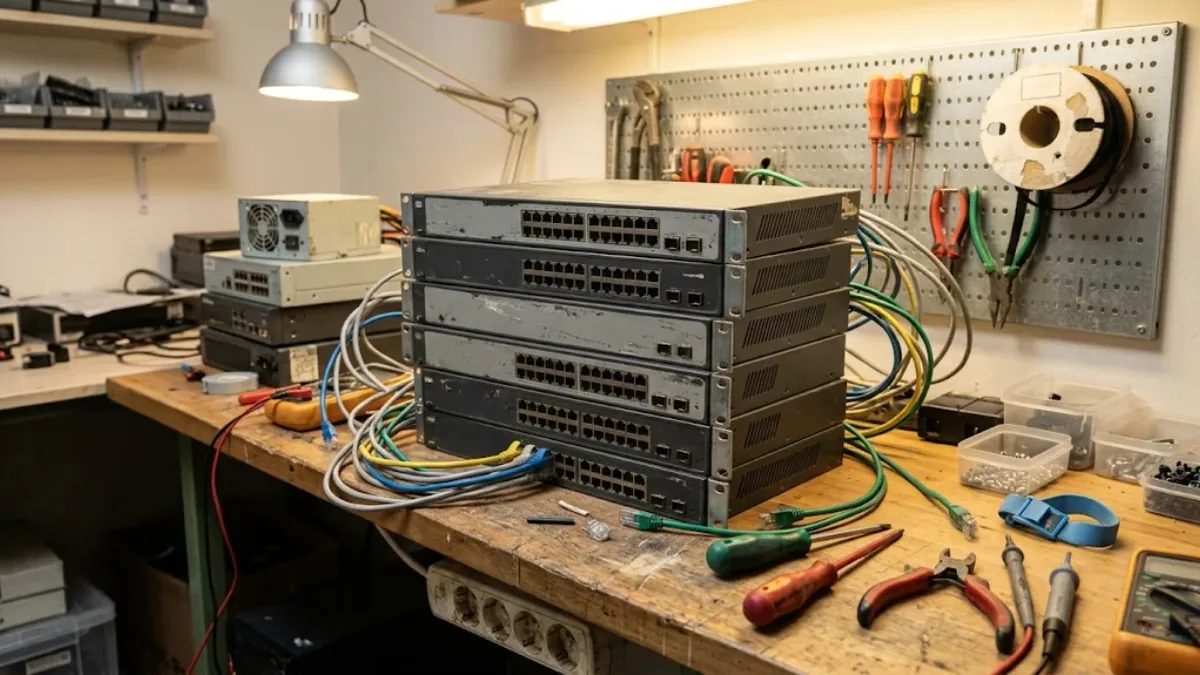
End-of-life Cisco and Aruba gear can still be a smart buy, but only for the right job. When a vendor announces end-of-life (EoL) for a switch or access point, the hardware does not stop working; what ends, step by step, is the ability to buy it new, then software updates, then security patches and finally official support. A used Catalyst switch that is past end-of-sale but still receiving security fixes can be excellent value for a branch office. The same switch after its last date of support, sitting at the edge of your network, can be a liability. This guide explains the EoL milestones, where used end-of-life networking equipment makes sense, and how to buy it safely.
What "end-of-life" actually means
Cisco publishes an end-of-life bulletin for each product family with several milestones. The names vary slightly by vendor, but the sequence is similar for Aruba (HPE Aruba Networking) and others:
- End-of-Sale (EoS): the last date to order the product new from the vendor.
- End of Software Maintenance: no more feature updates or general bug-fix releases.
- End of Vulnerability/Security Support: the vendor stops issuing security patches.
- Last Date of Support (LDoS): no more support contracts, TAC cases or hardware replacements from the vendor.
Between End-of-Sale and Last Date of Support there are typically several years. That window is the sweet spot for buying used: prices have fallen sharply, but the platform is still patched.
Always check the bulletin before buying
Before you buy any used model, search the vendor's site for its EoL bulletin and note the security-support and LDoS dates. A model that is already past security support should be treated very differently from one with years of patches left. If a seller cannot tell you where a model stands in its lifecycle, check it yourself.

Where used EoL gear makes sense
- Labs and training: CCNA/CCNP practice, testing configurations before production changes, and proof-of-concept builds. Lifecycle status matters far less here.
- Isolated or internal segments: access switches behind a firewall, camera networks, or building-management VLANs that are not internet-facing.
- Spares for an existing estate: if your network already runs a model, identical used units are the fastest way to keep spares on the shelf.
- Branch and small offices: models past end-of-sale but still within security support offer strong value for basic switching and Wi-Fi.
Where it does not make sense
- Internet-facing devices: firewalls, VPN concentrators and edge routers need current security patches. Do not deploy hardware that has passed its security-support date in these roles.
- Environments with audit requirements: if your organisation's policy or a client contract requires vendor-supported equipment, LDoS hardware will fail the requirement.
- Features you will need soon: if you plan Wi-Fi 6E/7, multi-gig access or newer management platforms, an EoL model may block the upgrade path.
Cisco vs Aruba: lifecycle and licensing points
Cisco
Many Catalyst switches run fully on their base licence, but advanced features and some newer platforms depend on subscription licensing (for example DNA/Cisco Networking subscriptions on Catalyst 9000). Licences are usually tied to the original owner and do not always transfer with used hardware. Confirm which feature set the device will run with, and whether it boots and operates normally without a subscription. Our comparison of used Catalyst 9200 vs 9300 covers this in detail.
Aruba
Aruba access points can run in different modes (controller-based, Instant/standalone, or cloud-managed), and some models can be converted between them. Used APs may be locked to a previous owner's management account or require specific firmware. Ask the seller to confirm the AP has been reset and released from any cloud account before shipping.
Buying checklist for used EoL networking gear
- Look up the EoL bulletin and record security-support and LDoS dates.
- Confirm the exact model and part number, including power supplies and fans.
- Ask for a factory reset and confirmation the device is released from previous owners' cloud or licence portals.
- Check the running software version and whether a newer patched release is available for that model.
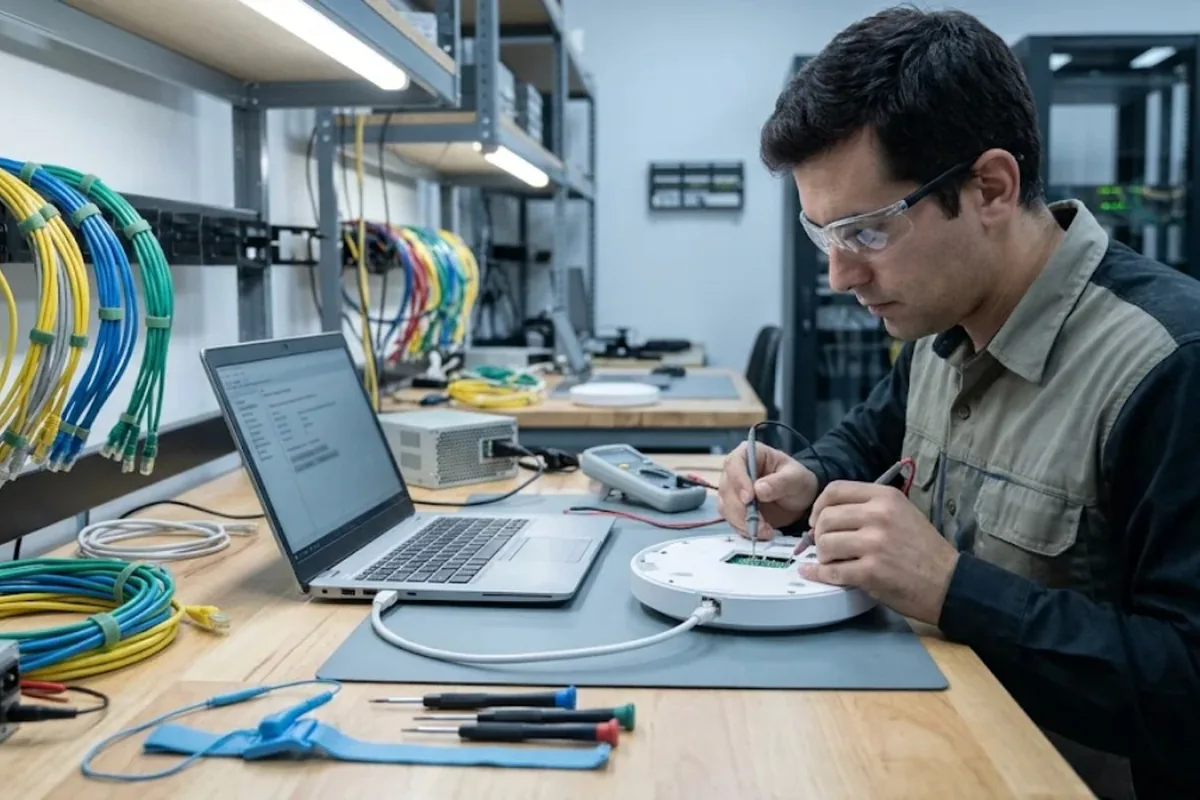
- Ask for test evidence: power-on, port tests and PoE output under load if you rely on PoE.
- Get a written warranty period from the seller; see what to expect in our guide to warranties for refurbished hardware.
- Buy spares for the parts most likely to fail: power supplies and fans.
Total cost: why the purchase price is not the whole story
Used EoL gear often costs a fraction of new equivalents, but factor in power consumption (older switches can draw noticeably more), the time to maintain older software, and the planned replacement date. A simple rule: buy used EoL hardware when the remaining security-support window comfortably covers the period you plan to use it.
Frequently asked questions
Is it safe to use a Cisco switch after end-of-life?
It depends on the milestone and the role. A switch past end-of-sale but still receiving security updates is generally fine for internal networks. A device past its last security patch should not be used in internet-facing or high-risk positions.
Do Cisco licences transfer with used hardware?
Not automatically. Many Cisco licences are tied to the original purchaser, and subscription features may not be available to a second owner. Confirm what the device will run with before buying.
Can used Aruba access points be locked to another account?
Yes. Cloud-managed or controller-managed APs can remain associated with a previous owner. Ask the seller to reset the AP and release it from any management account.
Where can I find the end-of-life date for a model?
Search the vendor's website for the model name plus "end-of-life bulletin" or "end-of-sale". The bulletin lists every milestone, including the last date of support.
Conclusion
End-of-life does not mean end of usefulness. For labs, spares, internal segments and small branches, used Cisco and Aruba gear within its security-support window delivers excellent value. Keep EoL hardware away from internet-facing roles once patches stop, check licensing and account locks before buying, and insist on tested units with a written warranty. If you need help choosing used switches or access points for a specific project, contact the ITCT team for a configuration and availability check.