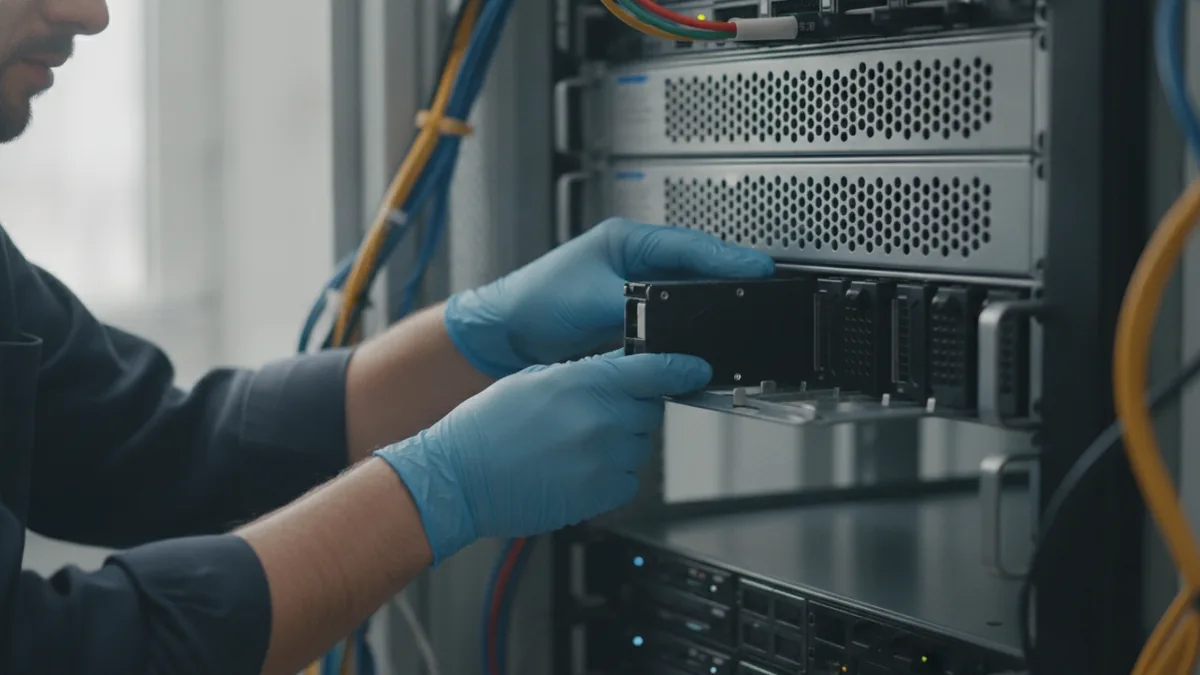
Adding drives to a Dell PowerEdge or HPE ProLiant looks simple until the new disk arrives without a caddy, the caddy does not fit the bay, or the server will not see the drive at all because the backplane does not support it. Caddies, backplanes and controllers are the small parts that decide whether a storage upgrade takes ten minutes or ten days. This guide explains how drive trays and backplanes work on Dell and HPE servers, how to identify the right part number and what to check before buying.
The three parts that must match
| Part | What it does | What to check |
|---|---|---|
| Drive caddy (tray / carrier) | Holds the drive and slides into the bay | Server generation, 2.5" or 3.5", vendor part number |
| Backplane | Connects bays to the controller and power | Number of bays and supported interfaces (SATA, SAS, NVMe) |
| Controller | RAID or HBA that manages the drives | Supported drive types and number of ports |
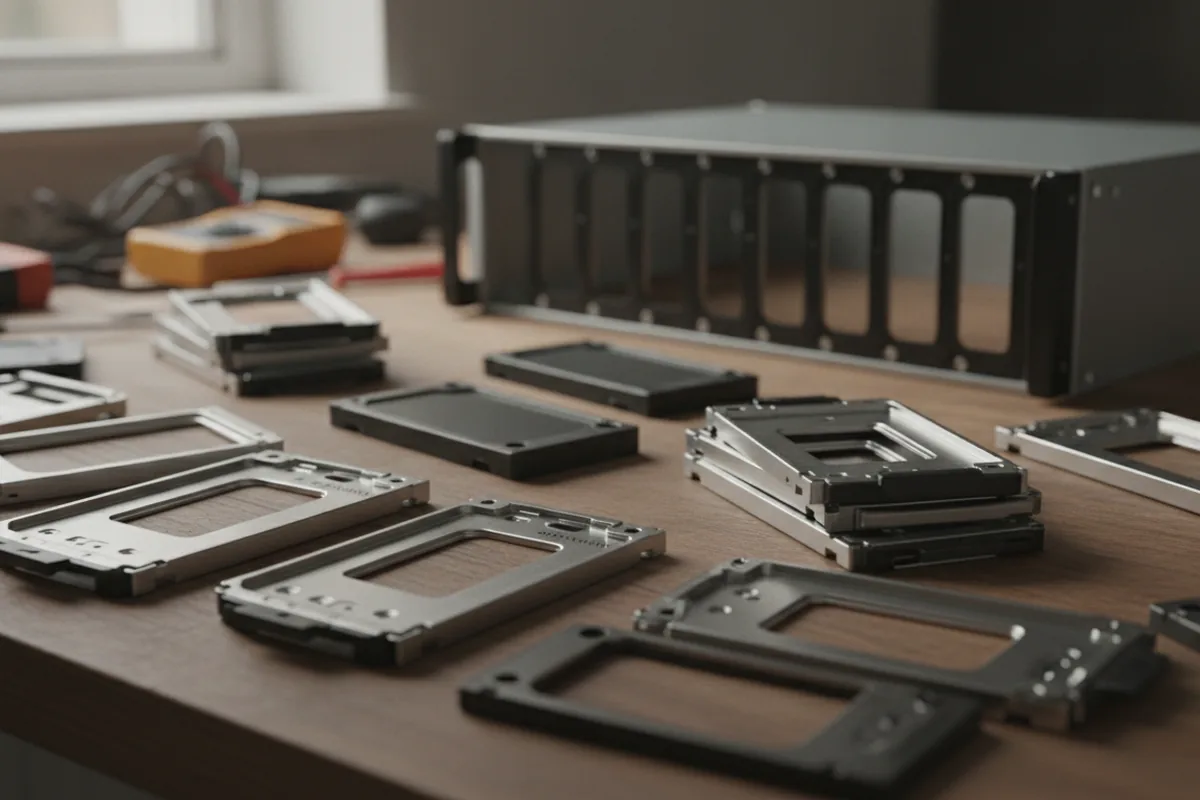
Dell PowerEdge caddies
- 13th generation (R630, R730): older-style trays; not interchangeable with 14th generation.
- 14th and 15th generation (R640, R740, R650, R750): the same style of 2.5" and 3.5" trays is widely shared across these generations. Compare the platforms in Dell R750 vs R740.
- 16th generation (R660, R760): updated tray designs; check part numbers carefully.
- Blank fillers are required in empty bays for correct airflow.
HPE ProLiant caddies
- Gen8 and Gen9: SmartCarrier (SC) trays with status LEDs.
- Gen10, Gen10 Plus and Gen11: SmartCarrier trays similar in look, but HPE drives are usually sold with the carrier attached under one part number. See DL380 Gen10 Plus vs Gen10.
- NVMe bays on HPE use different carriers and require an NVMe-capable backplane.
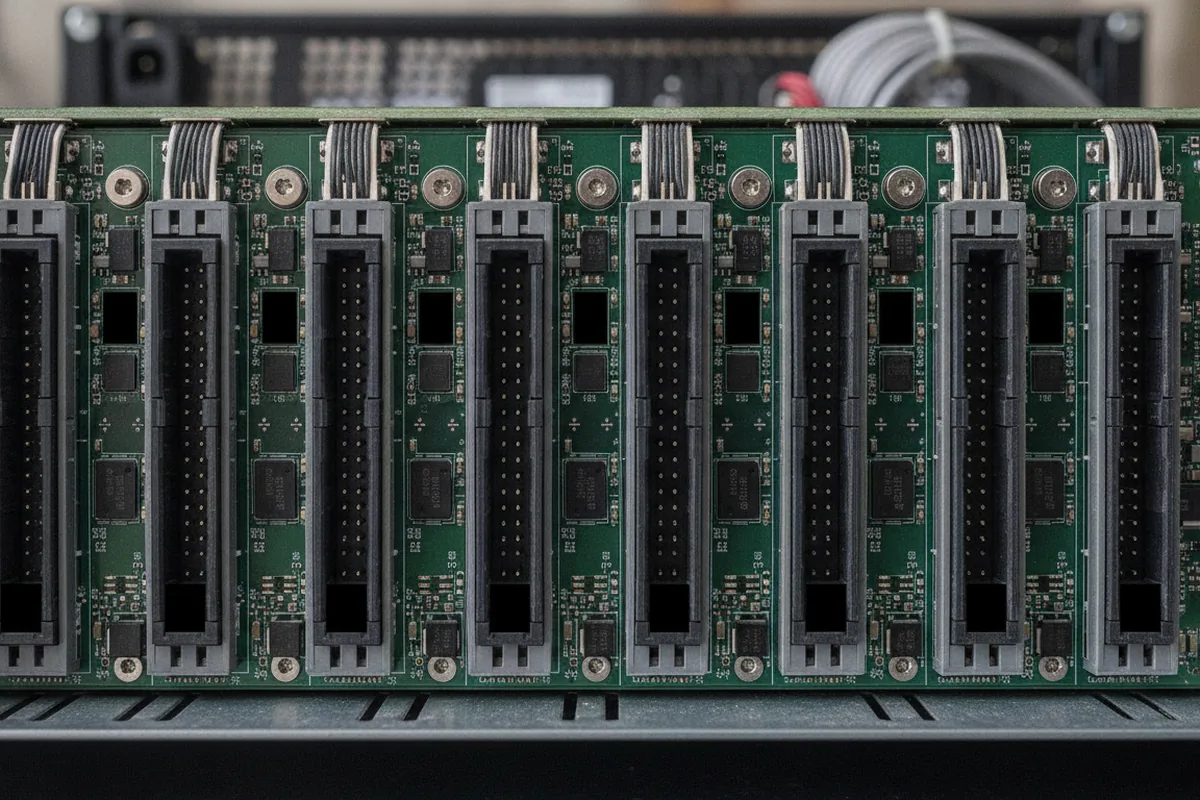
Backplanes: SATA, SAS and NVMe
- SAS backplanes accept SAS and SATA drives; SATA-only backplanes do not accept SAS.
- NVMe drives need an NVMe or tri-mode (Universal) backplane and the right cables or controller.
- Many servers ship with only part of the front bays cabled; adding drives may require an extra backplane or cable kit.
- Changing from SAS to NVMe usually means replacing the backplane, not just the drives.
Checklist before buying
- Find the server model and service tag (Dell) or serial number (HPE).
- Check the bay form factor (2.5" SFF or 3.5" LFF) and how many bays are cabled.
- Check the backplane type in iDRAC or iLO hardware inventory.
- Confirm the controller supports the drive type and capacity.
- Buy the caddy part number that matches the server generation.
- Update controller firmware before installing new drives.
ITCT stocks caddies, blanks, backplanes, RAID controllers and drives for Dell and HPE servers in Dubai, and we can match parts to your service tag before shipping. For whole systems, see our refurbished servers; for discontinued parts, read sourcing EOL IT parts in Dubai.
Frequently asked questions
Do new server drives come with a caddy?
HPE drives are usually sold with the carrier attached. Dell drives from third parties often come without a tray, so check before ordering.
Are Dell R740 and R750 caddies the same?
In most configurations they use the same style of 2.5" and 3.5" trays, but confirm the part number for your bay type.
Can I put a SATA SSD in a SAS server?
Yes, SAS backplanes and controllers accept SATA drives.
Can I add NVMe drives to any server?
Only if the server has NVMe-capable bays or you install an NVMe or tri-mode backplane with the right cabling.
Why does my server not detect the new drive?
Common causes are an uncabled bay, an unsupported backplane, a controller that needs a firmware update or a drive that must be configured in RAID.