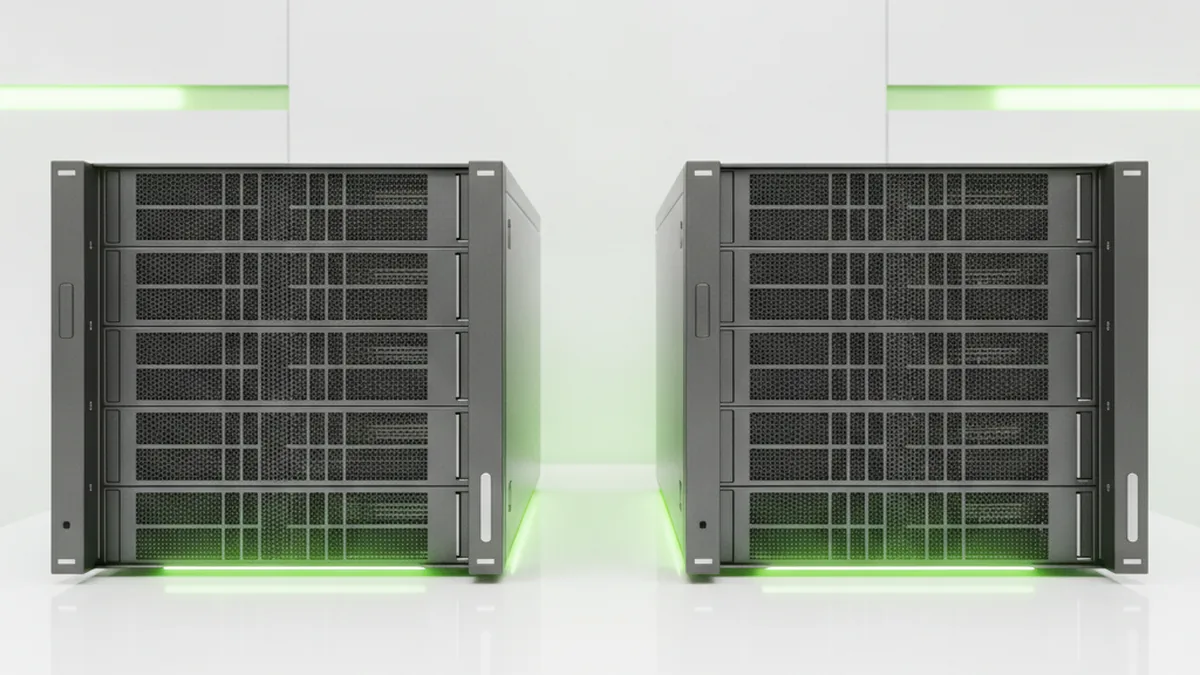
If you buy servers in the refurbished market, two names come up again and again: the Dell PowerEdge R740 and the HPE ProLiant DL380 Gen10. Both are 2U, dual-socket rack servers built on the same Intel Xeon Scalable platform, both were deployed in huge numbers in enterprise data centres, and both are now widely available through Dubai's IT hardware trade. On paper they look almost identical. In practice, there are differences in management, configuration options, parts ecosystems and how easy they are to maintain that can make one a better fit for your environment.
This comparison focuses on what matters to buyers of refurbished and used servers: specifications, flexibility, management tools, storage and GPU options, parts availability and practical buying tips.
At a glance
| Dell PowerEdge R740 | HPE ProLiant DL380 Gen10 | |
|---|---|---|
| Form factor | 2U rack, dual socket | 2U rack, dual socket |
| Processors | Intel Xeon Scalable 1st and 2nd generation | Intel Xeon Scalable 1st and 2nd generation |
| Memory slots | 24 DIMM slots | 24 DIMM slots |
| Memory type | DDR4, with support for Intel Optane persistent memory on 2nd gen CPUs | DDR4, with support for Intel Optane persistent memory on 2nd gen CPUs |
| Management | iDRAC9 | iLO 5 |
| Front drive options | Up to 16 x 2.5" or 8 x 3.5" (more with rear and mid-bay options on R740xd) | Up to 24 x 2.5" or 12 x 3.5" with additional drive cages |
| Storage-heavy sibling | R740xd | DL380 Gen10 with extra cages |
| Next generation | R750 | DL380 Gen10 Plus |
Exact capabilities depend on the specific configuration, riser options and drive cages installed, so always check the part numbers of the unit you are buying.
Processors and memory
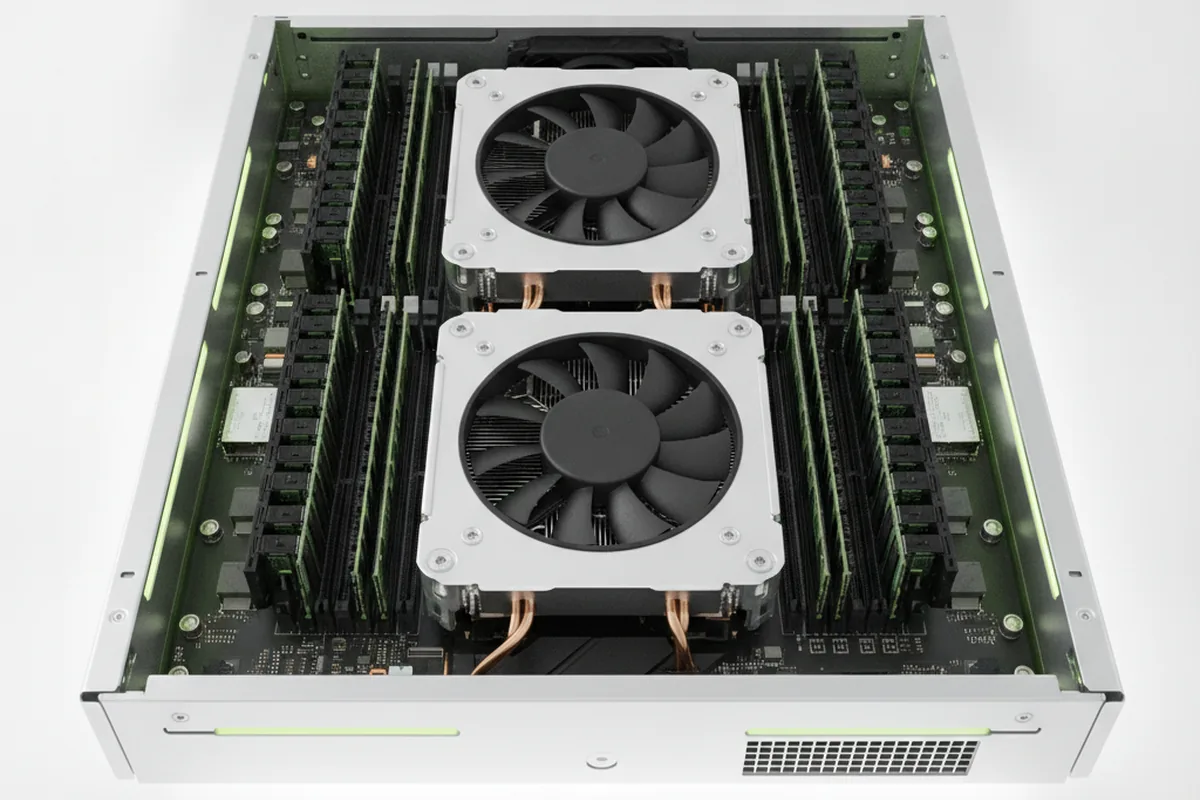
Both servers support first-generation (Skylake) and second-generation (Cascade Lake) Intel Xeon Scalable processors, from efficient lower-core-count Silver models to high-core-count Gold and Platinum parts. In the refurbished market, second-generation Gold processors are often the best balance of performance and price. Check that the BIOS version supports the processors you plan to use, especially when upgrading a server originally shipped with first-generation CPUs.
Each server has 24 memory slots, 12 per processor. Populating memory evenly across channels matters for performance; a configuration with mismatched or unevenly installed modules may run slower than expected. When comparing quotes, ask for the exact module sizes and how they are installed.
Storage flexibility
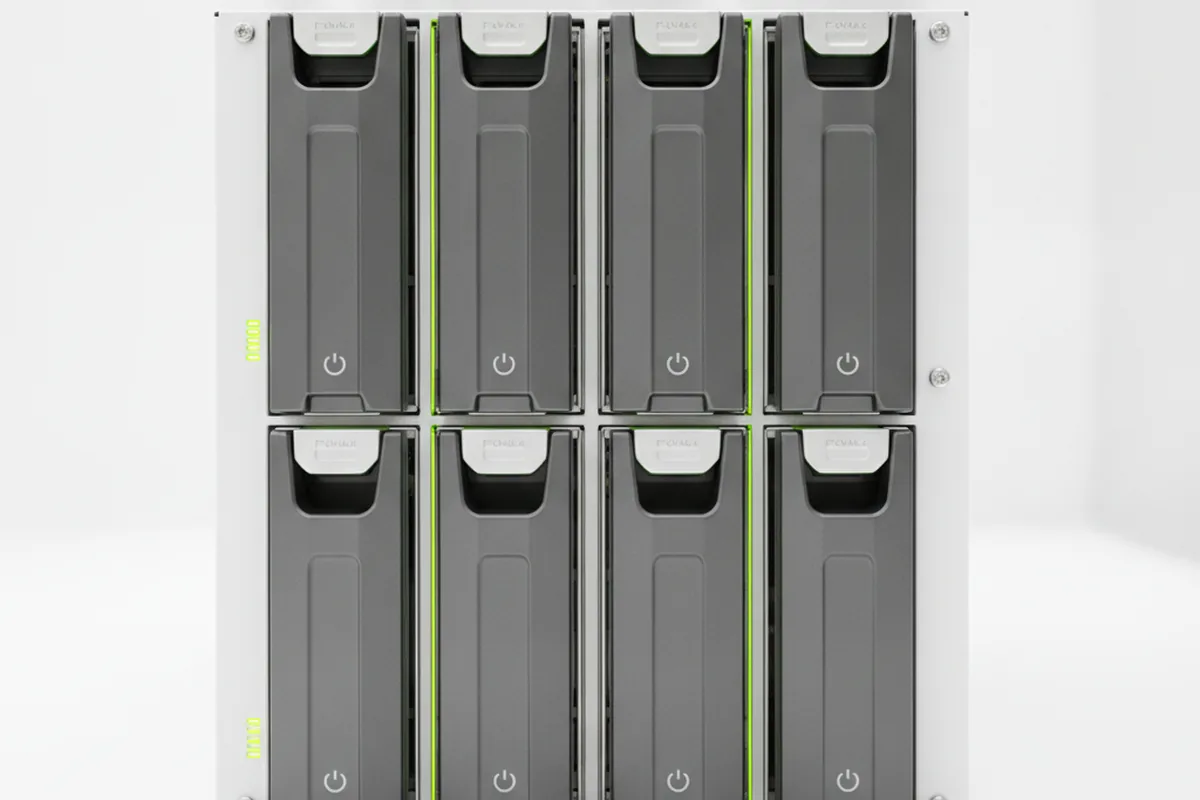
This is where the two lines differ most in practice. The DL380 Gen10 chassis can be configured with additional drive cages to reach a very high number of small-form-factor drives, which makes it popular for storage-dense deployments. On the Dell side, the standard R740 covers most general-purpose needs, while the R740xd variant is the choice when you need many drives, including rear and mid-bay options.
Both support hardware RAID controllers, HBA cards for software-defined storage, and NVMe drives in suitable configurations. If you plan to run storage software such as vSAN, Ceph or ZFS, confirm the controller can operate in HBA or pass-through mode.
GPU and accelerator support
Both servers can host GPUs and accelerators with the right risers, power supplies and enablement kits. They are commonly used with inference and graphics cards of their era. Full-height, double-width cards require specific riser configurations and higher-wattage power supplies, so a server that was originally configured without GPU support may need additional parts. If GPUs are a priority, ask the supplier whether the GPU enablement kit and suitable power supplies are included.
Management: iDRAC9 vs iLO 5
Out-of-band management is one of the biggest day-to-day differences:
- Dell iDRAC9 offers remote console, monitoring, firmware updates and lifecycle management. Advanced features such as full virtual console may depend on the licence level installed on the server.
- HPE iLO 5 provides similar remote management and monitoring, with advanced features depending on the iLO licence level.
Teams usually prefer whichever system they already use across their estate. When buying refurbished, ask which licence level is installed and whether management credentials have been reset.
Parts availability and maintenance
Because both models were deployed in very large numbers, spare parts are widely available in Dubai: drives and caddies, power supplies, fans, risers, RAID controllers, network cards and memory. This makes both servers practical to maintain for years. Make sure you use the right drive caddies and compatible part numbers; HPE in particular is strict about drive and component compatibility in some configurations.
Power and efficiency
Both servers offer multiple power supply options. Choose the lowest wattage that safely supports your configuration, especially if you are not installing GPUs, and use redundant power supplies for production systems. Compared with the newest generations, both are less efficient per unit of performance, which matters when electricity and cooling are expensive or limited.
Noise and third-party components
One practical difference that comes up repeatedly among buyers is how each platform reacts to non-original parts. HPE servers are known for raising fan speeds, sometimes considerably, when they detect drives, PCIe cards or other components that do not carry HPE firmware or identification. Dell servers can also increase fan speed with some third-party PCIe cards, though this is often adjustable through management settings. If the server will sit in an office, a lab or a small server room where noise matters, or if you plan to use third-party drives and cards to save money, test the exact configuration or ask the supplier about fan behaviour before buying.
NVMe and modern storage
Both platforms support NVMe drives in the right configurations, but NVMe support depends on the specific chassis, backplane and riser or cable kits installed. A server sold as "R740" or "DL380 Gen10" will not automatically accept U.2 NVMe drives. If fast NVMe storage is important, ask for the exact backplane and part numbers, and confirm the number of NVMe bays supported in that configuration.
Security features
Both generations introduced hardware-anchored security. HPE promotes its silicon root of trust in iLO 5, which validates firmware at boot, while Dell's iDRAC9 generation includes a silicon-based root of trust, signed firmware updates and system lockdown features. In practice, both are well protected when firmware is kept up to date. When buying refurbished, make sure firmware has been updated to recent versions and that previous configurations and security settings have been reset.
End of sale, support and what replaced them
Both servers are no longer sold new by their manufacturers and have been succeeded by newer generations: the Dell R750 and then the R760, and the HPE DL380 Gen10 Plus and then the DL380 Gen11. Being past end of sale does not mean they stop working; manufacturers continue to provide firmware and support for a period after end of sale, and the large secondary market keeps parts plentiful. For long-term deployments, check the manufacturer's current support timeline for the exact model and plan replacement accordingly. If you need PCIe 4.0, DDR4-3200 or newer processors, look at the next generation in the refurbished market instead.
For homelabs and small businesses
Both servers are popular with homelab users and small businesses because of low refurbished prices and abundant parts. For these buyers, the deciding factors are usually noise, power draw and ease of buying parts. Choose efficient processors, the minimum memory you need, SSDs instead of spinning disks and appropriately sized power supplies to keep power and noise down. Many homelab users prefer whichever brand lets them use affordable third-party drives without fan issues.
Common replacement parts and what to know
- Power supplies: both platforms use hot-swap units in several wattages. Match the wattage and part family on both slots; mixing models can trigger warnings.
- Drives and caddies: Dell and HPE caddies are not interchangeable. HPE servers in particular may react to non-HPE drives with fan noise or warnings.
- Memory: use registered DDR4 modules at the speeds the processors support, and keep population balanced across channels.
- RAID controllers: Dell PERC and HPE Smart Array controllers have their own management tools and cache modules; batteries or capacitors age and may need replacement.
- Fans and risers: widely available and quick to replace, but GPU configurations may need specific risers and high-performance fans.
Licensing and software considerations
Before choosing processors, check how your software is licensed. Virtualisation platforms and databases are often licensed per core or per socket, so a server with fewer, faster cores can be cheaper to run than one with many slower cores. Both platforms are certified for major operating systems and hypervisors of their era; confirm support for the exact version you plan to install, especially if you are moving to newer releases on older hardware.
Which one should you choose?
- Choose the R740 if your team already uses Dell and iDRAC, you want a straightforward general-purpose server, or you need the R740xd's storage density.
- Choose the DL380 Gen10 if your estate is HPE-based, your team knows iLO, or you need the flexible drive cage options of the DL380 chassis.
- Either is fine for typical virtualisation, application and file server workloads; let price, configuration and availability decide.
Example configurations for common roles
| Role | Suggested configuration (either platform) |
|---|---|
| Virtualisation host | 2 x Xeon Gold 2nd gen (16–20 cores each), 384–768 GB RAM, 2 x boot SSD, 4–8 x enterprise SSD or NVMe, 2 x 10/25 GbE, dual power supplies |
| File or backup server | 2 x Xeon Silver, 64–128 GB RAM, large-capacity LFF drives (R740xd or DL380 with LFF cage), RAID controller with cache, 10 GbE |
| Database server | 2 x high-frequency Xeon Gold, 256–512 GB RAM evenly populated, NVMe storage, redundant power |
| Inference or VDI with GPU | 2 x Xeon Gold, 256 GB+ RAM, GPU enablement kit, high-wattage PSUs, one or two supported GPUs |
| Small office or lab | 1–2 x Xeon Silver, 64–128 GB RAM, SATA/SAS SSDs, efficient lower-wattage PSUs |
These are starting points; size processors, memory and storage to your actual workload and licensing model, since some software is licensed per core.
Buying tips for the refurbished market
- Compare full configurations, not just model names: processors, memory layout, drives, controller, network cards, power supplies and rails.
- Ask for testing details, firmware versions and management licence levels.
- Check whether drives are included and how they were wiped.
- Confirm warranty length and replacement time.
- Consider the next generation (R750 or DL380 Gen10 Plus) if you need PCIe 4.0, newer processors or a longer remaining support horizon.
For a broader overview of buying used enterprise hardware, read our guide to buying refurbished servers in Dubai.
Frequently asked questions
HP DL380 vs Dell R740: which is better?
They are close: both are 2U dual-socket Xeon Scalable servers with 24 DIMM slots. Choose by the management tool your team knows (iLO or iDRAC), the drive and GPU layout you need, and the price of the configuration available.
Is the Dell R740 better than the HPE DL380 Gen10?
Neither is universally better. They share the same processor platform and memory capacity. The right choice depends on your existing management tools, storage needs and the specific configuration and price available.
What processors do the R740 and DL380 Gen10 support?
Both support first- and second-generation Intel Xeon Scalable processors in dual-socket configurations, subject to BIOS version.
How much memory can they take?
Both have 24 DIMM slots. Maximum capacity depends on the processor model and module size used.
Can I install GPUs in these servers?
Yes, with the correct risers, GPU enablement kit and sufficiently powerful power supplies. Confirm these are included when buying.
Are HPE servers better than Dell servers?
Neither brand is better across the board. Both build reliable enterprise servers. Teams usually choose based on the management tools they know, existing estates, support arrangements and part prices.
Is the Dell R740 end of life?
The R740 is no longer sold new and has been succeeded by the R750 and R760. It remains widely used and supported for a period after end of sale; check Dell's current support dates for long-term planning.
What replaced the HPE DL380 Gen10?
The DL380 Gen10 Plus, followed by the DL380 Gen11, which bring newer processors, faster memory and PCIe 4.0 or 5.0.
Why is my HPE server so loud?
HPE servers often increase fan speed when they detect non-HPE drives or PCIe cards. Using HPE-compatible parts or adjusting configuration usually reduces the noise.
Where can I find R740 or DL380 Gen10 servers in stock in Dubai?
Search by model or part number on ITCT to see availability across verified Dubai warehouses and request quotes from suppliers who have stock.
Conclusion
The Dell PowerEdge R740 and HPE ProLiant DL380 Gen10 are two of the safest choices in the refurbished server market: powerful, flexible and easy to maintain thanks to abundant parts. Pick the one that fits your management tools and storage needs, compare complete configurations and buy from suppliers who test and warranty their stock. Search ITCT to find both models across Dubai warehouses.