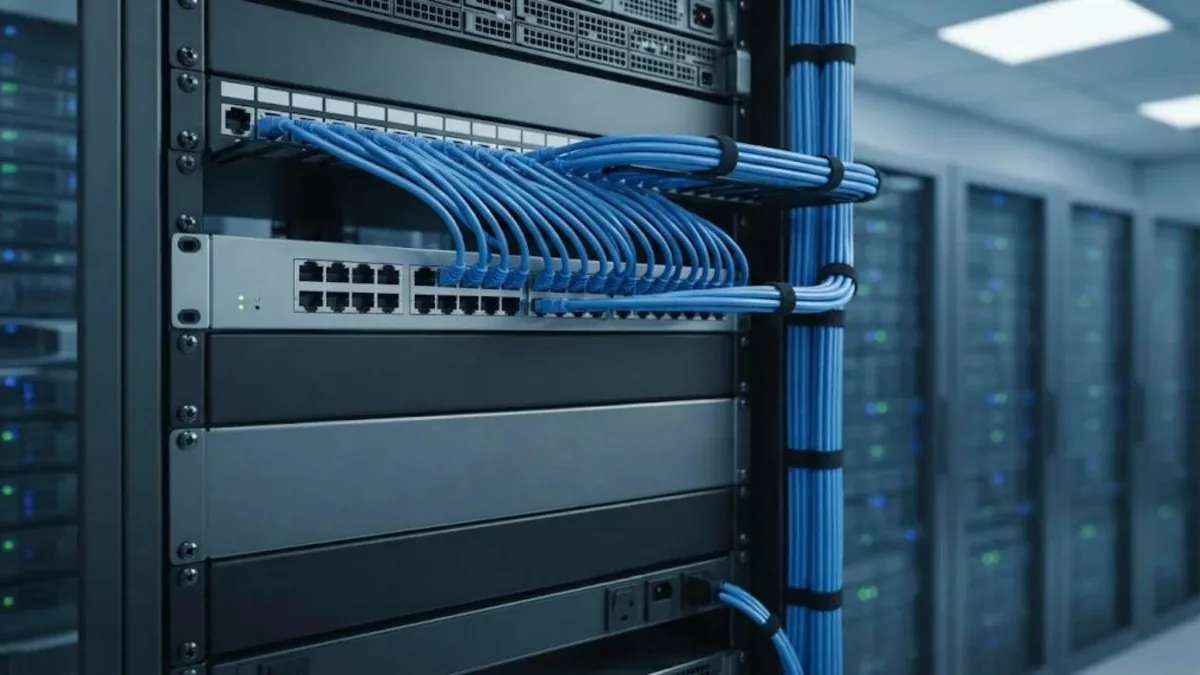
A used Cisco Catalyst 9300 can be excellent value, and licensing is where buyers get confused. Some parts of the licence stay with the hardware and some are subscriptions that belong to the previous owner. This guide explains the pieces in plain language, so you know what to ask before you pay.

Two layers of licence
Catalyst 9000 switches use a network stack licence plus an add-on called Cisco DNA, now sold under Cisco Catalyst naming. Cisco describes both on its licensing pages.
| Layer | Options | Type | What it unlocks |
|---|---|---|---|
| Network stack | Essentials, Advantage | Perpetual | Switching and routing features on the box |
| Add-on | Essentials, Advantage | Term subscription | Automation, assurance and controller features |
Essentials or Advantage on the switch
Network Essentials covers common access switching with basic routing. Network Advantage adds more complete routing and segmentation features. The exact list changes with software release, so match your requirement to Cisco's feature documentation for the version you plan to run.
What usually matters for a used buyer
- Does the network stack tier on the unit match what you need?
- Is the add-on term expired? On most plain deployments you may not use it, but check the terms.
- Is the device still registered to the previous owner's account?
- Do you need software updates, and what entitlement do they require?
- Are the uplink module and power supplies included?
Licence transfer rules are Cisco's to define. If entitlement matters to your organisation, confirm with Cisco or an authorised partner before buying rather than relying on a listing.
Smart Licensing in short
These switches report licence use to Cisco, directly or through a local manager, depending on the software version. Newer releases use a reporting model that is less strict about immediate registration than older ones. Read the release notes for your version, and decide how you will handle reporting on isolated networks.
Commands to run before you pay
show versionfor model, software and uptimeshow license summaryfor the active tiersshow inventoryfor serial numbers, modules and power suppliesshow environment allfor fans, temperature and powershow switchto see stack role and status
Ask the seller for this output with the serial number visible. It proves far more than a photo.
Reading the model number
The number after 9300 tells you port count and type. Letters such as P or U describe power over Ethernet capability and others describe uplinks or multigigabit ports. A suffix often shows the licence tier it shipped with. Decode the full part number, not only the first characters.
Related buying decisions
If you are still choosing the family, read Catalyst 9200 vs 9300. For stacking cables and limits, see switch stacking. For powered devices, calculate the budget with our PoE switch guide, and consider support dates in end-of-life network gear.
Worked example: what does this used switch really cost?
Imagine two offers for a 48-port model. Offer A is cheaper and described as "with licence". Offer B costs more and includes a written statement of the perpetual network licence level and the serial number. Before choosing, list what you need: VLANs, a few static routes and PoE for phones. If the perpetual base level covers these, a term licence for advanced features adds nothing.
Now change the need: you want centralised management with advanced assurance features. These normally depend on a subscription, so the purchase price is only part of the cost. Ask an authorised partner for the subscription price for that serial number, and add it to both offers. Sometimes the cheaper switch becomes the more expensive project.
Questions to send the seller
| Question | Reason |
|---|---|
| What is the serial number? | Check status and support |
| Which licence level is active now? | Base features |
| Is any subscription attached, and until when? | Term features |
| Is the device released from the previous account? | Avoid registration conflicts |
| Which software version is installed? | Upgrade path |
| Which network module and power supplies are included? | Parts cost |
Keep the answers with the invoice. A photograph of the command output, with the serial visible, is better than a sentence in chat.
After the purchase
- Back up the running configuration, then erase it.
- Confirm boot mode and software image integrity.
- Set time, management access and a new administrator account.
- Follow the current vendor process for licence reporting.
- Test every port, including PoE under load.
- Record serial number, software and licence state in your inventory.
Do not copy the previous owner's configuration. It may contain accounts, keys and network details that belong to someone else.
Common mistakes
- Believing that a software image "unlocks" everything
- Confusing the hardware feature set with the subscription
- Buying members for a stack with different licence levels
- Ignoring the network module when comparing prices
- Assuming that hardware support transfers with the box
- Leaving smart account questions until after payment
Is a newer or older model easier?
If your needs are basic access switching, an older family with simpler licensing may be enough, provided security updates still fit your policy. If you want long support, stacking with newer units and current software, the 9300 family makes more sense even with the extra licence work. Decide on the support date first, then the price. Our comparison of Catalyst 9200 and 9300 covers the hardware differences.
Frequently asked questions
Will a 9300 work without the add-on subscription?
Switching features belong to the network stack licence. Controller-based features depend on the subscription. Check Cisco's terms for your case.
Can I change from Essentials to Advantage later?
Technically the tier can be configured, but you must hold the right entitlement. Buy it through a proper channel.
Does resetting the switch remove licence issues?
It clears configuration. It does not move ownership or entitlement records.
Is support included with a used switch?
Usually not from Cisco. Ask the seller about their own warranty terms.
Summary
Separate the perpetual tier from the subscription, verify both with command output, and confirm entitlement questions with Cisco. Then compare hardware condition and price with a clear head.