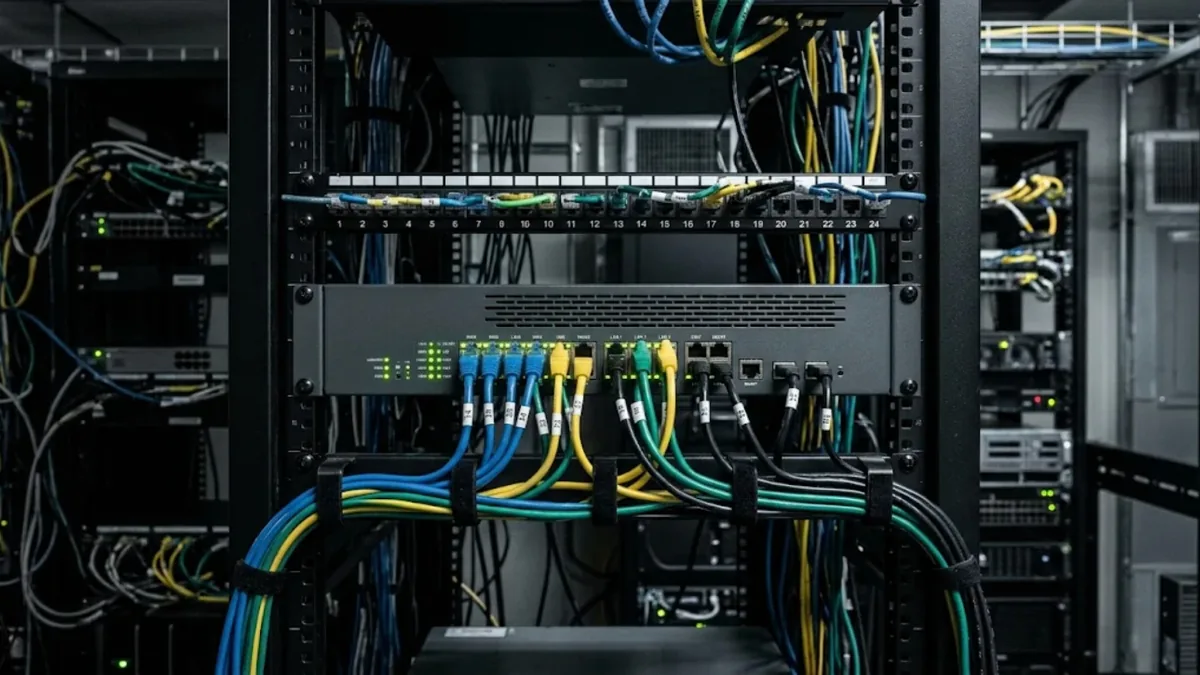
Buying a used firewall can save a small or mid-sized business a large share of the cost of a new appliance, but firewalls are different from most refurbished hardware. A switch keeps working without a subscription; a modern next-generation firewall depends heavily on licences for threat protection, URL filtering and updates, and some vendors restrict how licences move between owners. Before you buy a used FortiGate, Palo Alto, Cisco or Sophos appliance, you need to check the end-of-life status, the licence situation, the hardware condition and whether the model is still sized for your traffic. This guide walks through each point and ends with a practical buying checklist.
When a used firewall makes sense
- Lab, training and test environments: engineers practising configuration and certifications.
- Branch offices and small sites: where a proven model is enough and the main site already runs a current platform.
- Spares and high-availability pairs: a matching second unit for an existing HA cluster or a cold spare.
- Budget-limited small businesses: if the model is still supported and can be licensed properly.
A used firewall makes less sense as the only perimeter protection for a business that handles sensitive data, if the model is past end of support or cannot receive security updates.
Check end-of-life and end-of-support dates first
Every vendor publishes lifecycle milestones: end of sale, end of software updates and end of support. A firewall that no longer receives firmware and threat-signature updates becomes a security risk, however good the hardware looks. Before buying:
- Find the exact model on the vendor's official end-of-life page.
- Check which firmware versions are still supported for that model.
- Prefer models with at least two to three years of remaining software support.
We cover lifecycle milestones in more detail in our article on end-of-life Cisco and Aruba gear; the same logic applies to firewalls.
Understand the licence situation
This is where most used-firewall purchases go wrong. Key questions:
- Is the unit registered to the previous owner? Ask whether it has been released from the previous owner's vendor account, or how transfer is handled for that brand.
- Which subscriptions are active? Threat protection, IPS, web filtering, sandboxing and support contracts usually expire and must be renewed by the new owner.
- Can licences be transferred? Policies differ by vendor. Some allow transfer through an official process; others require new licences for a second-hand unit. Check the vendor's current policy before you buy.
- What works without subscriptions? Basic routing, NAT, VPN and stateful firewalling often continue, but next-generation protection usually needs an active subscription.
Budget for new subscriptions as part of the total cost, not as an afterthought.
Check the hardware condition
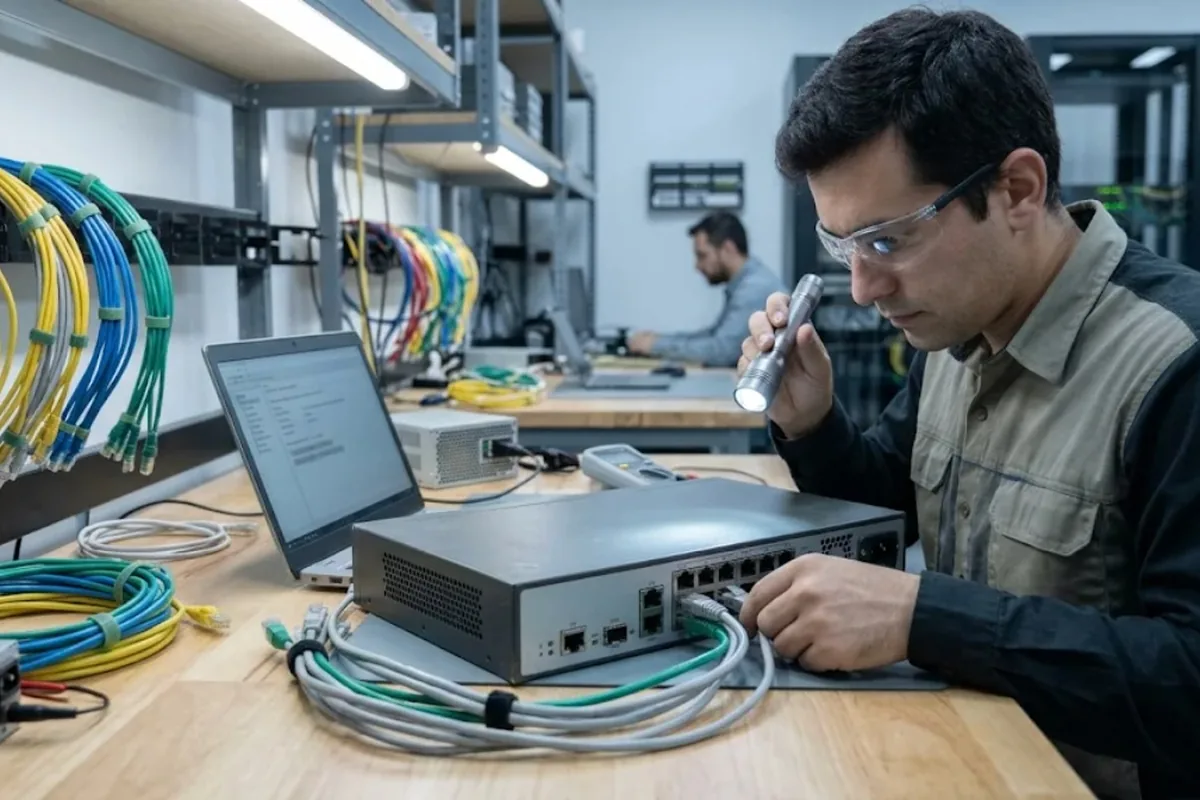
- Power on and boot test: confirm the unit boots cleanly and shows no hardware alarms.
- Ports and interfaces: test every copper and SFP port, including fibre modules if included.
- Fans and power supplies: check for noise, failures and redundant PSU status.
- Storage: models with internal SSD or logging disks should pass health checks.
- Factory reset: the unit should come reset, with no previous configuration, certificates or accounts left on it.
- Serial number match: the serial on the chassis should match the one shown in the system.
Size the firewall for your real traffic
Datasheet throughput is usually measured under ideal conditions. Once you enable IPS, application control, SSL inspection and antivirus, real throughput can be much lower. When comparing used models:
- Look at threat protection or NGFW throughput, not just raw firewall throughput.
- Check SSL inspection throughput if you plan to inspect encrypted traffic.
- Count VPN users and site-to-site tunnels you need now and in two years.
- Consider concurrent sessions for offices with many users and cloud apps.

Used firewall buying checklist
- Exact model and hardware revision confirmed.
- Still within vendor software support, with supported firmware available.
- Licence and account status clear, with a written statement from the seller.
- Cost of new subscriptions included in the budget.
- All ports, fans and power supplies tested.
- Unit factory reset and serial number verified.
- Throughput with security features enabled matches your needs.
- Seller warranty and return terms agreed in writing.
- Rack kit, power cables and any SFP modules included.
For other network hardware, see our guides on used Cisco Catalyst 9200 vs 9300 switches and used Cisco access points.
Frequently asked questions
Is it safe to buy a used firewall?
It can be, if the model is still supported by the vendor, it receives security updates, its licence status is clear and the hardware passes testing. A firewall that cannot be updated should not protect a production network.
Can I transfer the security subscriptions from the previous owner?
It depends on the vendor and the licence type. Some vendors offer an official transfer process; others require new subscriptions. Always confirm the current policy with the vendor or an authorised partner before buying.
Will a used firewall work without a subscription?
Basic firewall, routing and VPN functions often work, but next-generation features such as IPS, web filtering and up-to-date threat signatures usually require an active subscription.
Is a used firewall good for an HA pair with my existing unit?
Yes, this is one of the best uses, as long as the model, hardware revision and firmware match your existing unit and both can be licensed as the vendor requires.
Conclusion
A used firewall can be a smart purchase for labs, branches, spares and budget-conscious businesses, but only when lifecycle support, licensing and real-world throughput are checked before buying. Treat subscriptions as part of the cost, test the hardware and get the licence status in writing. If you need help choosing a firewall model or checking whether a used unit fits your network, the ITCT team can review your requirements.