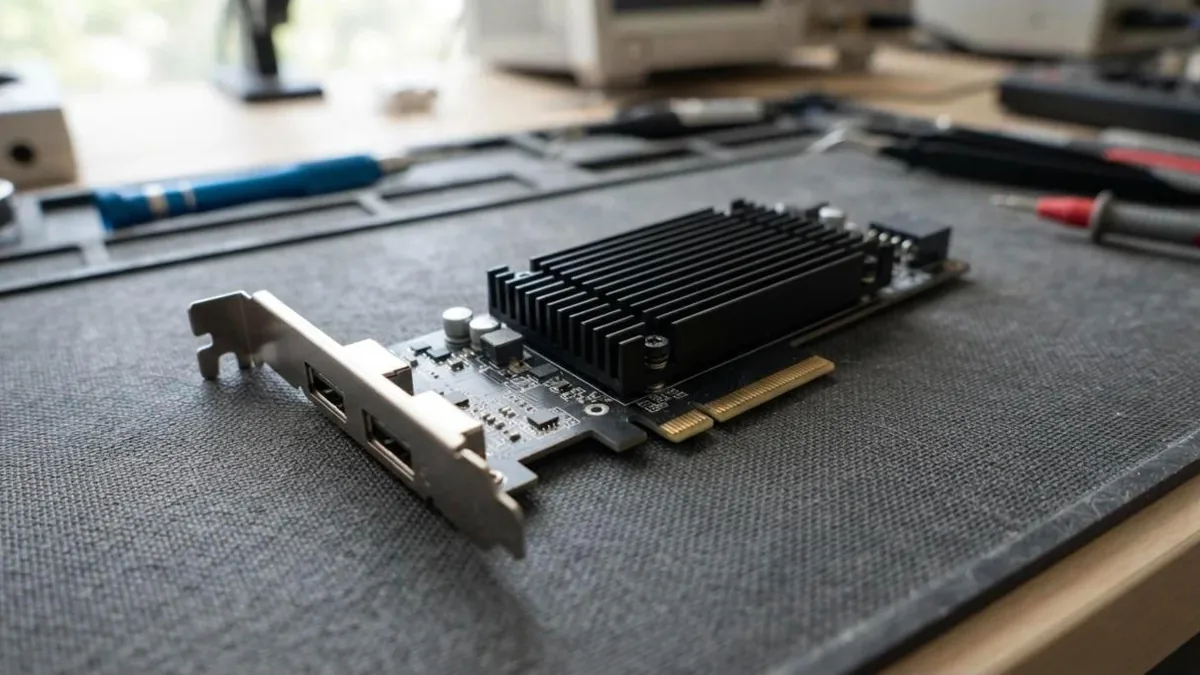
Buyers often choose a server by processor and drives, then accept whatever RAID card comes with it. That card decides which drives you can use, how quickly a rebuild runs and what happens in a power cut. Dell's PERC and HPE's Smart Array families do the same job with different names and habits.
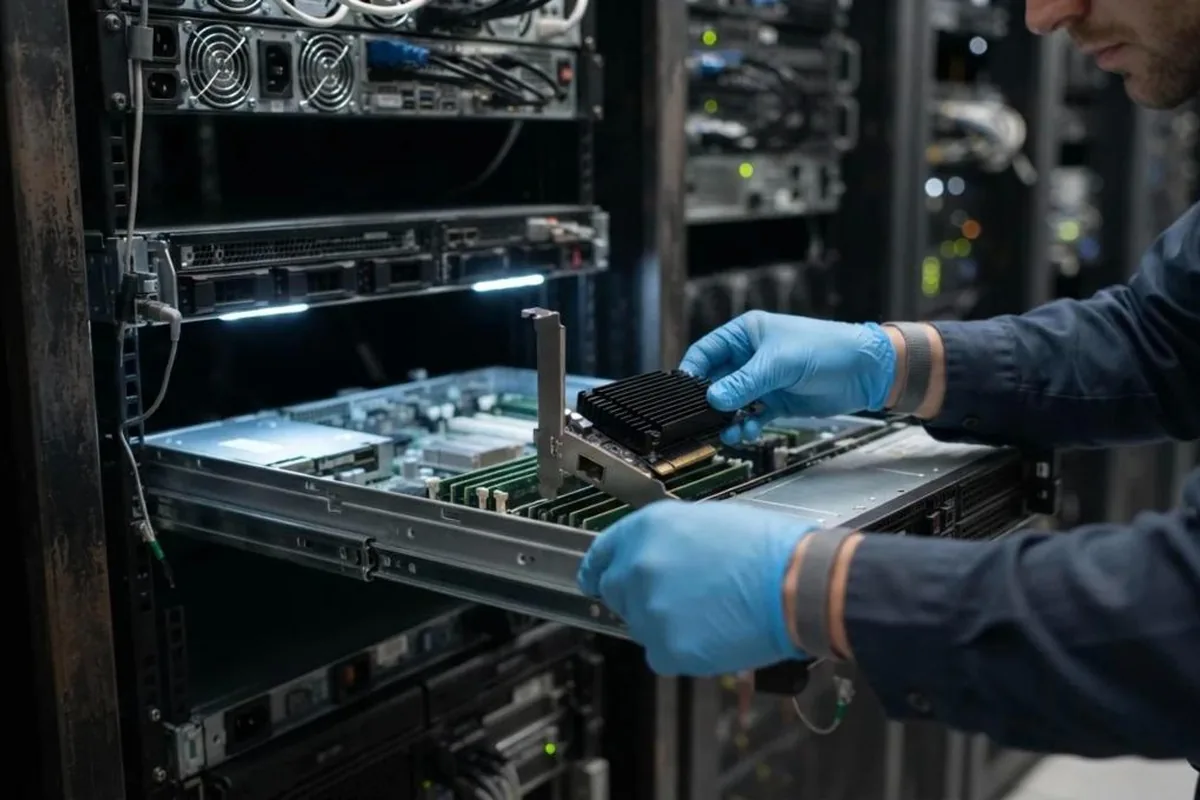
Two names, one job
Both families combine drives into logical volumes, protect against drive failure and keep a write cache safe. The main practical differences are management tools, how drives and firmware are approved, and how easily a controller can be moved or swapped.
Side by side
| Point | Dell PERC | HPE Smart Array / MR |
|---|---|---|
| Management tool | iDRAC, setup menu, command-line tool | iLO, Smart Storage tools, command-line tool |
| Cache protection | Battery or capacitor, by model | Battery or capacitor, by model |
| Drive approval | Vendor firmware preferred | Vendor firmware preferred |
| HBA mode | Available on many models | Available on many models |
| NVMe RAID | Depends on generation | Depends on generation |
Model numbers change by generation, so read the specification sheet of the exact card. Newer HPE servers use a different branding for some controllers, which makes guessing unwise.
Which RAID level?
- RAID 1: operating system pair
- RAID 10: databases and virtual machines
- RAID 6: large capacity with tolerance for two failures
- RAID 5: small arrays of reliable drives, with care
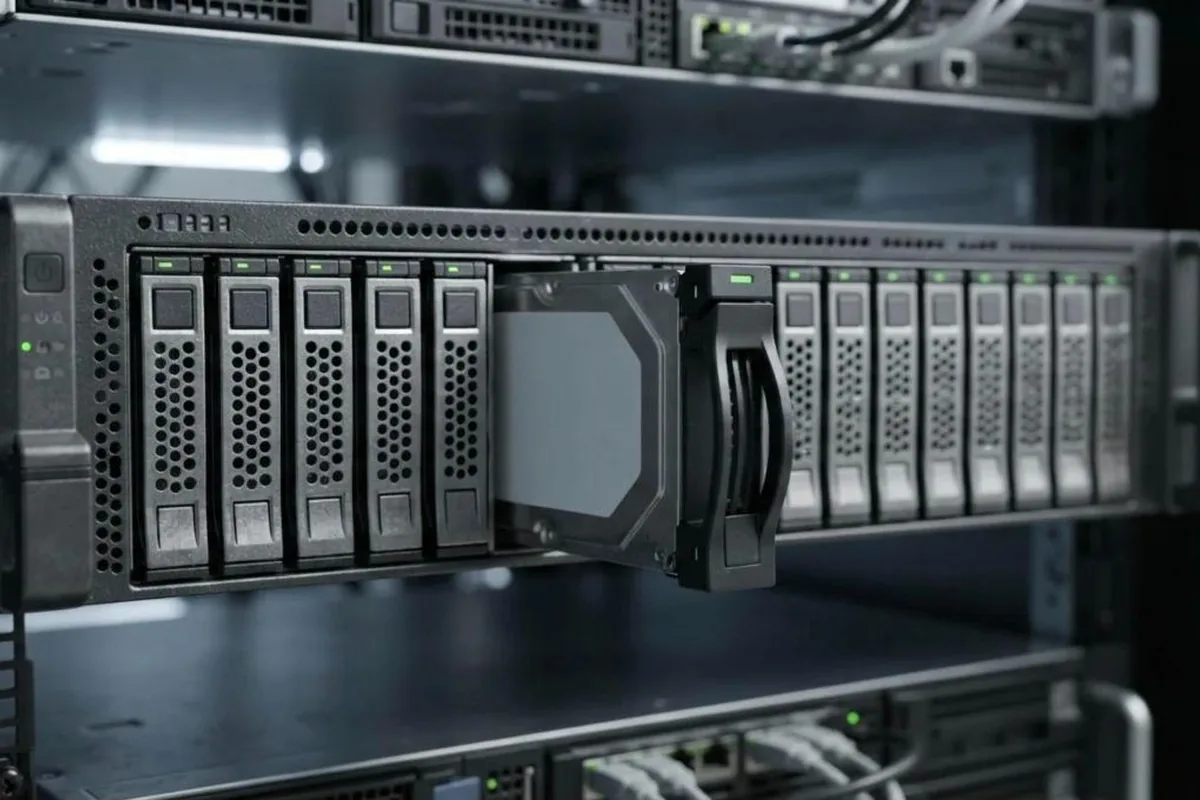
When to use HBA mode
Software-defined storage, such as ZFS or a cluster file system, wants direct access to drives. Running it on top of a hardware RAID volume hides errors and can hurt performance. Choose a card that supports HBA or IT mode, and test that the operating system sees every drive with its own serial number.
Cache: write-back or write-through
Write-back is faster, because the card confirms a write before it reaches the disk. It is safe only if the cache is protected. If the battery or capacitor reports a fault, most controllers drop to write-through and performance falls. Check this item first when a server suddenly feels slow.
Buying checklist
- Exact controller model and firmware
- Supported drive interface: SATA, SAS or NVMe
- Number of ports and backplane type
- Cache size and protection status
- RAID levels and HBA mode support
- Cable set and bracket included
- Whether your drives are on the approved list
Also check trays and cabling in drive caddies and backplanes, and the management side in iDRAC vs iLO.
Moving an array to another server
Some controllers can import a foreign configuration, but mixing families is risky. Make a verified backup, note the drive order and firmware, and test on a spare machine where possible.
Worked example: eight drives, three plans
With eight drives of 2 TB each, usable space before formatting is as follows.
| Plan | Usable | Survives | Notes |
|---|---|---|---|
| RAID 10, all eight | 8 TB | One per pair | Fast writes |
| RAID 6, all eight | 12 TB | Any two | Slower small writes |
| RAID 1 pair plus RAID 6 of six | 2 TB + 8 TB | One and two | Separate system volume |
For a database with many small writes, the first plan is usually easier to live with. For an archive, the second gives more space. The third keeps the operating system independent, which simplifies reinstalling. Whatever you choose, leave a hot spare or a cold spare on the shelf and write down the part number.
What happens during a rebuild?
When a drive fails, the controller reads the remaining drives to recreate the data. During that time performance drops and the remaining drives work harder. Large drives take longer, so RAID 5 on many big disks carries more risk than its name suggests. Set a rebuild priority that matches your business hours, and check the backup before replacing anything.
- Identify the failed bay from the tool, not only from the light.
- Confirm that the backup is recent and readable.
- Replace with an equal or larger drive of the approved type.
- Watch the rebuild to the end.
- Review the log for errors on other drives.
Pulling the wrong drive from a degraded array is one of the most expensive mistakes in a server room.
Monitoring that prevents surprises
- Predictive failure alert to two people
- Battery or capacitor status every week
- Patrol read or surface scan on a schedule
- Firmware versions recorded with the array layout
- A saved copy of the controller configuration
- A test of the alert, at least once
Management processors send most of these messages, so make sure that iDRAC or iLO can reach your mail or monitoring system.
Which should you choose?
Usually the choice follows the server: Dell with PERC, HPE with its own family. Choose between models inside that family, by drive type, cache protection and mode. If you run software-defined storage, prefer a supported HBA. If you need a simple boot mirror, a small dedicated device may be enough, leaving the main bays free.
Common mistakes
- Mixing drives of different sizes and expecting full capacity
- Enabling write-back with a failed battery
- Updating controller and drive firmware at the same moment
- Using a hardware RAID volume under ZFS
- Relying on RAID while the last backup is months old
Frequently asked questions
Is hardware RAID faster than software RAID?
Not always. Modern processors handle software RAID well. Hardware cards help with cache and simple boot volumes.
Can I replace a PERC card with another model?
Sometimes, if the server supports it and cables fit. Plan a backup first, because the configuration may not carry over.
Does RAID replace backup?
No. It protects against drive failure, not deletion, ransomware or fire.
Why does my server show a foreign drive?
It carries configuration from another array. Import only if you know the source, otherwise clear it with care.
Do I need a hardware RAID card for two boot drives?
Not necessarily. A boot device or software mirror often does the job, if the operating system supports recovery well.
Summary
Match the controller to the drives and the software, confirm cache protection, and keep a spare or a documented replacement path. The badge on the card matters less than these three facts.