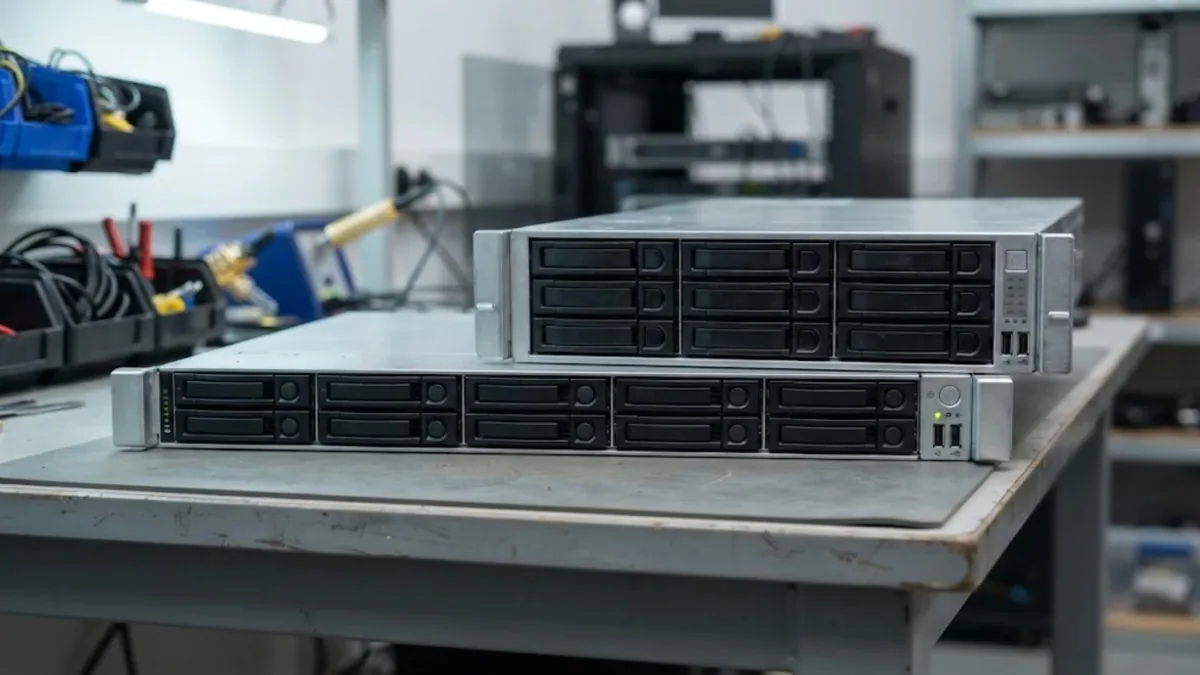
The HPE ProLiant DL360 and DL380 are the two most common rack servers on the refurbished market, and they share far more than they differ: the same processor families, the same memory architecture, the same iLO management and many of the same parts. The real decision is form factor. The DL360 packs a dual-socket server into 1U; the DL380 spreads the same platform across 2U to fit more drives, more expansion cards and GPUs. This guide compares the two, mainly at Gen10 where refurbished supply is strongest, and explains which one fits virtualization, storage, web or GPU workloads.
DL360 vs DL380 at a glance
| Feature | DL360 Gen10 (1U) | DL380 Gen10 (2U) |
|---|---|---|
| Rack height | 1U | 2U |
| Processors | Up to 2 Intel Xeon Scalable (1st or 2nd gen) | Up to 2 Intel Xeon Scalable (1st or 2nd gen) |
| Memory slots | 24 DIMM slots | 24 DIMM slots |
| Front drive bays | Up to 10 SFF (or 4 LFF) | Many more with optional cages: SFF and LFF configurations, including rear and mid-tray bays |
| PCIe expansion | Up to 3 slots | Up to 8 slots with riser options |
| GPU support | Limited to low-profile, single-width cards | Supports full-height and double-width GPUs with the right risers and power |
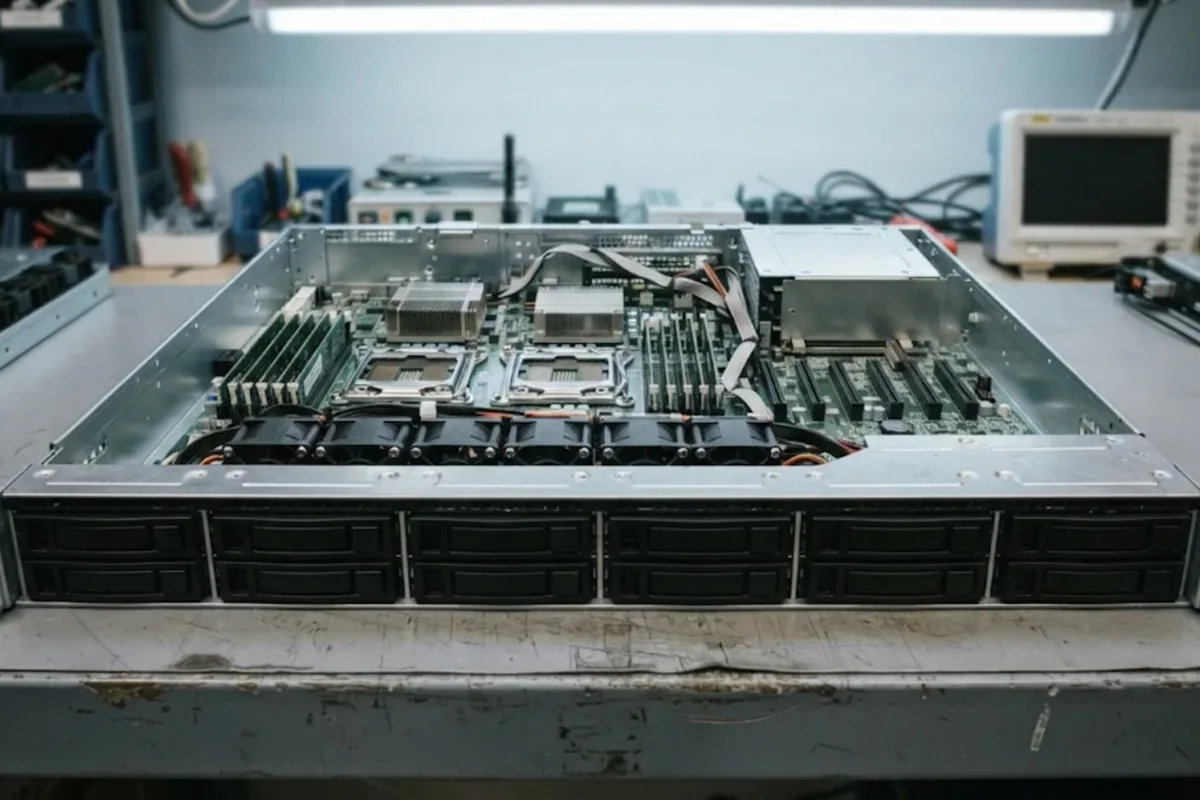
| Cooling and noise | Smaller, faster fans; typically louder under load | Larger fans; more thermal headroom |
| Management | iLO 5 | iLO 5 |
Exact drive, slot and GPU options depend on the chassis variant and installed risers, so always check the specific configuration listed on a refurbished unit rather than the platform maximum.
Where the DL360 wins
- Rack density: two DL360s fit in the space of one DL380. In colocation, where you pay per U, that adds up quickly.
- Compute-focused workloads: web servers, application servers, domain controllers, small database servers and virtualization hosts that use shared or external storage rarely need more than 10 drive bays.
- Cluster nodes: when you scale out with many identical nodes (for example a hypervisor cluster backed by a SAN), the DL360 gives the same CPU and memory per node in half the space.
- Lower power draw at idle: fewer drives and slots usually mean a lighter configuration overall.
See our refurbished HPE ProLiant DL360 Gen10 page for available configurations.
Where the DL380 wins
- Local storage: file servers, backup targets, hyperconverged nodes and databases that keep data on local disks benefit from the DL380's much larger drive capacity.
- Expansion: extra PCIe slots leave room for additional network cards, HBAs, NVMe adapters and RAID controllers at the same time.
- GPUs: if you plan inference, VDI acceleration or light AI work, the 2U chassis is the practical option for full-size GPUs; the DL360 is limited to small low-profile cards.
- Thermals and noise: the larger chassis runs cooler and usually quieter at the same load, which matters in small server rooms and offices.
- Flexibility over time: a DL380 can grow from a small configuration into a dense storage or GPU server without changing platform.
Browse refurbished HPE ProLiant DL380 Gen10 configurations, or read our comparison of DL380 Gen10 Plus vs Gen10 if you are considering the newer platform.
Which one for common workloads?
- Virtualization with shared storage (SAN/NAS): DL360. Compute and memory matter most and the hosts stay compact.
- Virtualization with local storage or hyperconverged (vSAN, Ceph, Proxmox with local disks): DL380.
- File, backup or archive server: DL380, especially in LFF configurations for high capacity.
- Web, application or small database server: DL360 in most cases.
- GPU inference or VDI: DL380 with appropriate risers and power supplies.
- Small office with one server: DL380 is often the better single box because it grows with you and runs quieter. If even that is too loud, compare rack vs tower servers.

What they share (and why it helps)
Because both servers use the same generation of processors, memory and management, many parts are interchangeable or follow the same rules:
- Memory: both use registered DDR4 with the same population rules; see our server RAM compatibility guide before mixing modules.
- Drives and caddies: SFF and LFF drives use the same HPE carrier styles within the generation.
- Power supplies: both use HPE Flex Slot power supplies in several wattages; choose higher wattage if you add GPUs or many drives.
- Remote management: iLO 5 works the same on both, so monitoring, firmware updates and remote console are identical. Our iDRAC vs iLO guide explains how it compares with Dell.
Running both models in the same environment keeps spares and procedures simple: a DL360 for compute nodes and a DL380 for storage or GPU nodes is a common pairing.
Buying tips for refurbished units
- Confirm the chassis variant: SFF or LFF, number of bays and whether NVMe backplanes are installed.
- Check risers and slots: the number of usable PCIe slots depends on the risers fitted, especially on the DL380.
- Match power to the build: verify power supply wattage and whether both supplies are present for redundancy.
- Ask for the iLO licence level: standard iLO covers monitoring, while advanced features such as full remote console use require an Advanced licence.
- Check firmware and health logs: a reputable seller should provide updated firmware and a clean integrated management log.
- Clarify warranty and testing: know what is covered and for how long before you buy.
Frequently asked questions
Is the DL380 just a bigger DL360?
Essentially yes. Both share the same processor, memory and management platform within a generation; the DL380's extra height adds drive bays, PCIe slots, GPU support and cooling headroom.
Can I put a GPU in a DL360 Gen10?
Only small low-profile, single-width cards with modest power draw. For full-size or double-width GPUs, the DL380 is the practical choice.
Which is quieter, the DL360 or the DL380?
The DL380 is usually quieter under similar load because its larger fans can spin slower. Neither is designed for a quiet office, though.
Do DL360 and DL380 use the same memory?
Within the same generation, yes. Both Gen10 models use registered DDR4 DIMMs with 24 slots and the same population guidelines.
Which should I choose for a Proxmox or VMware host?
If the cluster uses shared storage, the DL360 is efficient and compact. If each host keeps its own disks or you run hyperconverged storage, choose the DL380.
Conclusion
Choose the DL360 when rack space and compute density matter and storage lives elsewhere. Choose the DL380 when you need local disks, several expansion cards, GPUs or a quieter single server that can grow. Because both share the same platform, mixing them is easy and keeps spares simple. If you are unsure which configuration fits your workload, ITCT can help you compare refurbished DL360 and DL380 options and their warranty terms in Dubai.